Introduction
Last updated
BOS [Brand Operating System] is a brand portal by open session. It stores, manages, and extends your brand data for people and AI agents, with a built-in MCP server. It’s in early release.
Start here
Connect the AI tool you already use. It brings your brand in and sorts it for you.

Brand data sources
Import through Claude or our MCP server today.
Product modules
Six areas, one brand. Each has its own purpose and guide.
Brand Home
A personalized widgets dashboard for each team members brand overview
Brand Hub
The six core brand dimensions with agent access and version history.
Brand Brain
The documents behind your brand strategy, voice, and execution
Assets
Images, video and audio with metadata, usage rights and search by meaning.
Workflows
Repeatable brand work, run by your agents.
Analytics
How your brand is used, by people and by agents.
Core Brand Dimensions
Everything you bring is sorted into the six dimensions of Brand Hub.




Quick start guides
Three short guides to get you set up.
Claude setup
Add BOS to Claude in about five minutes.
ChatGPT setup
Add BOS to ChatGPT as a connector.
Brand checklist
Everything BOS needs, in the order we recommend.
Use cases
Real jobs teams hand to BOS, each with the brand behind it and the workflow that runs it.
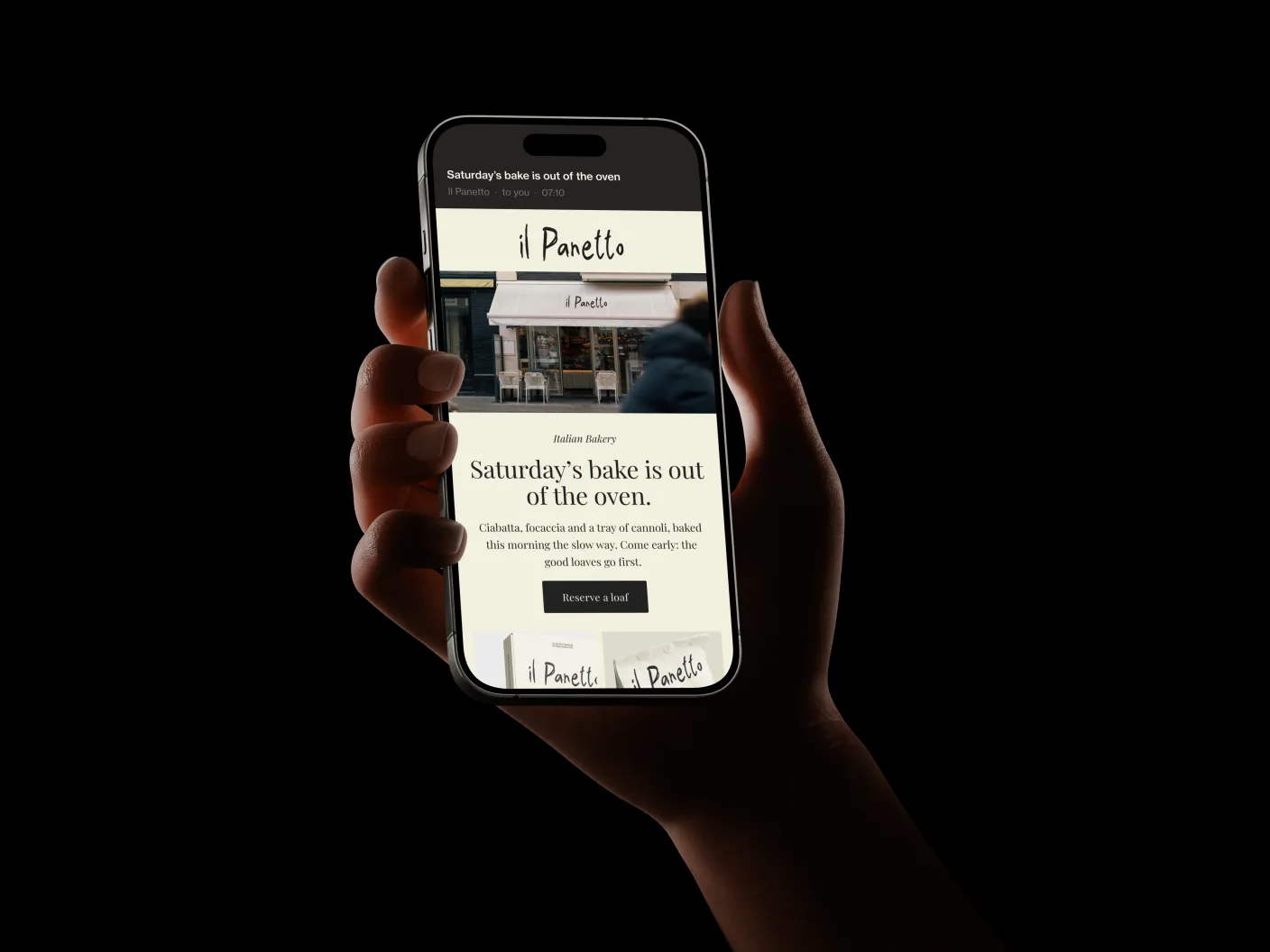 Campaign emails
Brief, draft and check emails against your guidelines.
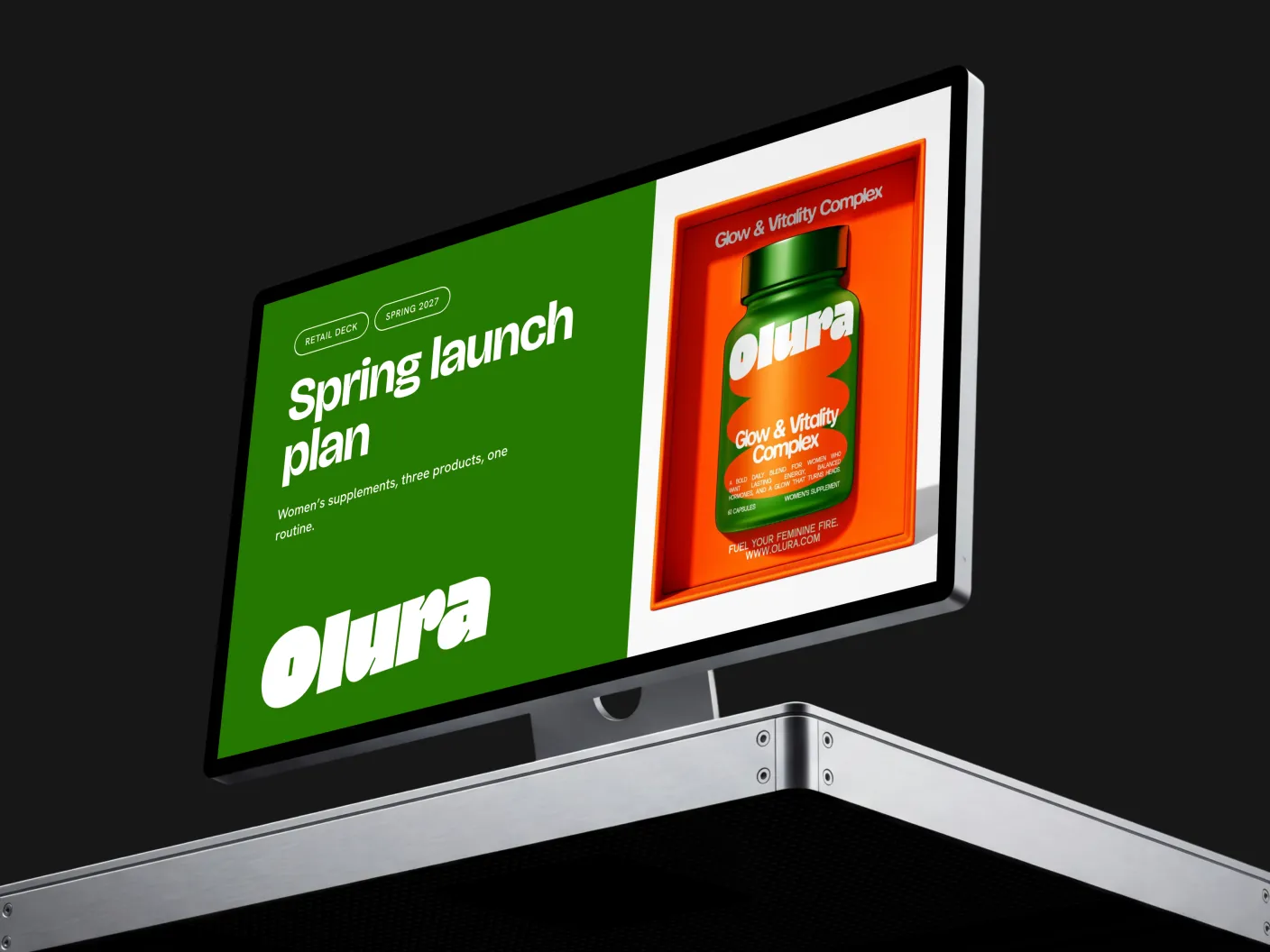 Presentations
Build decks with your type, color and imagery.
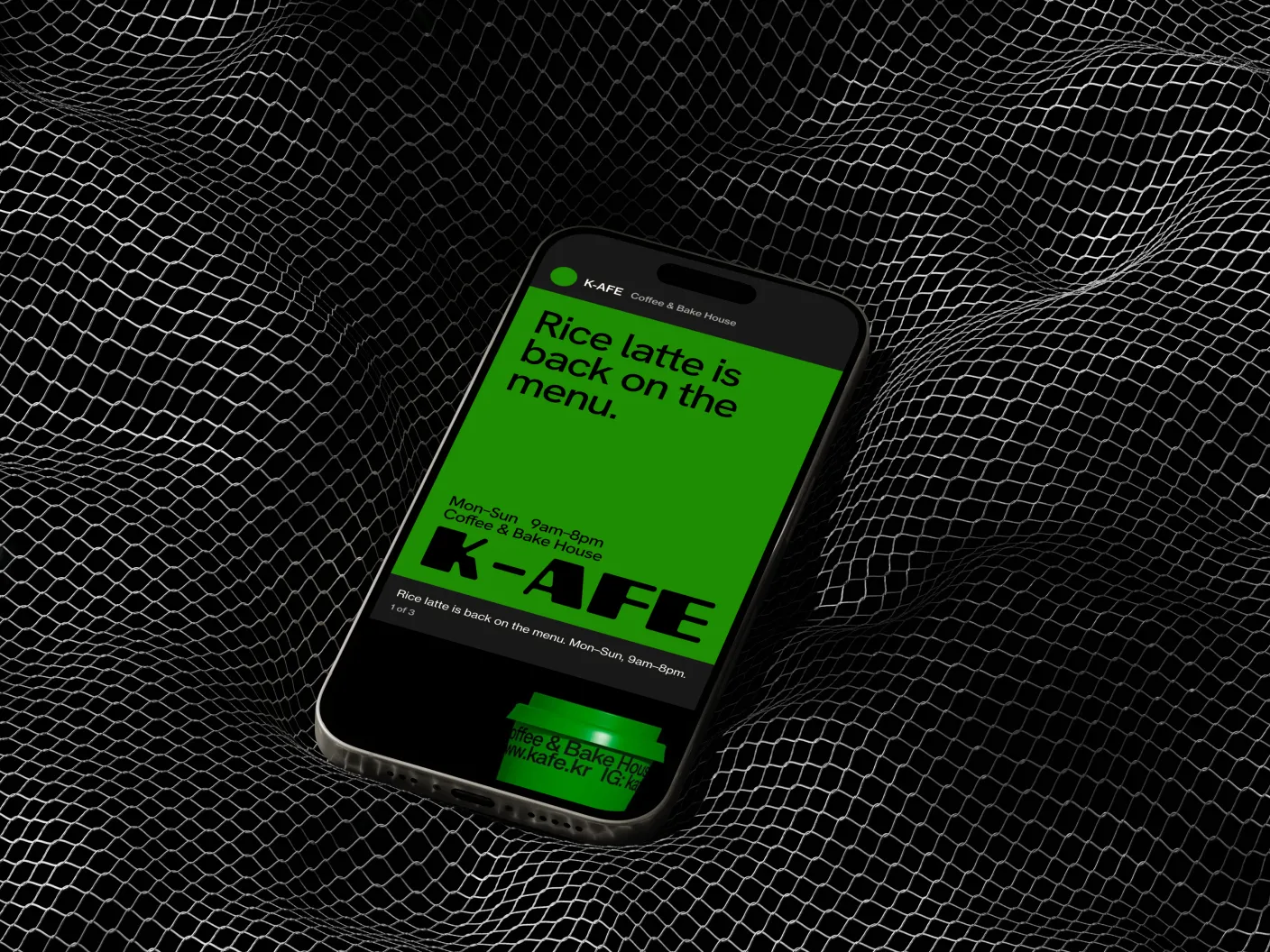 Social media
Turn one announcement into posts and carousels.
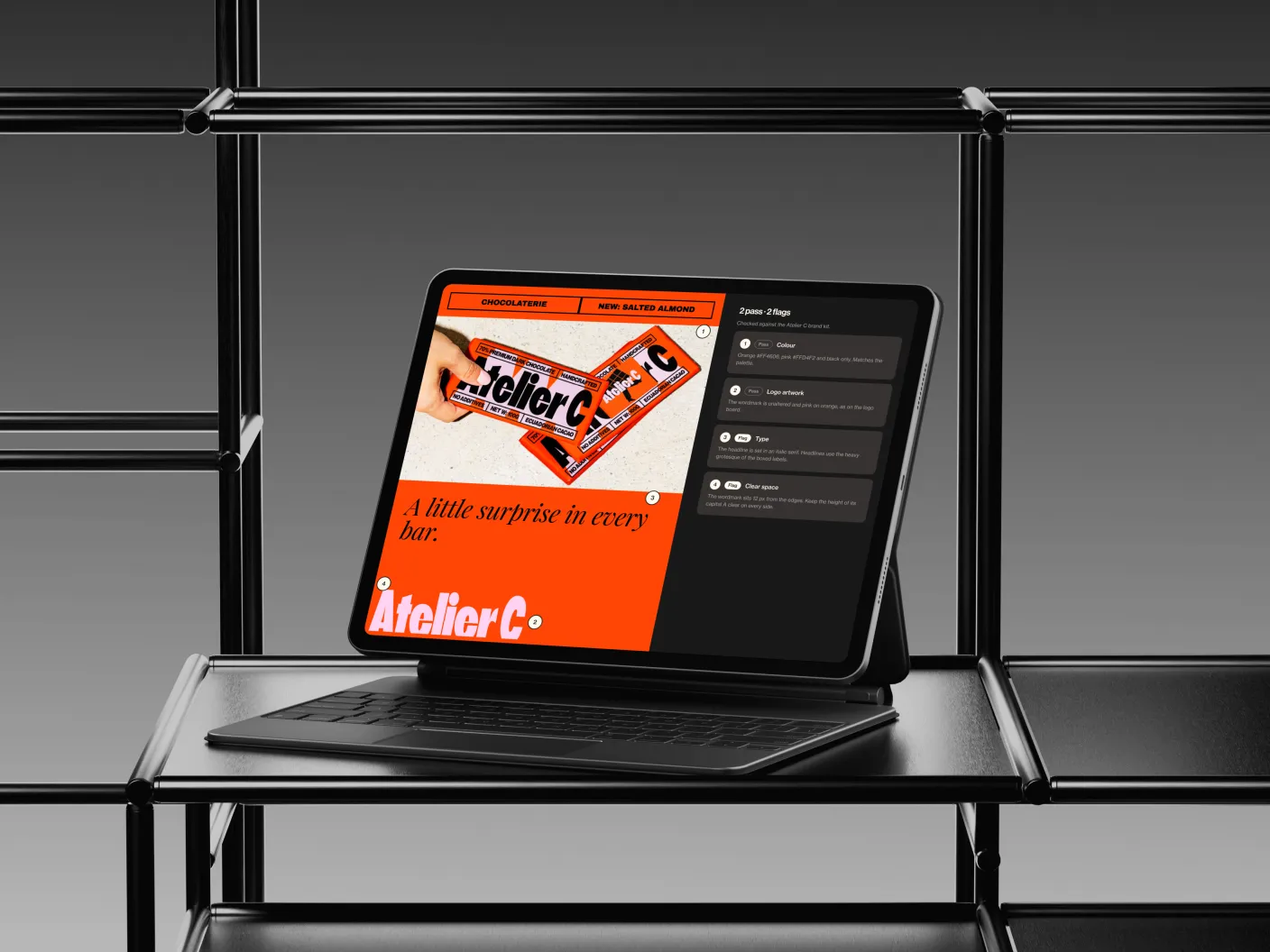 Brand checks
Check a draft against your guidelines before it ships.
Reference
How BOS connects, who can do what, and what changed.
Invite your team
Invite people by email and give each a role.
Brand MCP server
Let the AI tools you already use work with your brand.
Slash commands
The shortcuts your AI tool lists once BOS is connected.
Developer overview
How we work with MCP both ways: as a server and as a client.
Data coverage
How much of your brand BOS holds, and what is still missing.
Version history
Earlier versions of your brand: what changed, when, and by whom.
Roles and permissions
Owner, Admin, Member and Viewer, and who can do what.
Data and security
Where your brand data lives and how it is protected.
Policies
Our terms of service, privacy policy and cookie settings.
Changelog
What we have shipped lately, newest first.
Getting help
New to BOS? The Quickstart and Core concepts cover the basics. The FAQ answers the questions we hear most. For anything else, write to us at hello@opensession.co.
Was this page helpful?
Tell us what's missing or unclear: hello@opensession.co