Brand checks
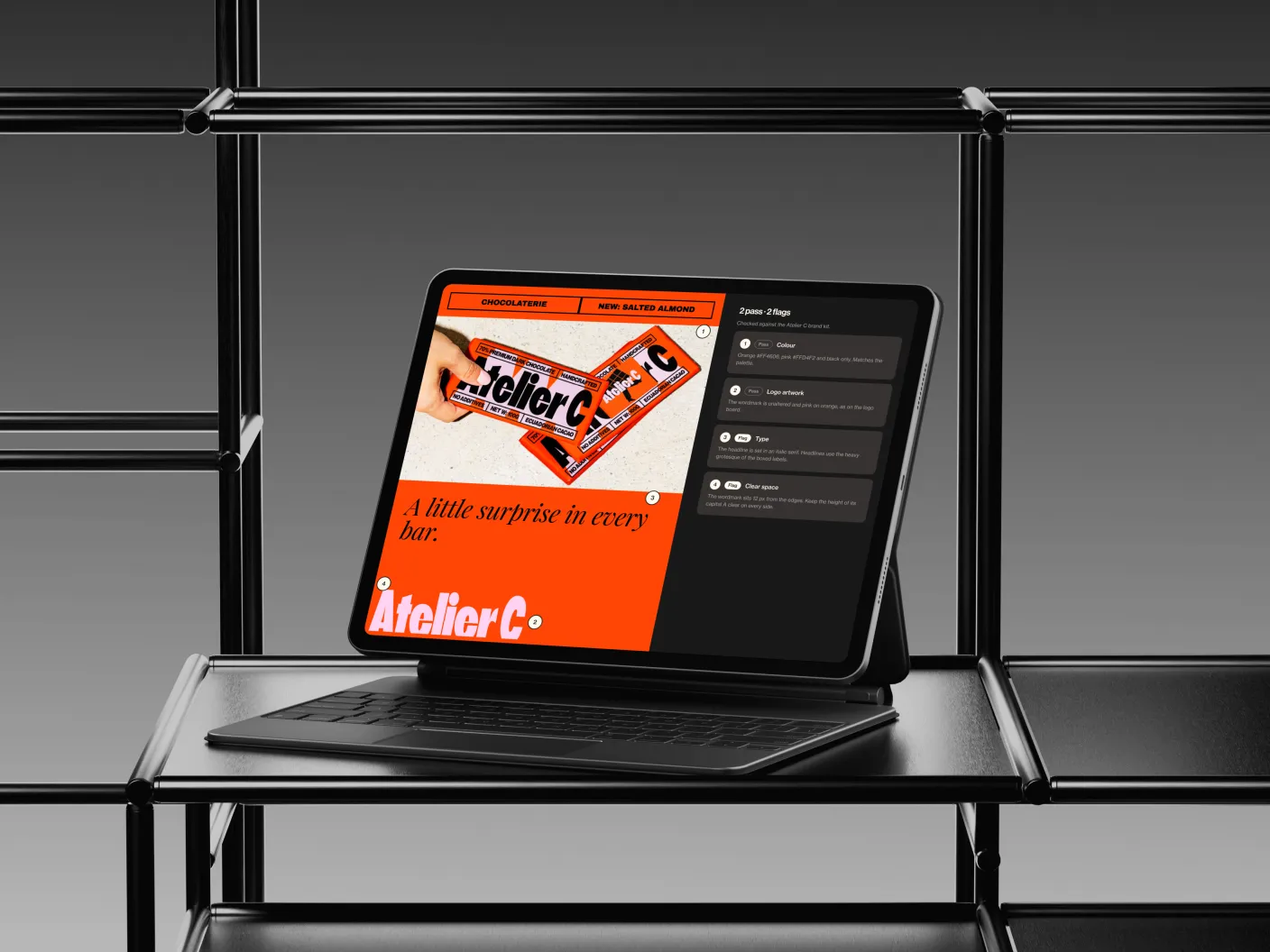
Check a draft against your guidelines before it ships, with a report of what passes, what fails and why.
Imagine
Imagine a world where every draft in Figma (opens in a new tab), Canva (opens in a new tab) or Google Docs (opens in a new tab) is checked against your guidelines before it ships.
How it works
Where you ask
- BOS
Where the brand lives
- Figma
Where the draft lives
- Slack
Where the reviewer is
Ask in Claude
“Is this on brand?” Point at a frame, a file or a doc link.
Read the draft
Claude reads the copy, colors, type, images and logos.
Check the rules
BOS compares each part with your written guidelines.
Read the report
What passes, what fails and the exact rule behind each.
Fix in Figma
Claude fixes what it can. You approve each change.
Sign-off in Slack
The reviewer gets the report and the link to sign off.
- ClaudeDirectly in chat
Ask in Claude
“Is this on brand?” Point at a frame, a file or a doc link.
FigmaWhere the draft lives
Read the draft
Claude reads the copy, colors, type, images and logos.
BOSWhere the brand lives
Check the rules
BOS compares each part with your written guidelines.
ClaudeDirectly in chat
Read the report
What passes, what fails and the exact rule behind each.
FigmaWhere the draft lives
Fix in Figma
Claude fixes what it can. You approve each change.
SlackWhere the reviewer is
Sign-off in Slack
The reviewer gets the report and the link to sign off.
Automation Examples
Your brand data
deserves better
If you feel like your team’s stuck in the past and not building the brand design systems of the future, let’s chat.