Asset search
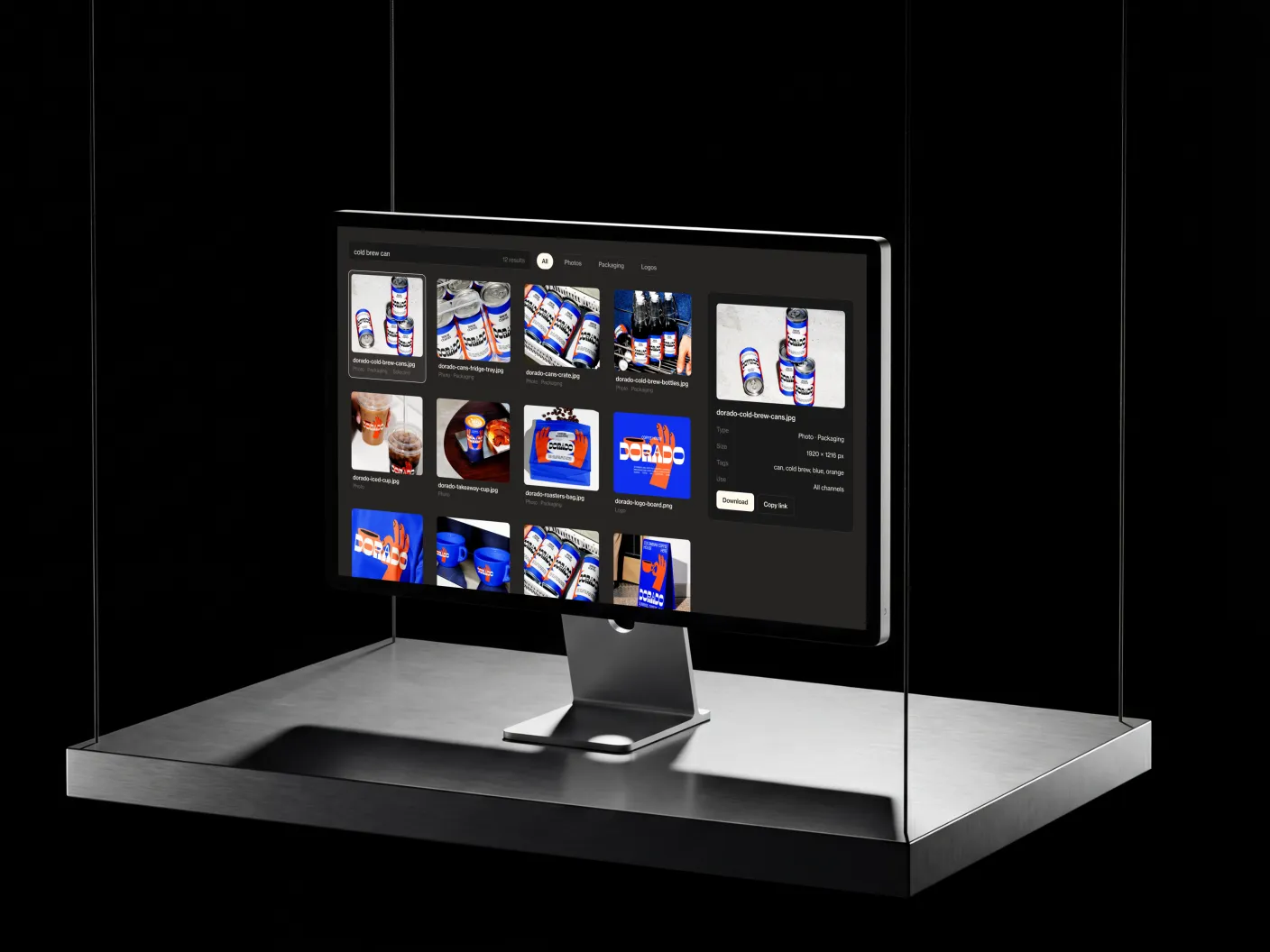
Find the approved version of a logo, image or file by describing it, then place it straight into Figma.
Imagine
Imagine a world where any team member or agent can find any piece of code or creative from Google Drive (opens in a new tab), Dropbox (opens in a new tab) or Figma (opens in a new tab) at a moment’s notice.
How it works
Where you ask
- BOS
Where the brand lives
- Figma
Where you work
Ask in Claude
Describe what you need: “The dark logo for a slide deck.”
Search the library
BOS searches by meaning and returns approved files.
Pick one
Claude shows the matches and their usage rights.
Right version
The right format and size, with its usage note attached.
Placed in Figma
The asset lands in your file. No downloads folder needed.
- ClaudeDirectly in chat
Ask in Claude
Describe what you need: “The dark logo for a slide deck.”
BOSWhere the brand lives
Search the library
BOS searches by meaning and returns approved files.
ClaudeDirectly in chat
Pick one
Claude shows the matches and their usage rights.
BOSWhere the brand lives
Right version
The right format and size, with its usage note attached.
FigmaWhere you work
Placed in Figma
The asset lands in your file. No downloads folder needed.
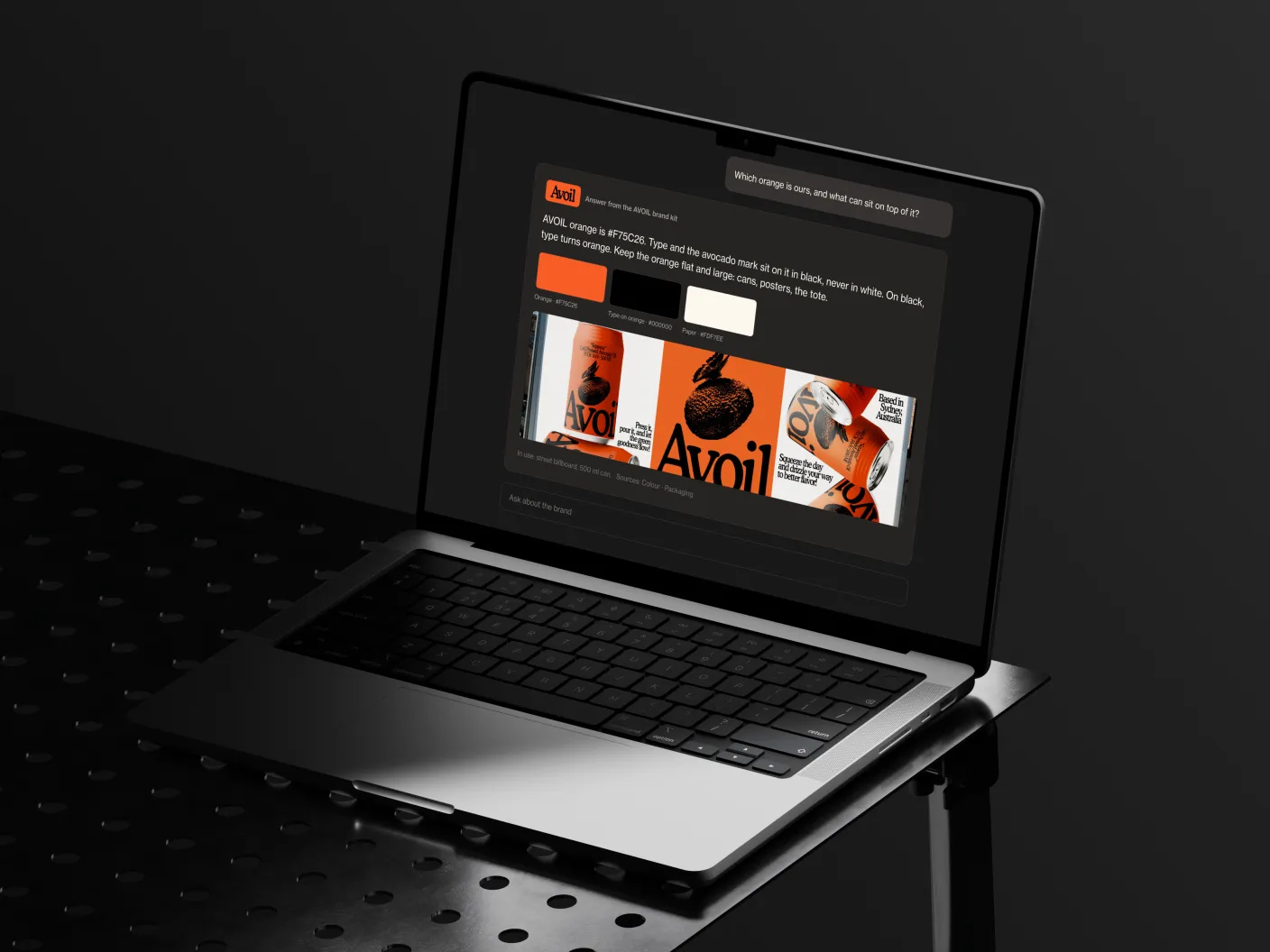
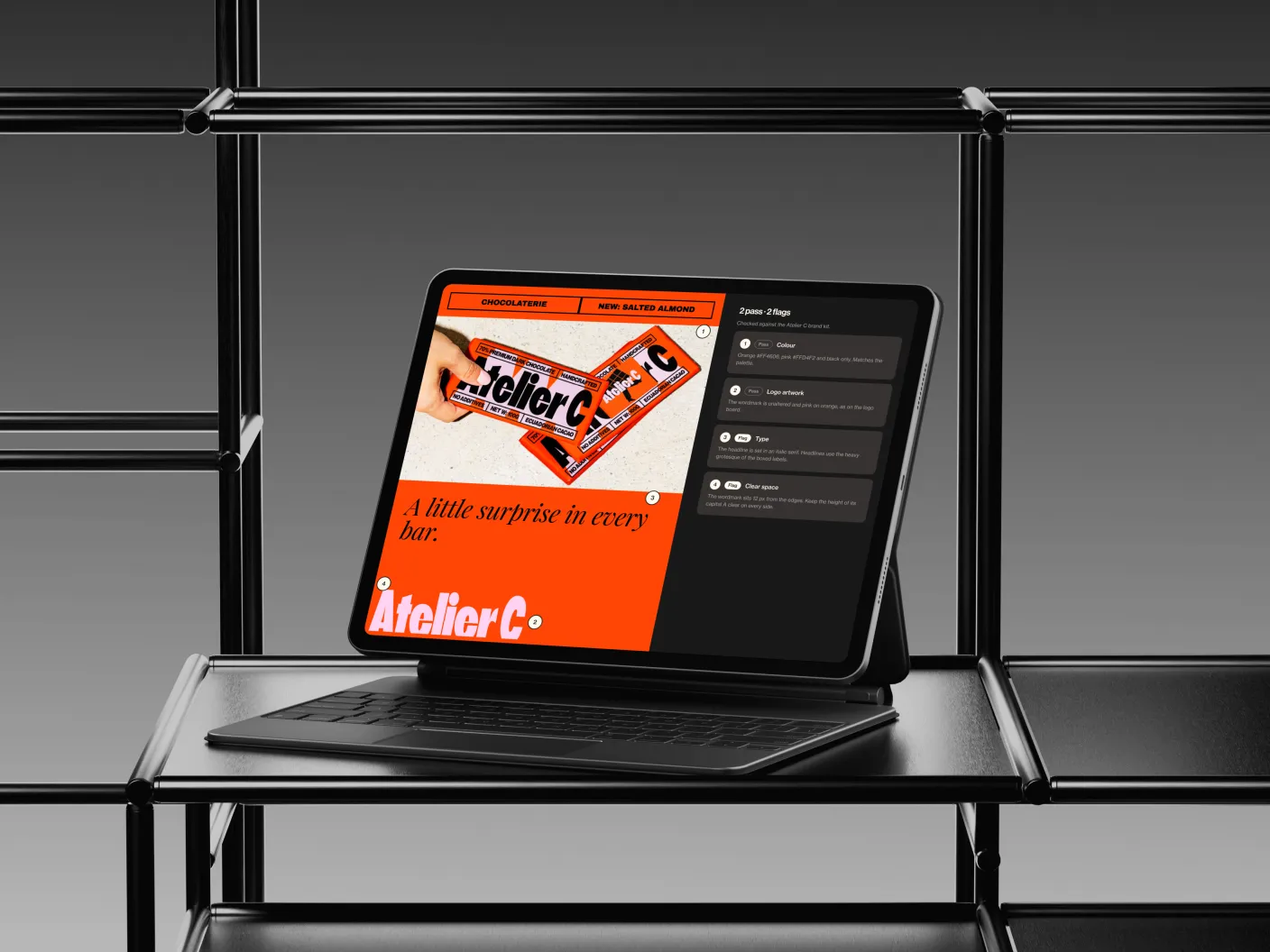
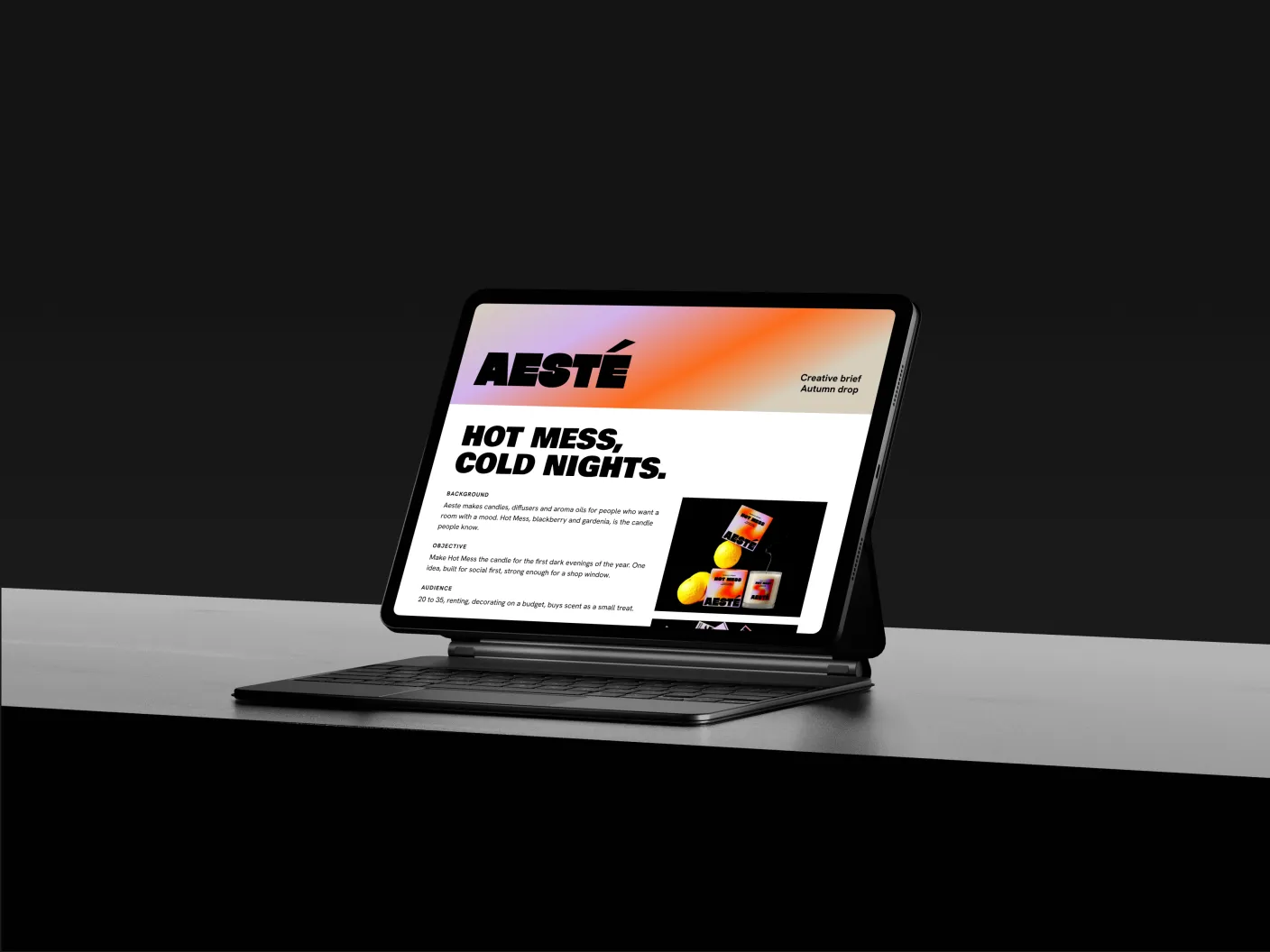
Automation Examples
Your brand data
deserves better
If you feel like your team’s stuck in the past and not building the brand design systems of the future, let’s chat.