Skip to content

Brand Home

Customize your
brand experience

A home screen that is personalized for each stage of your brand evolution and user profiles.

One brand, many views
Personalized perspectives

  • Drag, resize and swap widgets until the home screen fits how you work. Your layout is yours, and the brand underneath stays consistent.
  • Pick a template for where your brand data stands, from Onboarding for a new brand to Progress tracking, so each person knows what is next.
  • One place to see the critical Figma files and design systems in your organization, each embedded in a small, medium or large widget.
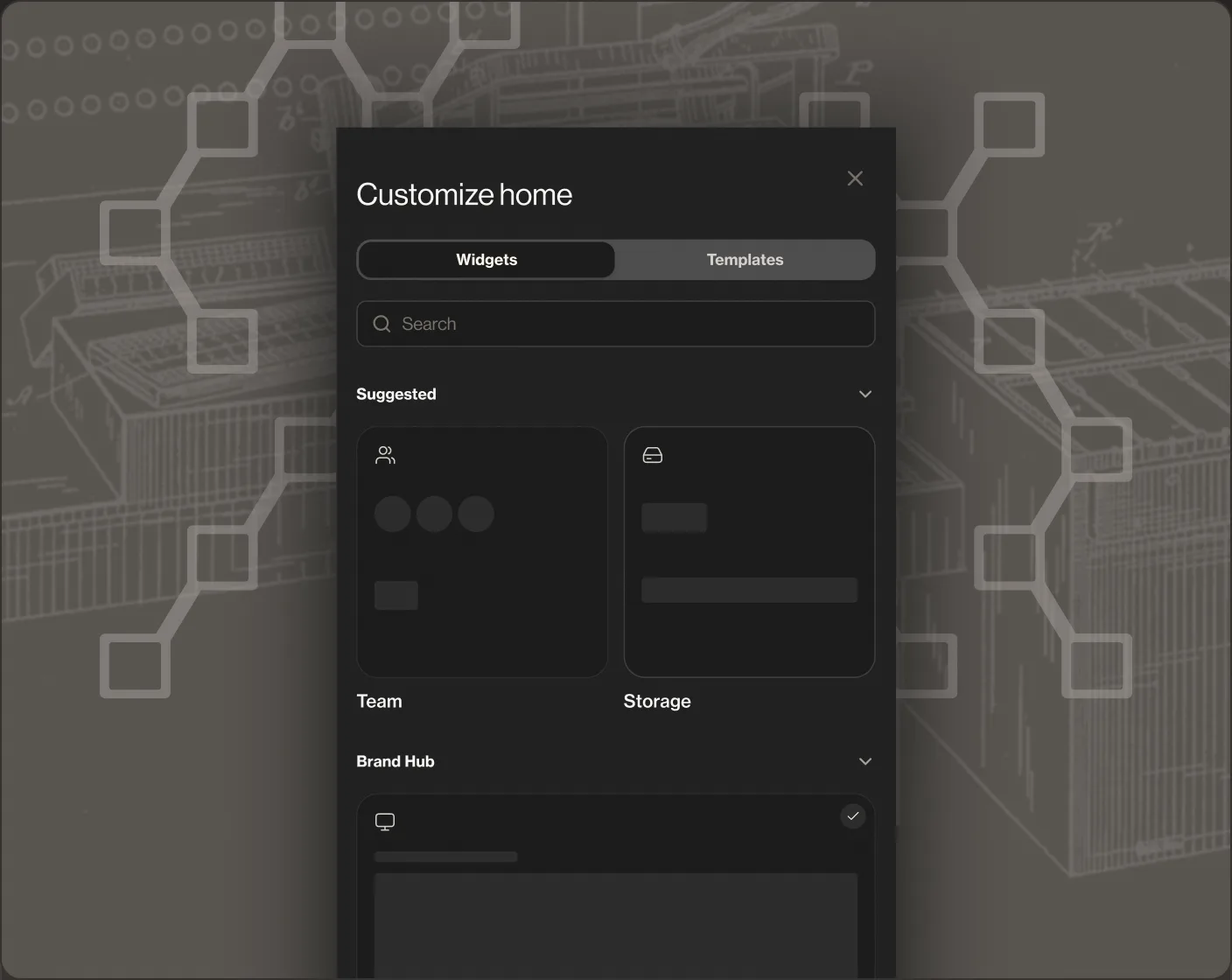
The BOS "Customize home" drawer on its Widgets tab, listing suggested, team, storage and Brand Hub widgets.
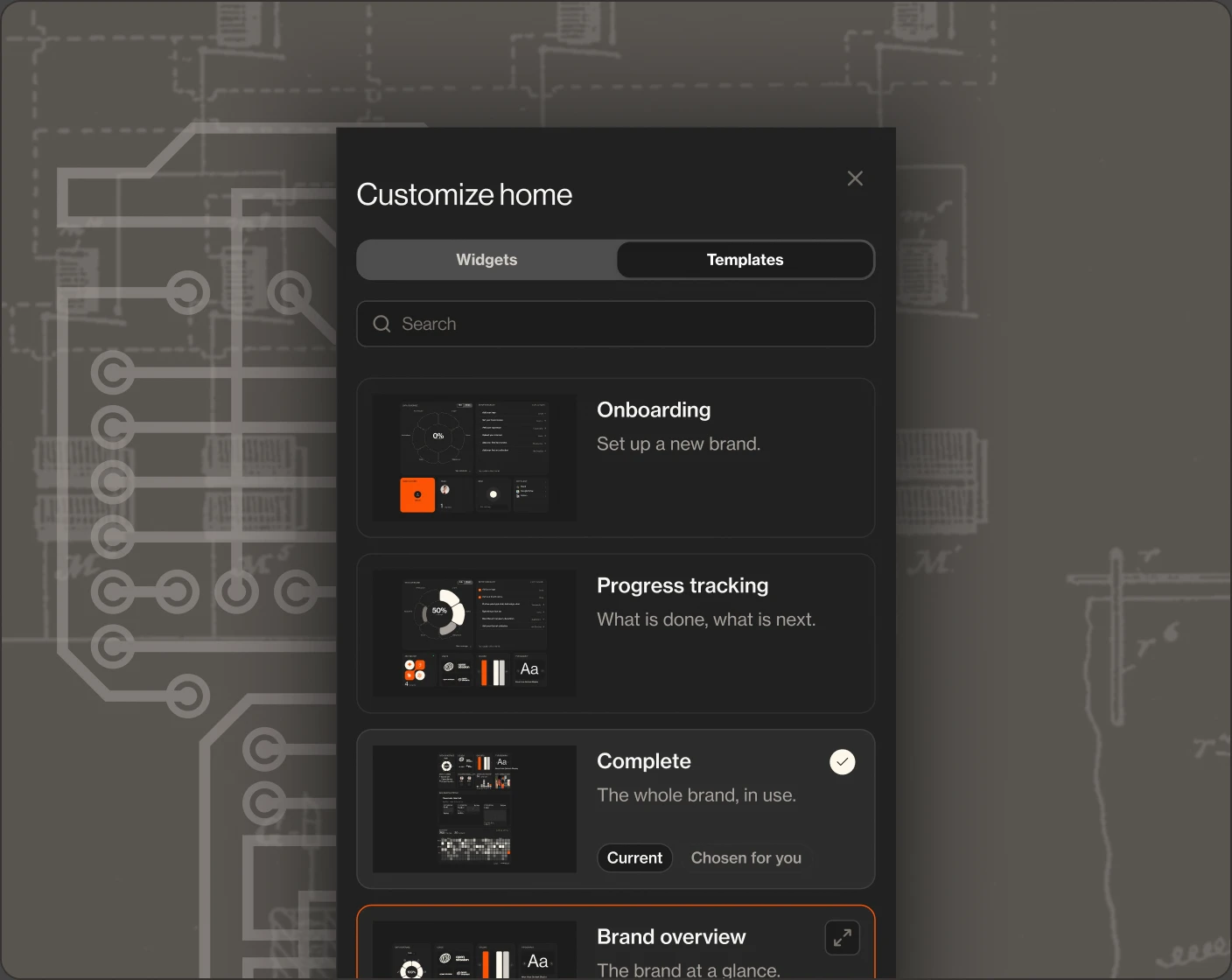
The BOS Customize home drawer on its Templates tab: Onboarding, Progress tracking, Complete and Brand overview.
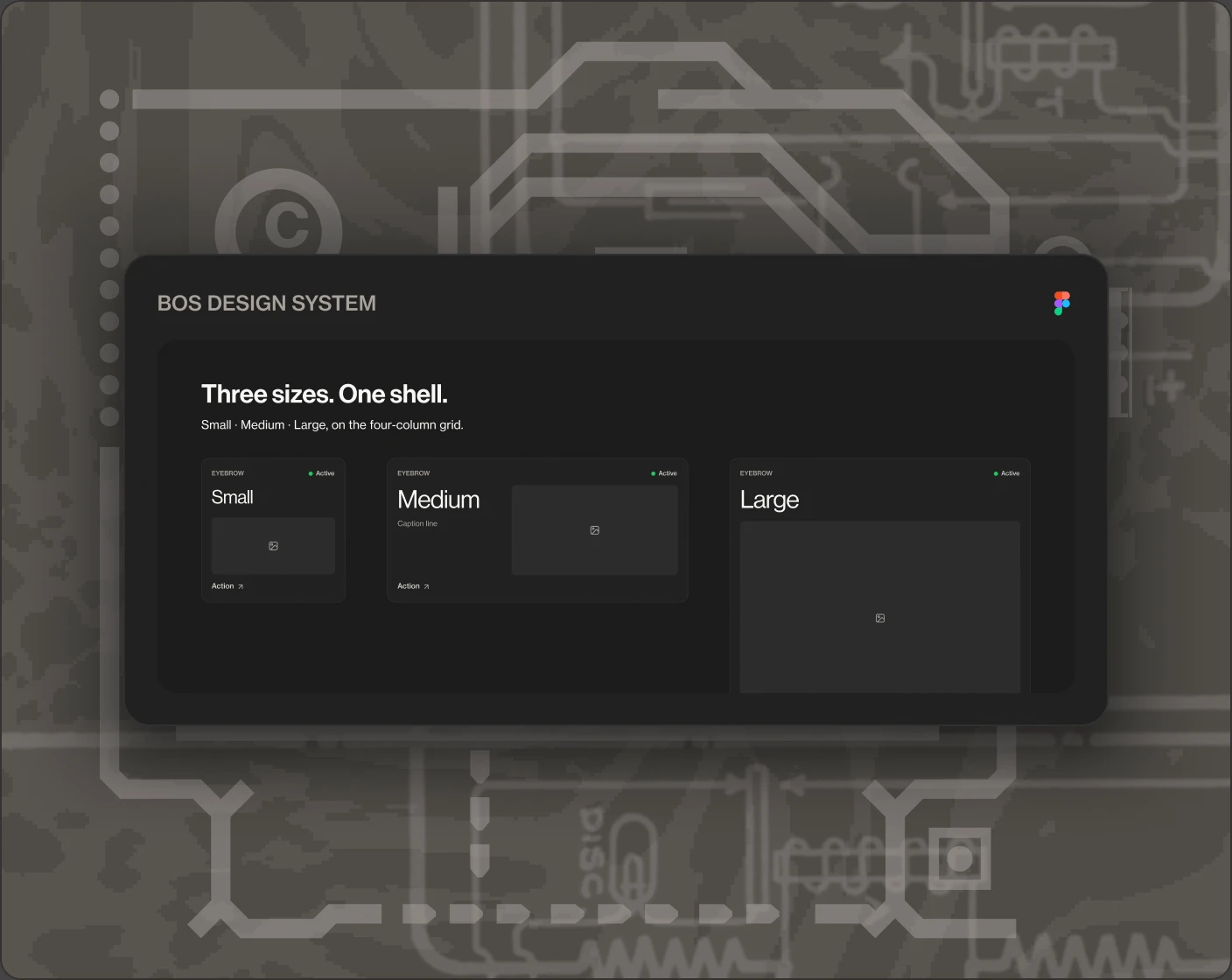
A BOS design system widget embedding a Figma file: one card shell in Small, Medium and Large.

Templates

Choose a template

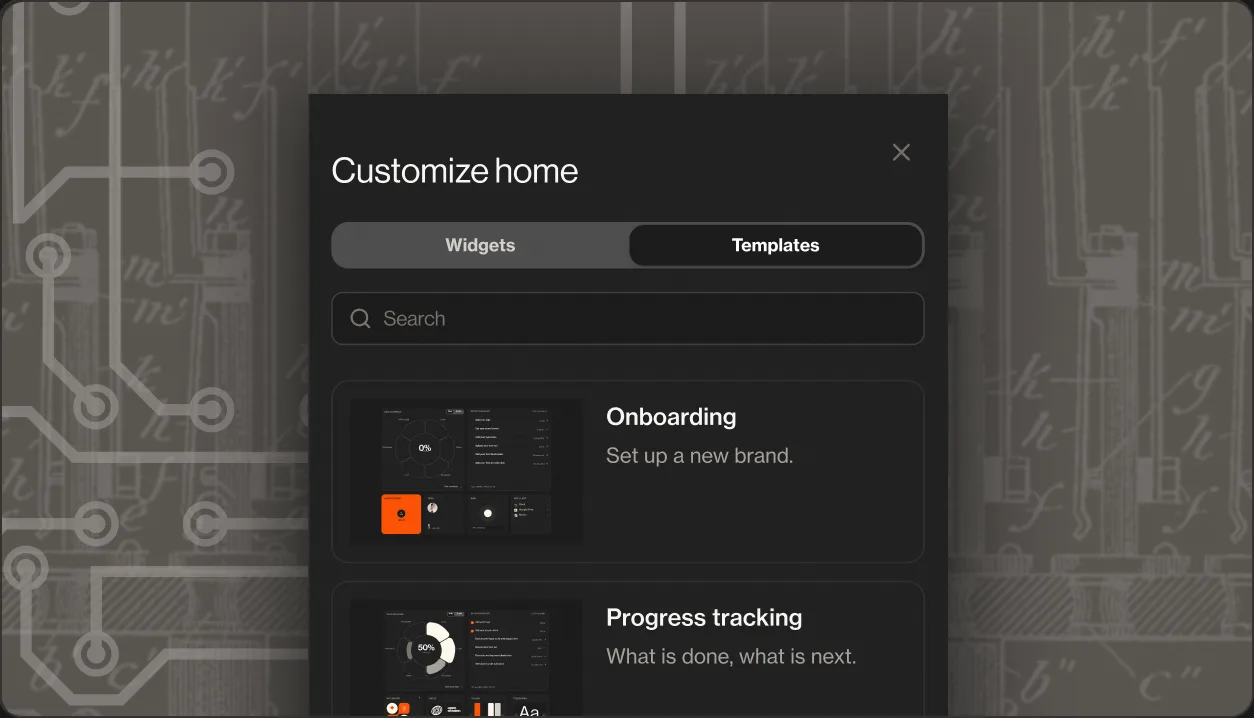
  • The BOS "Customize home" drawer on its Templates tab, offering Onboarding and Progress tracking home templates.
    Simplified templatesStart from a preconfigured home for where your brand data stands: Onboarding to set up a new brand, Progress tracking for what is done and what is next, and more.
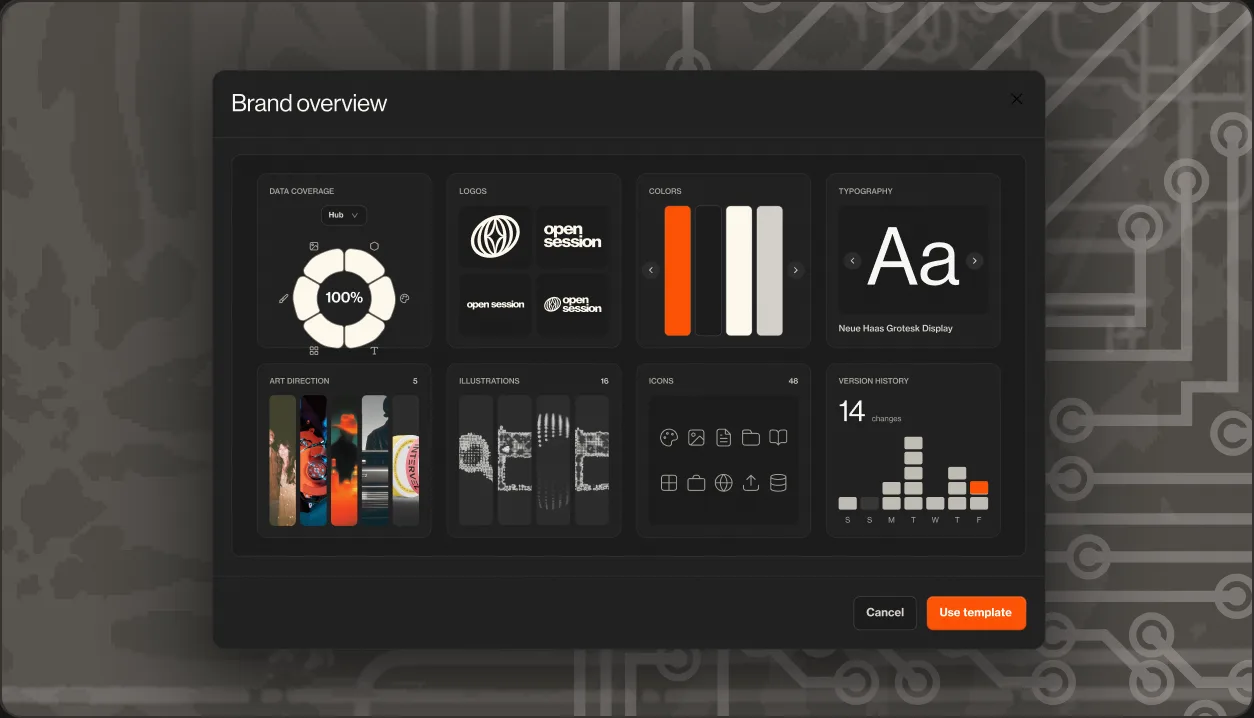
  • A BOS template preview: a "Brand overview" home with logo, color, typography and image widgets.
    Smart previewsOpen a template to see the whole home before you add it to yours, with its logo, color, typography, imagery and icon widgets in place, then use it or close the preview.
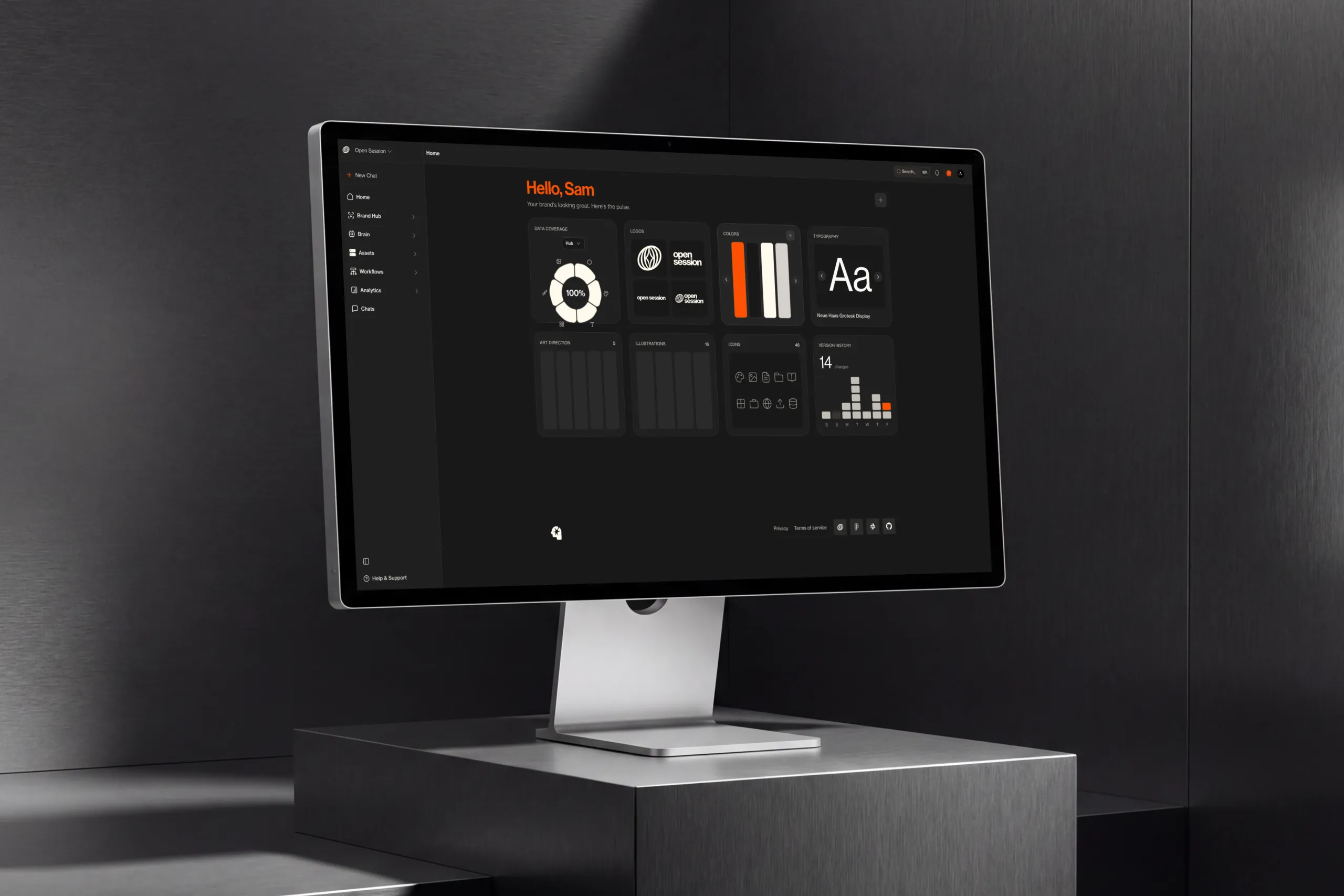
A Studio Display on a stone plinth shows the BOS Home dashboard: a coverage ring and logo, color and typography widgets.

Give everyone a
brand home

A home screen shaped to each person on your team, with the widgets and templates they need.
Become a founding user

Widgets

Pick your brand widgets

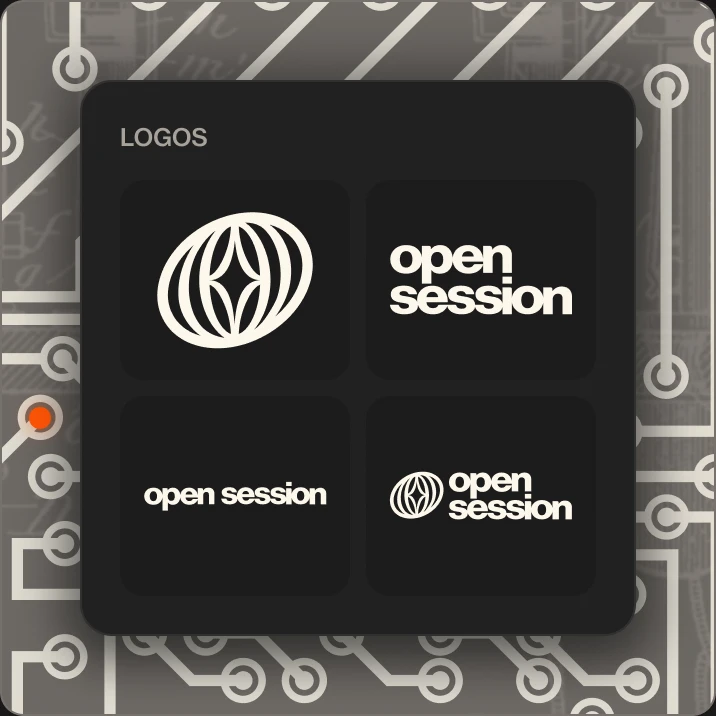
  • The Logos widget: the brand's mark and wordmarks in four tiles.
    LogosBrand Hub
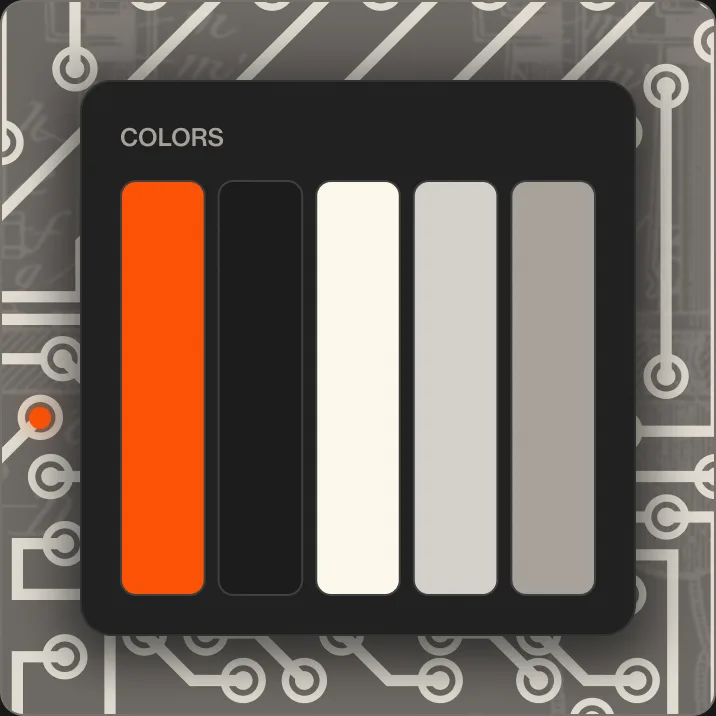
  • The Colors widget: five color bars, orange, charcoal, vanilla and two greys.
    ColorsBrand Hub
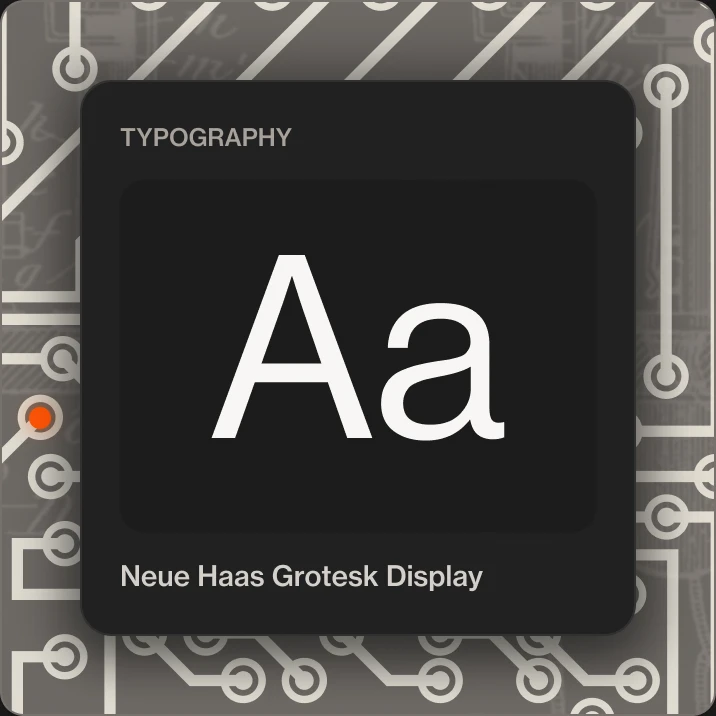
  • The Typography widget: an Aa specimen of Neue Haas Grotesk Display.
    TypographyBrand Hub
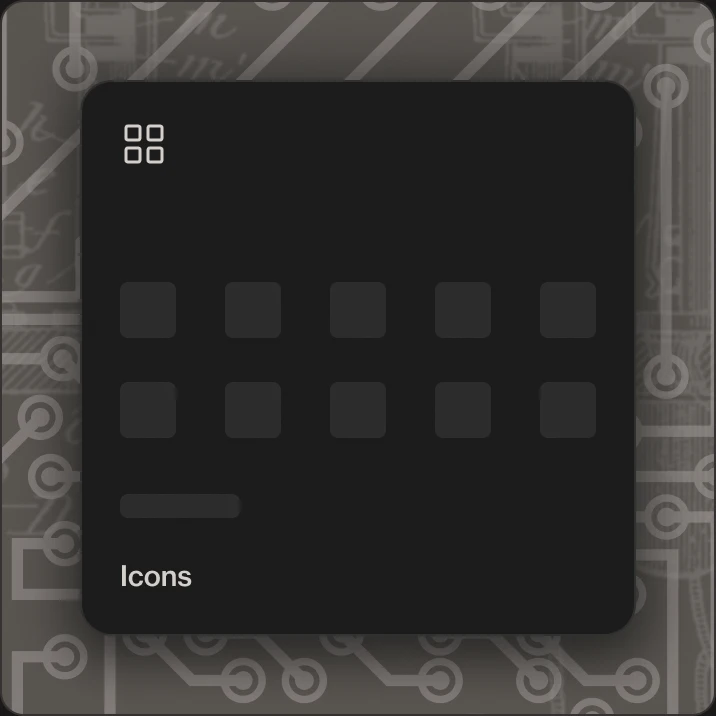
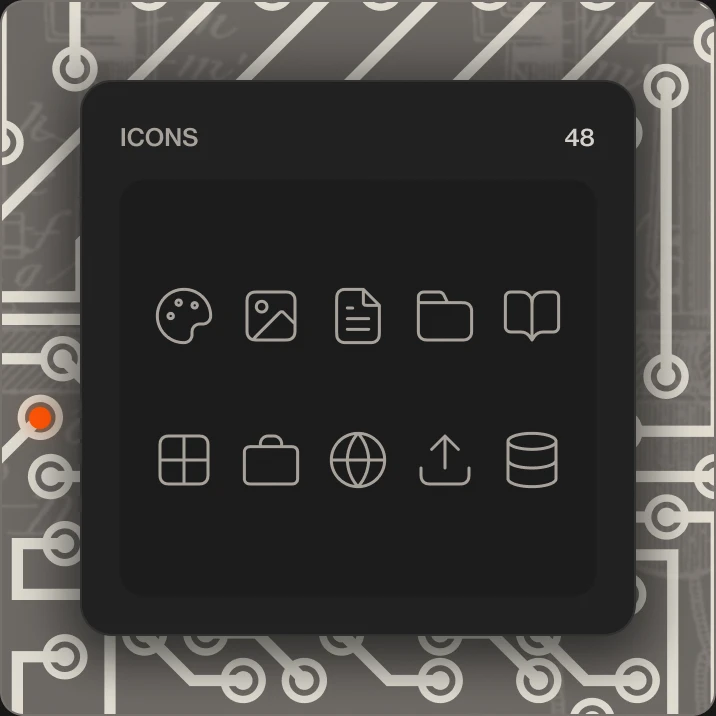
  • The Icons widget: ten of the brand's 48 icons.
    IconsBrand Hub
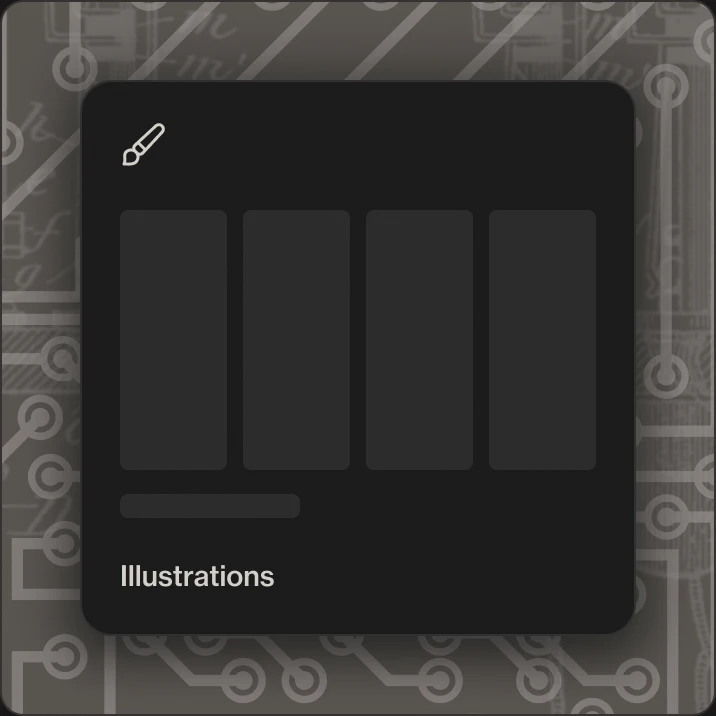
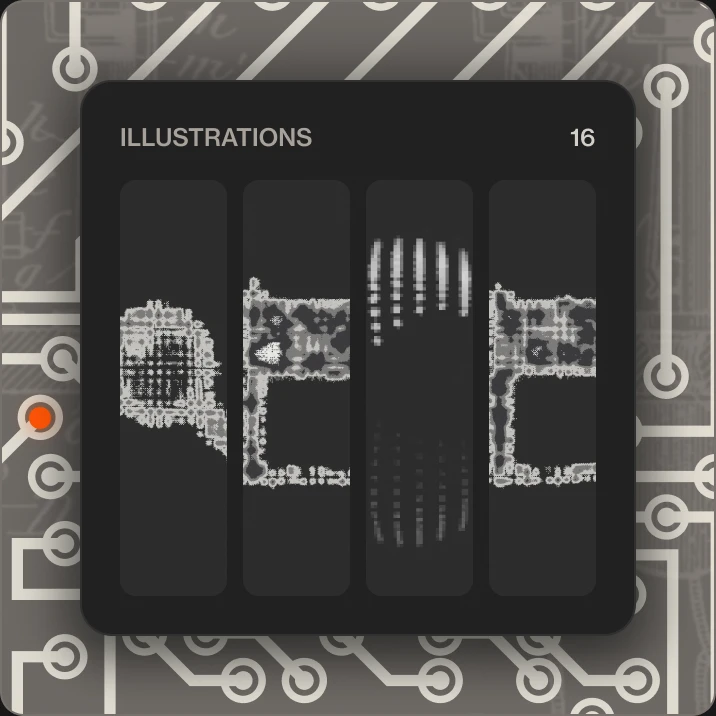
  • The Illustrations widget: four of the brand's 16 illustrations in tall tiles.
    IllustrationsBrand Hub
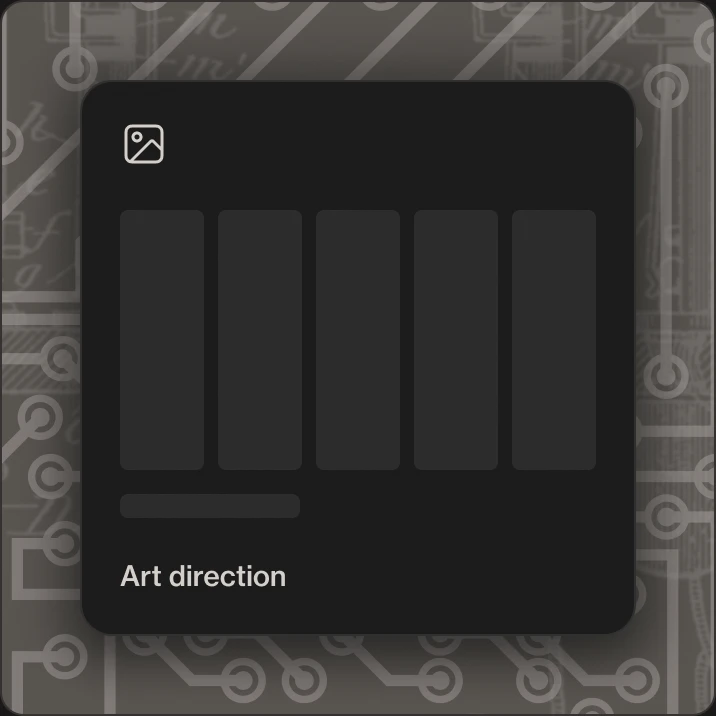
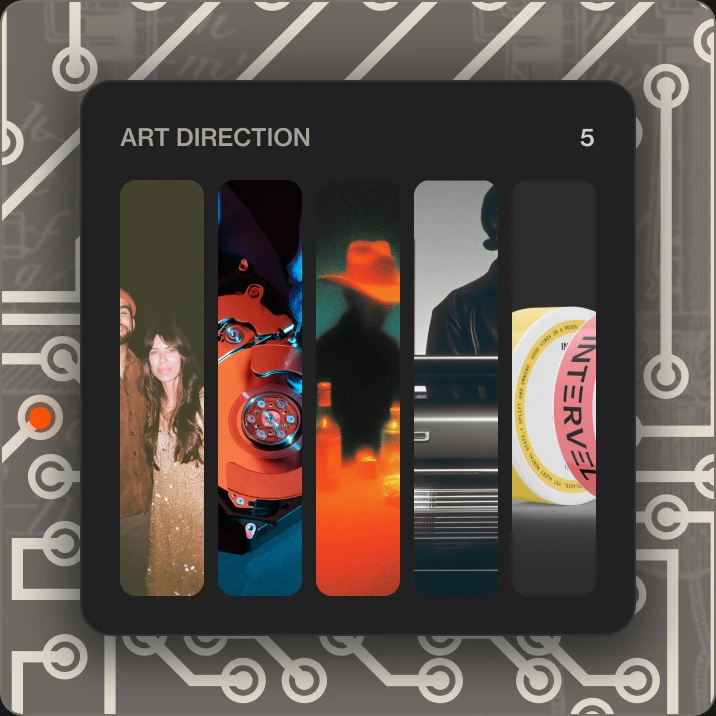
  • The Art direction widget: five reference photographs in tall strips.
    Art directionBrand Hub

1 / 1

What it feels like

Software that adapts to your brand

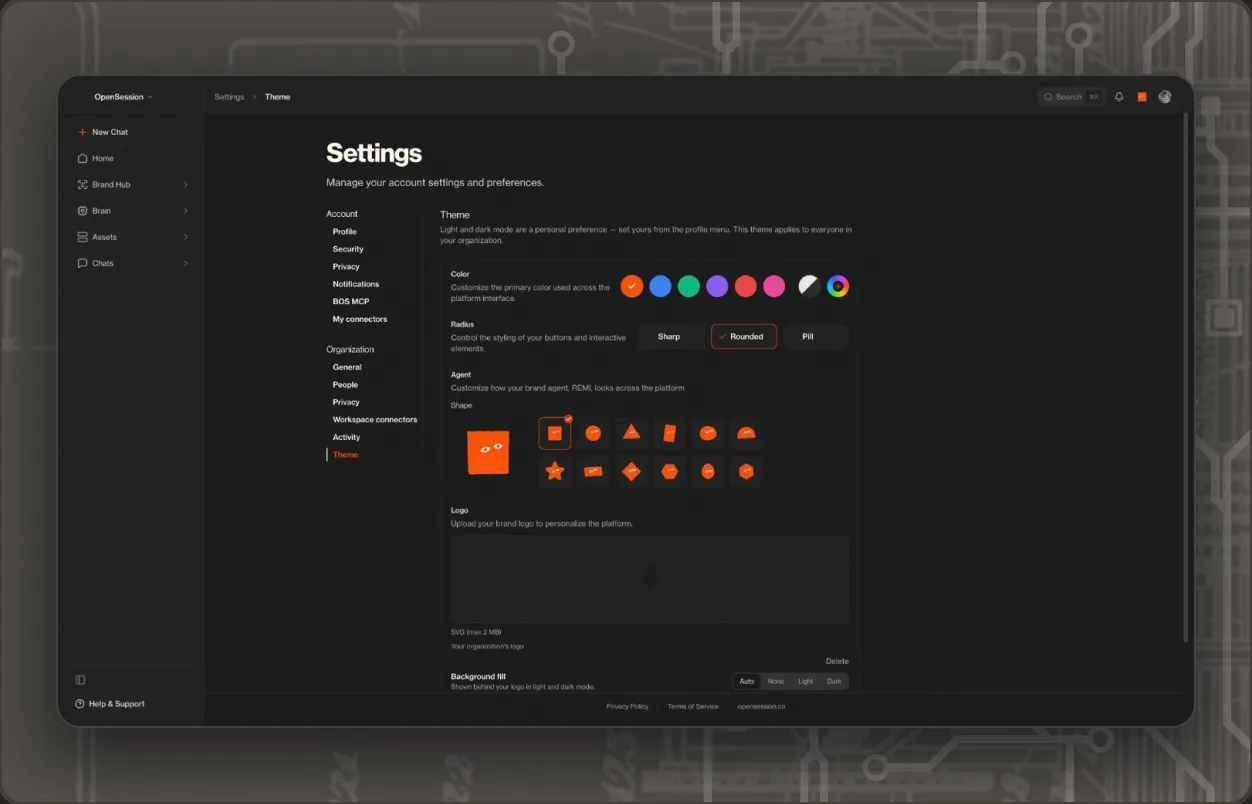
  • The BOS Settings › Theme screen: organization colors, typography and corner radius controls.
    Organization themesSet your organization's colors, typography and corner radius in one Settings screen, choose an icon for your brand agent, and upload your logo and a background image.
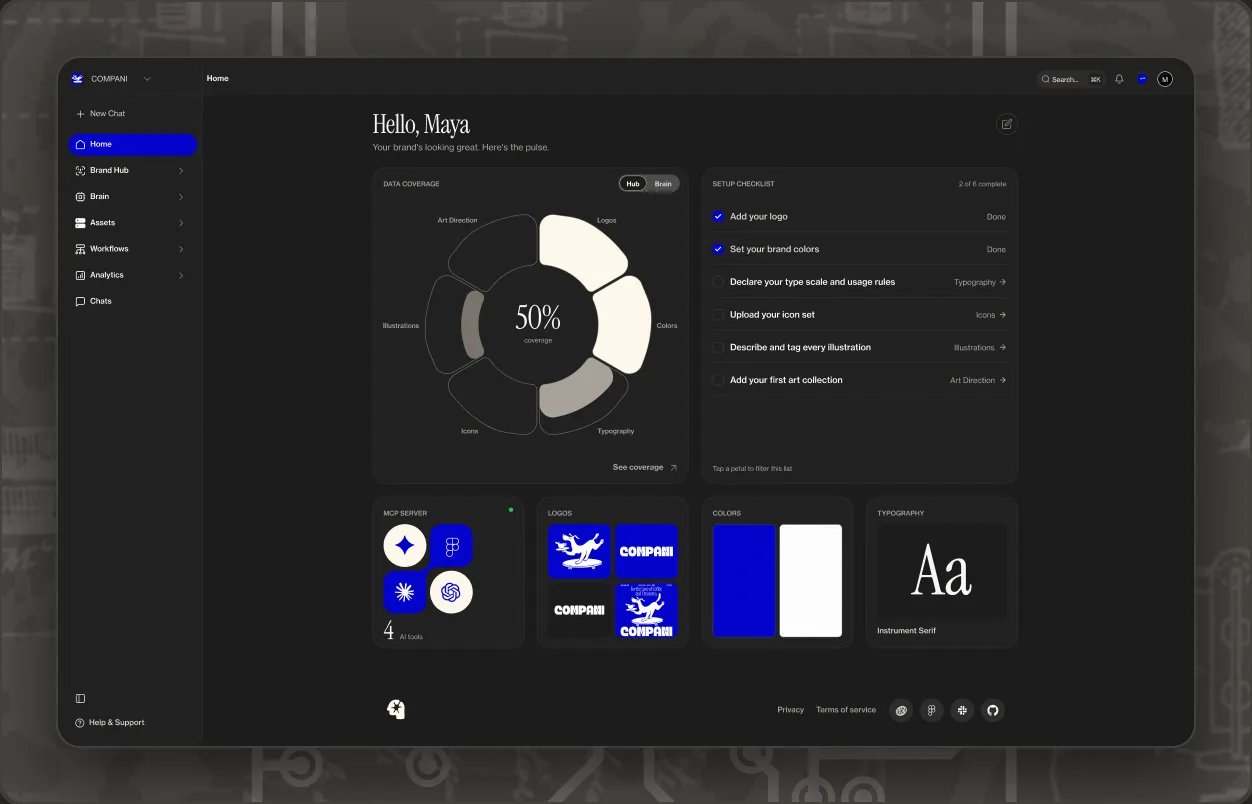
  • A BOS Home screen themed for the COMPANI brand: a "Hello, Maya" greeting, a coverage ring and widgets in the brand's blue.
    Your brand interfaceA theme update carries across the entire app, so Home, the sidebar and every widget feel on brand, in your colors, type and logo, for everyone in your organization.

Your brand data
deserves better

If you feel like your team’s stuck in the past and not building the brand design systems of the future, let’s chat.

Fully integrated

Explore your brand portal

Security

Built to be trusted with your brand

Read more about how we protect your brand data
  • SOC 2 Type II

    An independent audit of our security controls, which is under way.

  • Zero data retention

    AI providers keep none of your brand data, where they offer zero retention.

  • GDPR

    Your data rights in the EU and UK, respected by design in BOS.

  • Fully encrypted

    At rest and in transit. Brand data is never exposed to the internet.