Simple & intelligent
onboarding
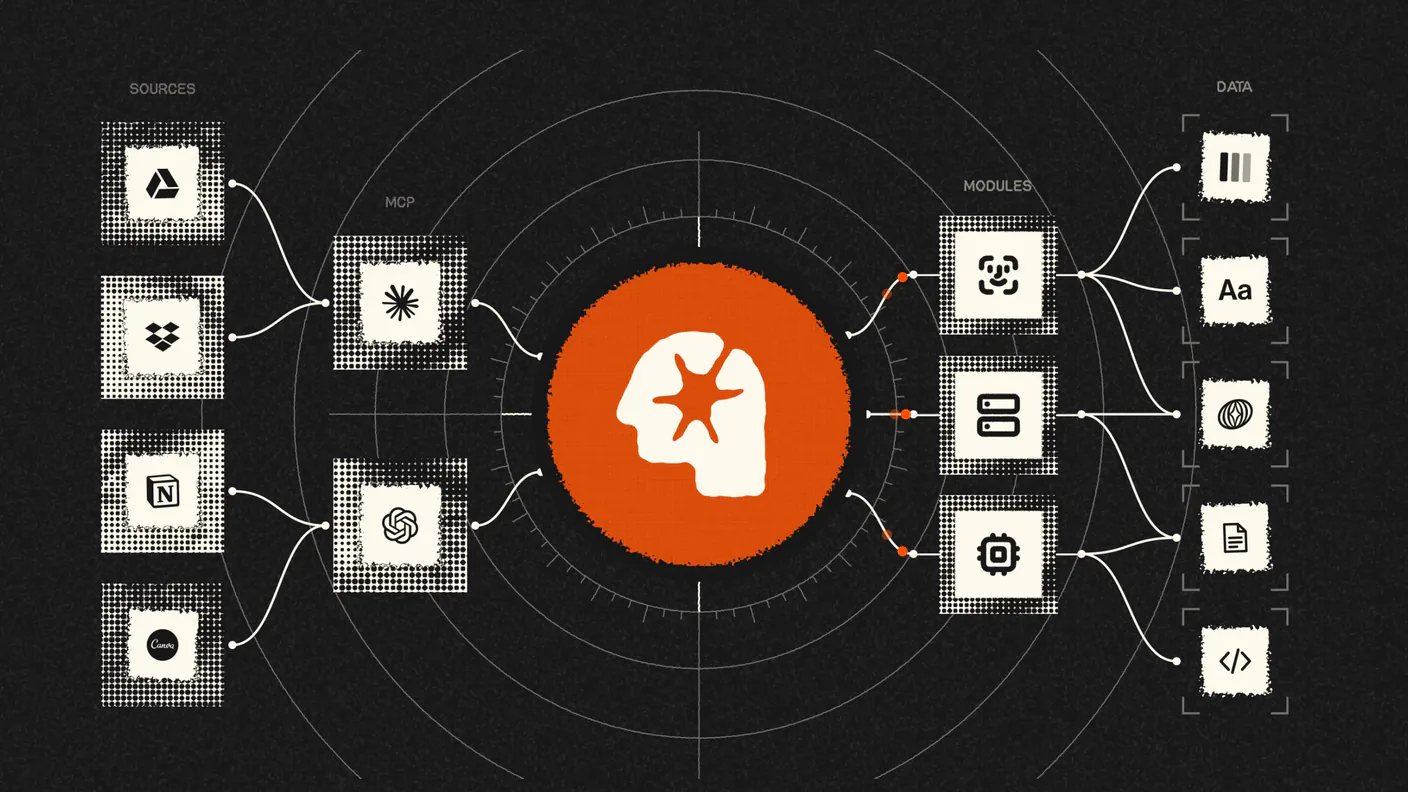
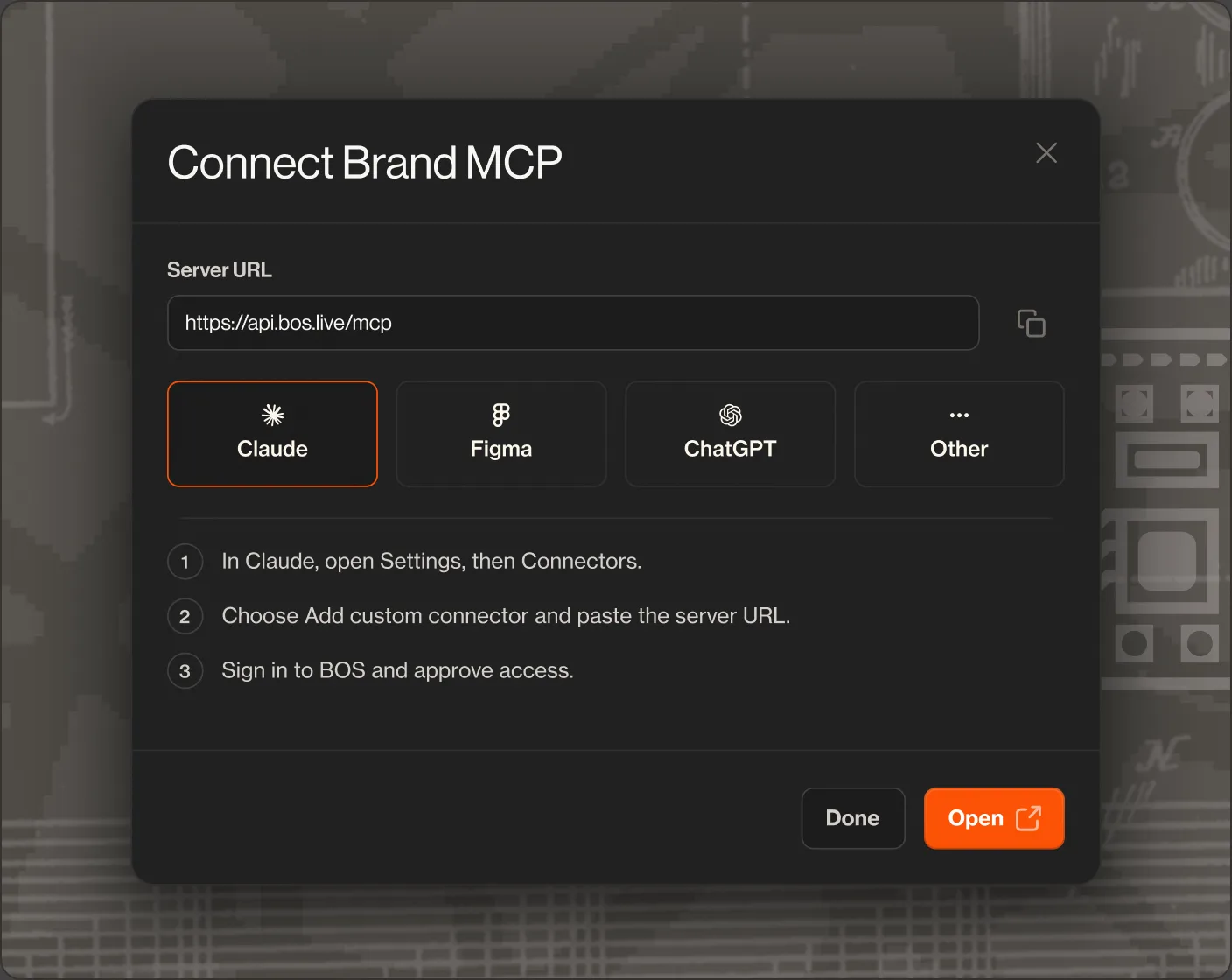
BOS connects natively to Claude and ChatGPT. Run one command and point it at your data sources.

Four steps
The seamless setup journey
01 Account
Create your account
Sign up with your work email. Your brand portal is ready to use in seconds.
03 Upload
Upload your brand
Run one command in Claude or ChatGPT and BOS brings your brand in for you.
04 Discover
Discover the gaps
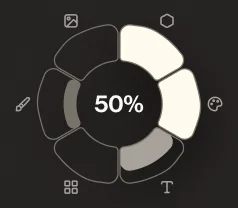
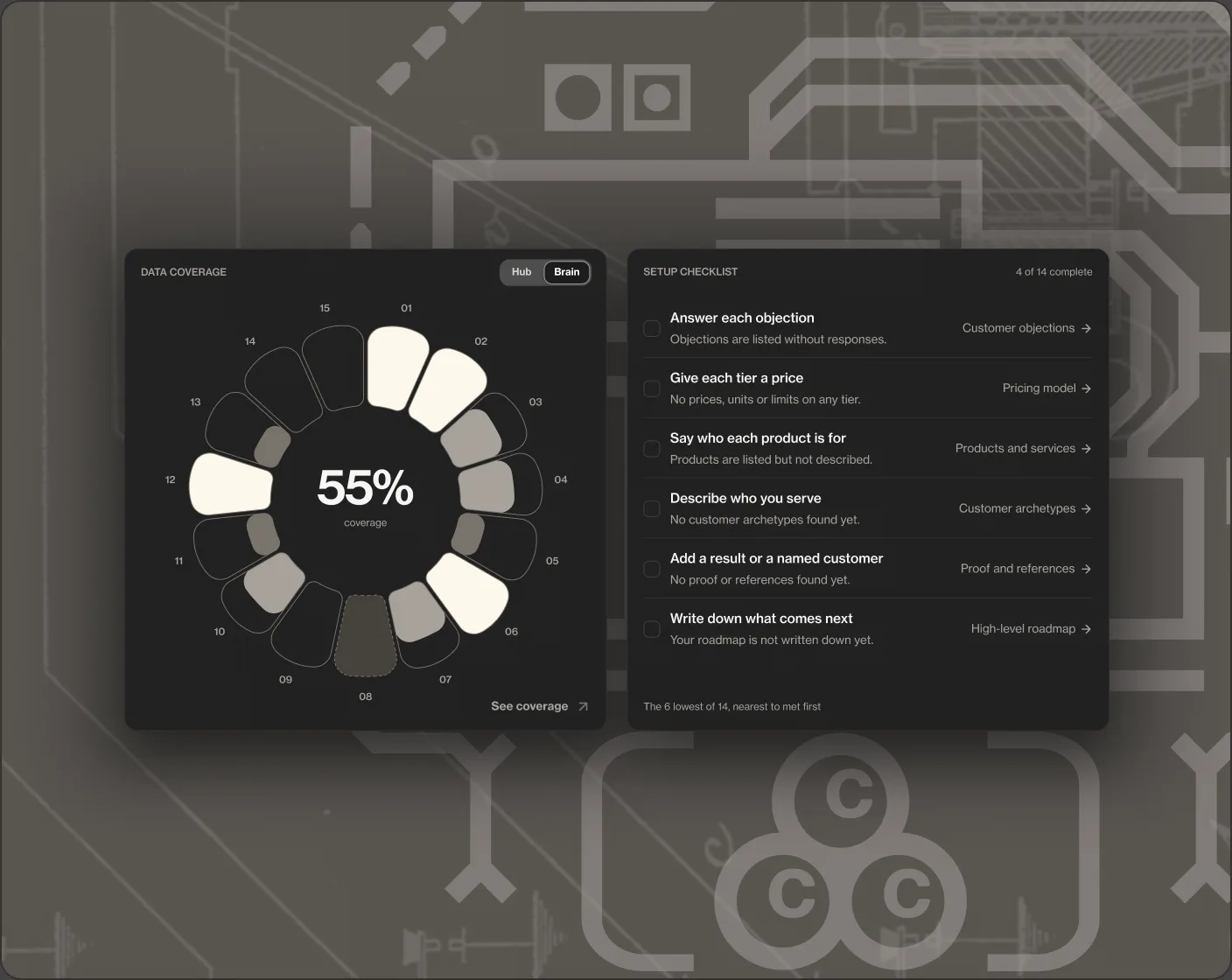
Data coverage shows what your brand context is missing, and what to add next.
Bring your brand
Flexible brand
schema
- Point Claude or ChatGPT at your Figma files, Google Drive or a local folder, and BOS sorts what it finds into logos, type, colors, docs and code.
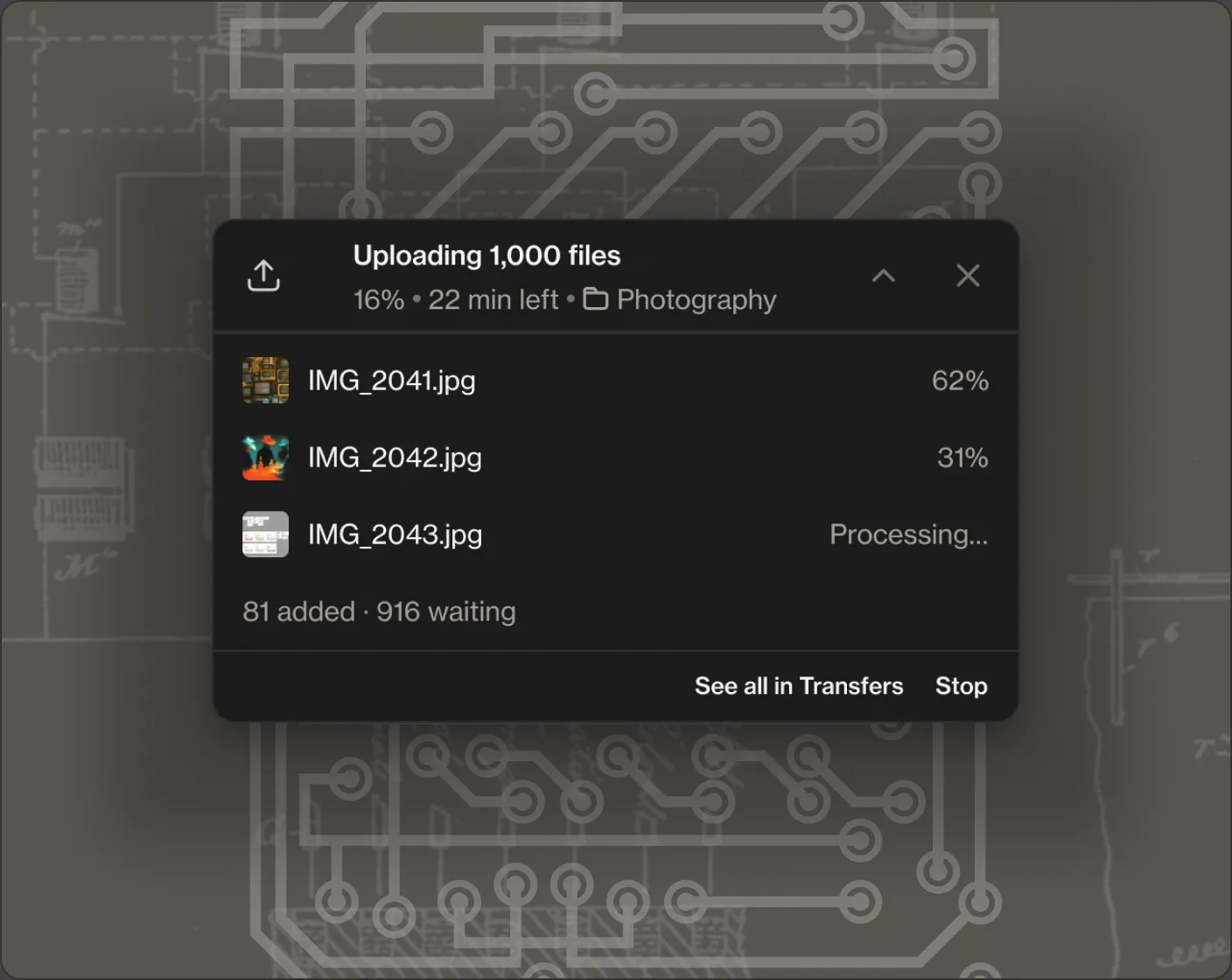
- Drop in a thousand files at once. BOS reads, tags and files them in the background, with a tray that shows what is added and what is waiting.
- Set up the way leading brand teams work, with intentional detail and clarity, and a checklist that tells you which question to answer next.
Bring your team
Unified brand
source of truth
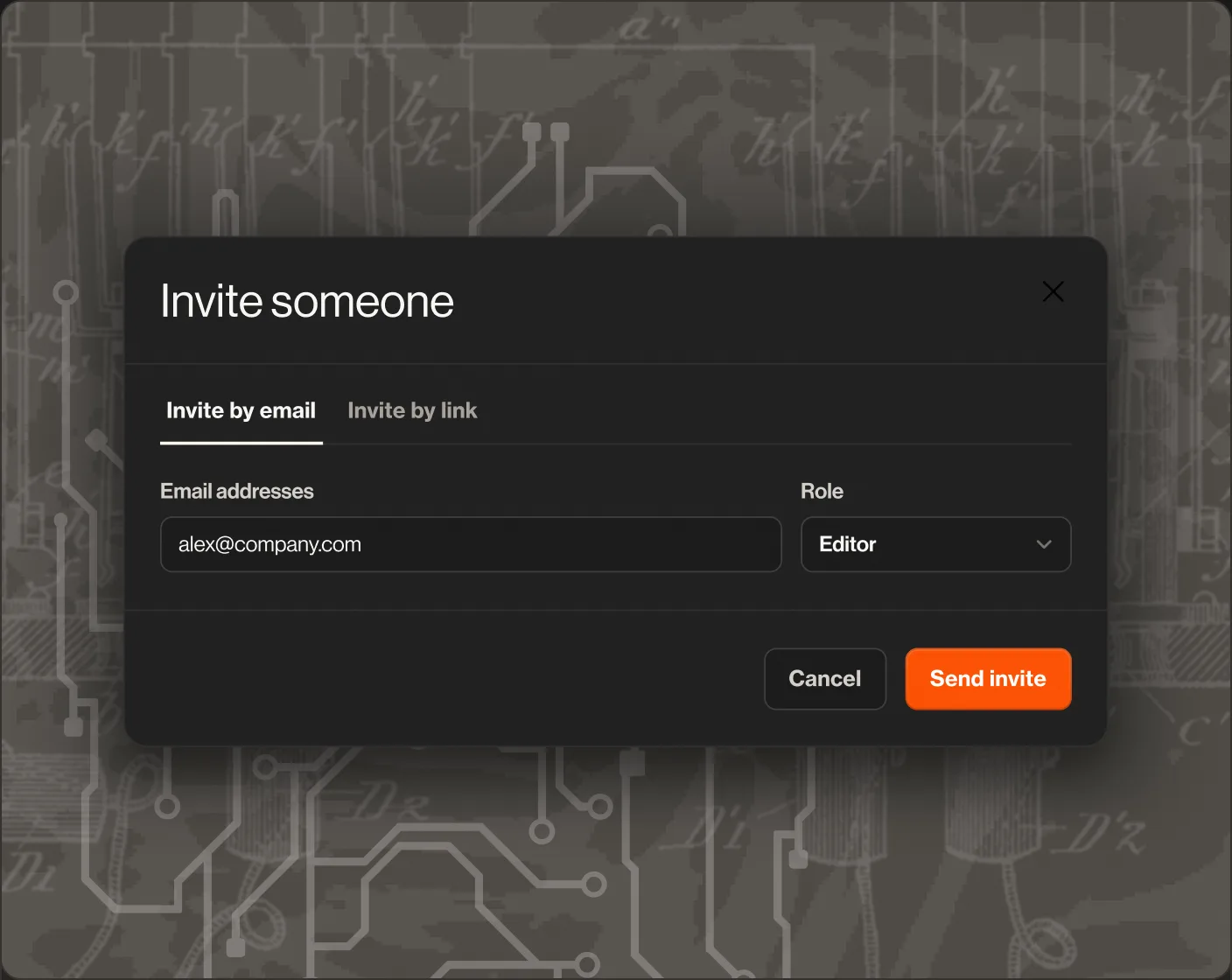
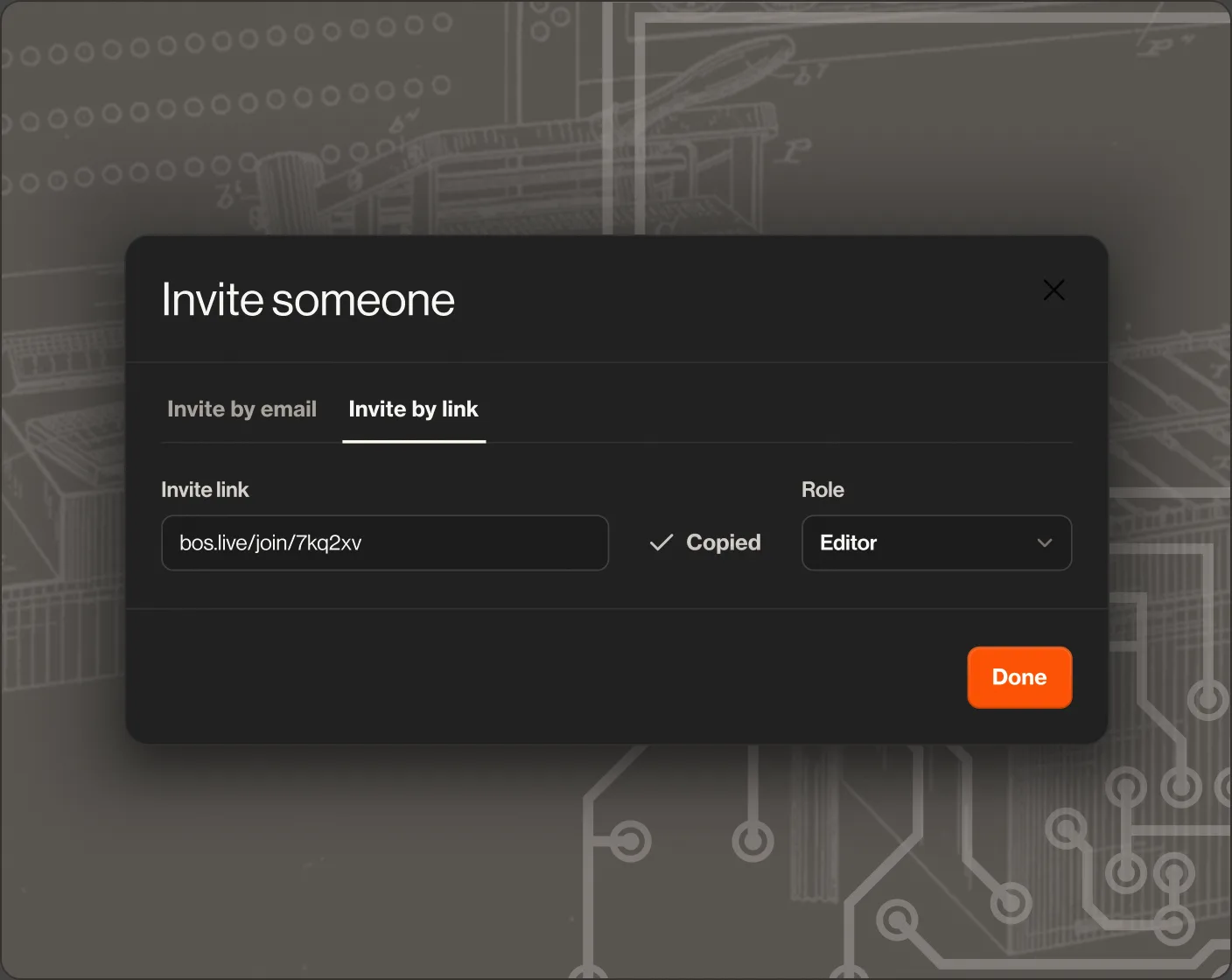
- Invite up to 50 people at once by email as Owner, Admin or Member. Pending invites stay listed, and revocable, until they expire after 7 days.
- Comment on any Art Direction reference, with each author's name beside their note, and copy a link that takes a teammate straight to it.
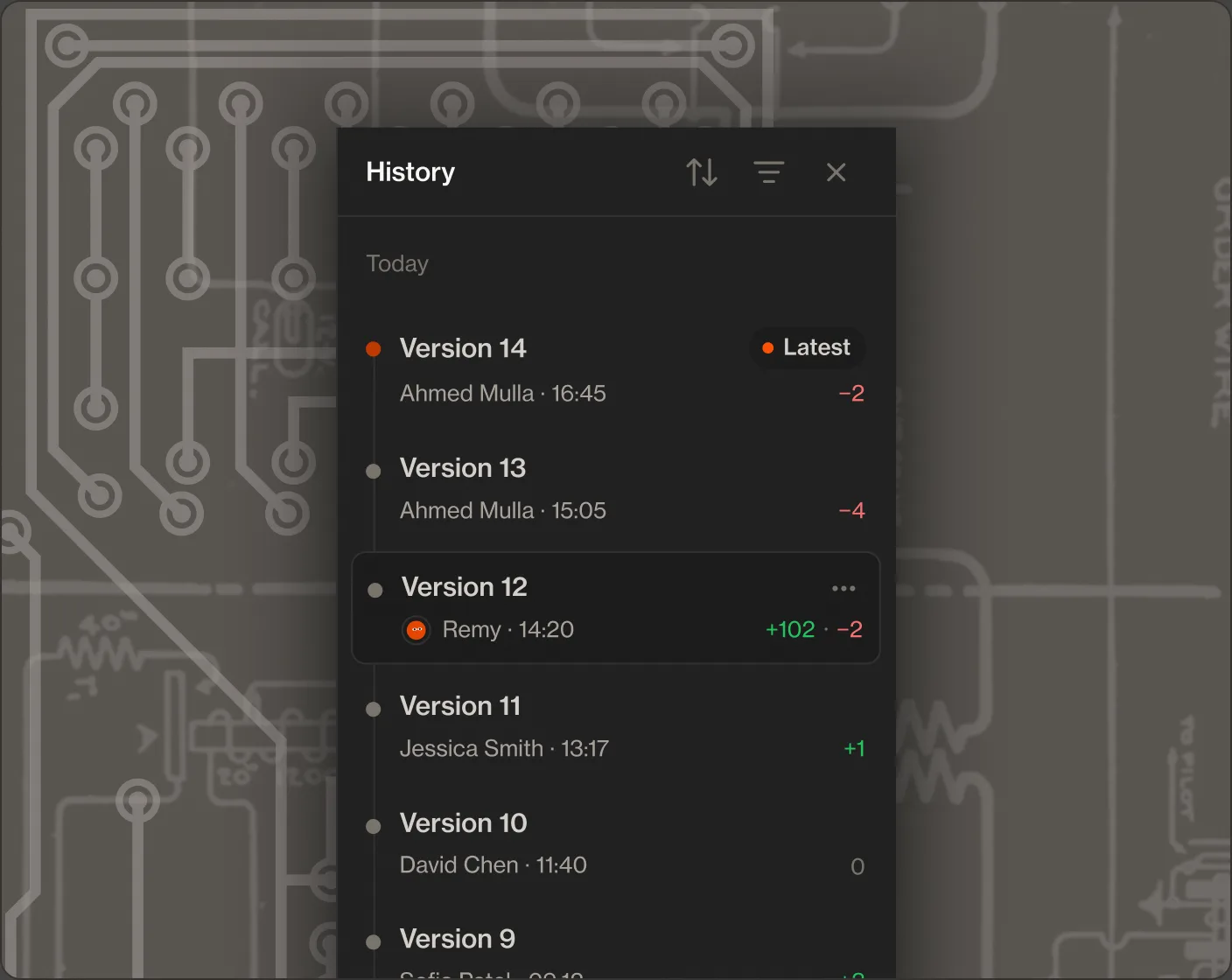
- Brand Hub keeps a version for every change, with who made it and when, marks the ones Remi made, and lets you preview or restore any of them.
- Each member can connect their own AI tool to the brand, so every assistant on the team works from the same logos, colors and documents.
Get started
Free setup resources
Your brand data
deserves better
If you feel like your team’s stuck in the past and not building the brand design systems of the future, let’s chat.