Landing pages
Start pages from brand fonts, tokens and assets in Figma, Framer or Webflow, on brand from the start.
Imagine
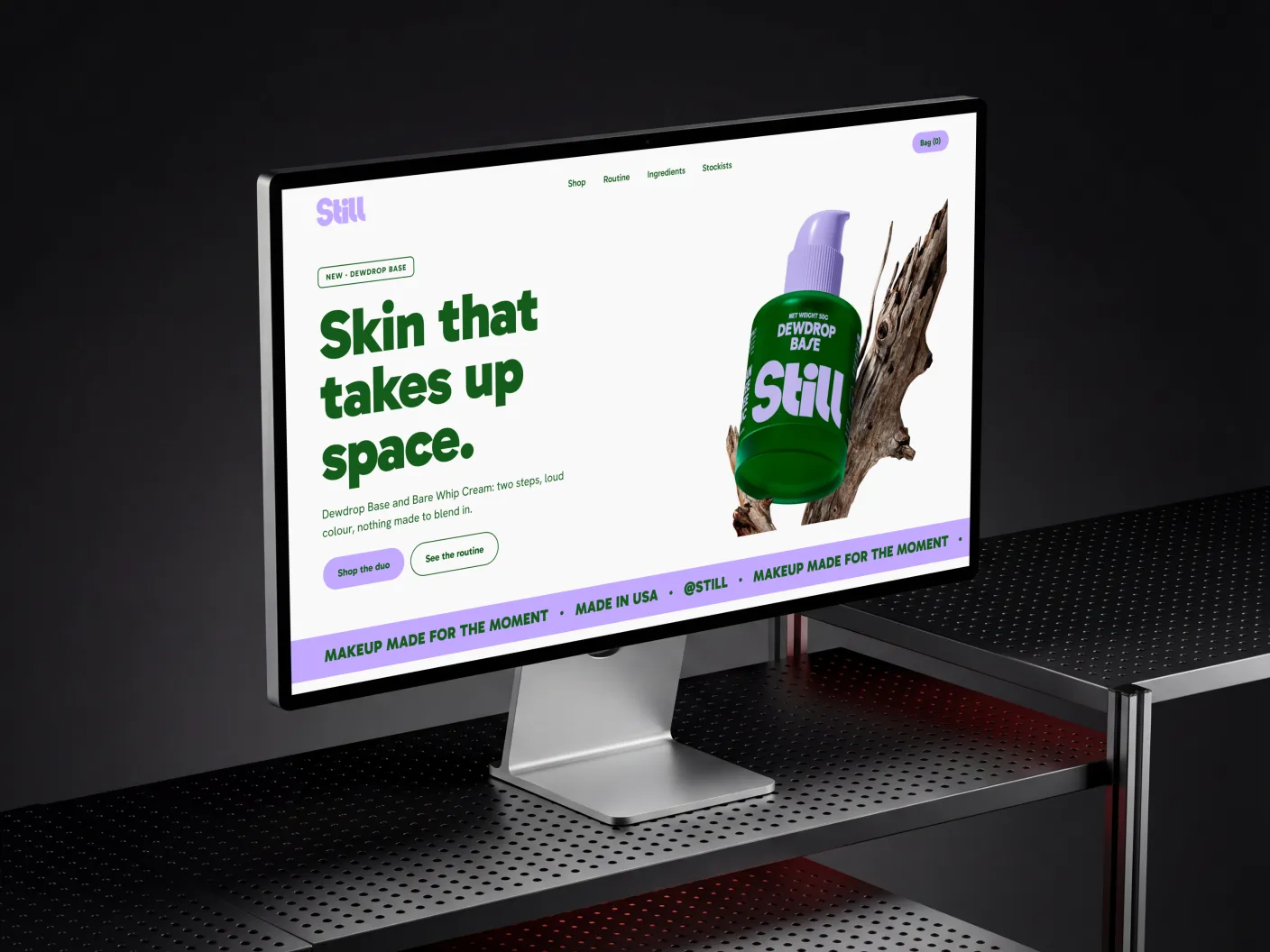
Imagine a world where every landing page built in Figma (opens in a new tab), Framer (opens in a new tab) or Webflow (opens in a new tab) starts from your fonts, tokens and assets, on brand from the first draft.
How it works
/design-page/build-pageWhere you ask
- BOS
Where the brand lives
- Figma
Where you design
- Webflow
Where it ships
Ask in Claude
The offer and the audience. Claude asks a few questions.
Brand context
BOS supplies your voice, components, type and images.
Review in Figma
Desktop and mobile. Ask Claude for edits. Approve.
Choose the page
Select the approved frame. Only that one gets built.
Check and record
BOS checks copy and visuals against your guidelines.
Webflow draft
A draft page to review. Nothing publishes itself.
- ClaudeDirectly in chat
Ask in Claude
The offer and the audience. Claude asks a few questions.
/design-page BOSWhere the brand lives
Brand context
BOS supplies your voice, components, type and images.
FigmaWhere you design
Review in Figma
Desktop and mobile. Ask Claude for edits. Approve.
ClaudeDirectly in chat
Choose the page
Select the approved frame. Only that one gets built.
/build-pageBOSWhere the brand lives
Check and record
BOS checks copy and visuals against your guidelines.
WebflowWhere it ships
Webflow draft
A draft page to review. Nothing publishes itself.
Automation Examples
Your brand data
deserves better
If you feel like your team’s stuck in the past and not building the brand design systems of the future, let’s chat.