Presentations
Build decks with your type, color and imagery in Figma or Canva, straight from a chat in Claude or ChatGPT.
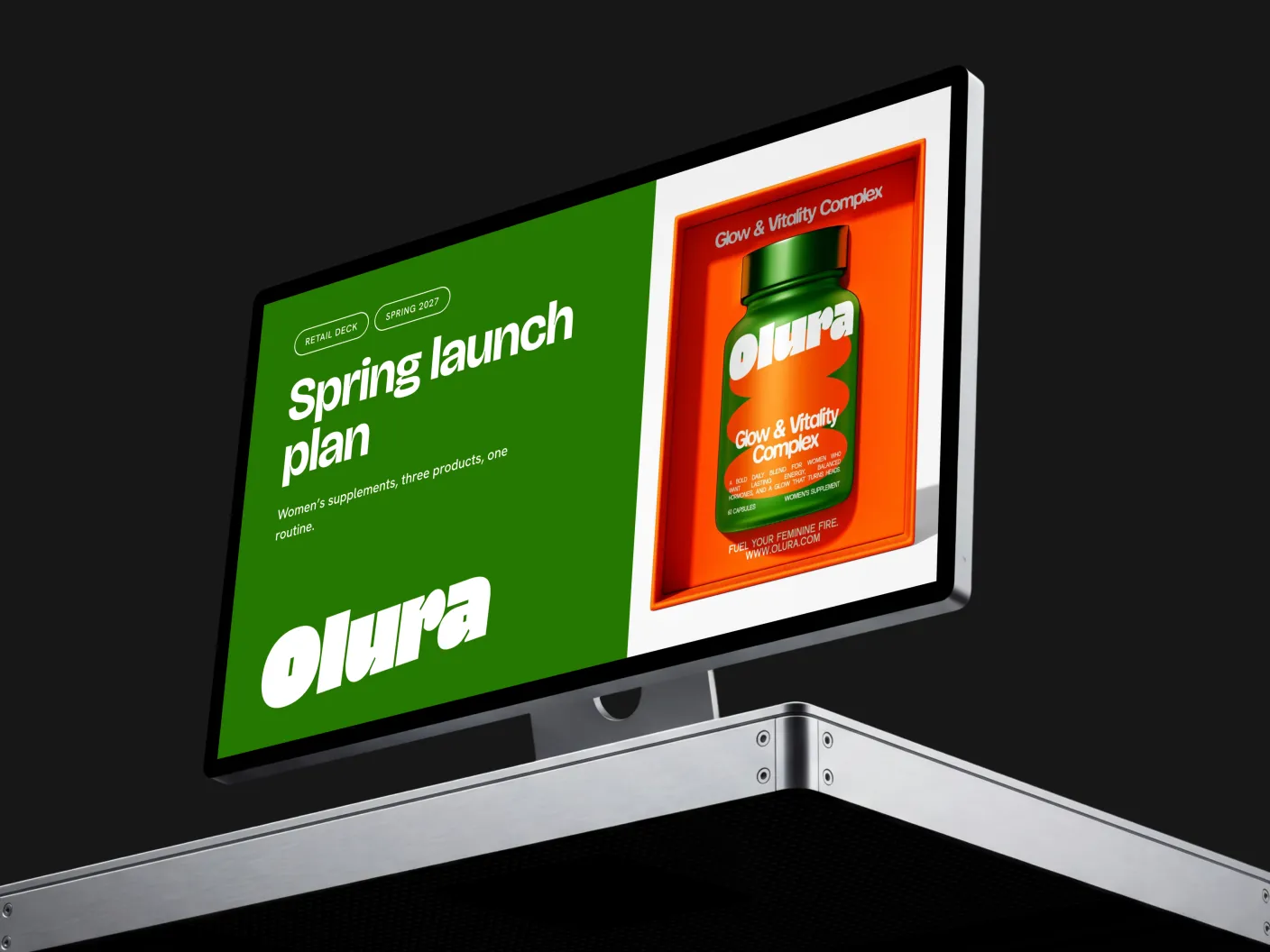
Imagine
Imagine a world where everyone on your team can create on-brand presentations in tools like Figma (opens in a new tab) and Canva (opens in a new tab), directly from the chat in Claude (opens in a new tab) or ChatGPT (opens in a new tab).
How it works
/design-deck/share-deckWhere you ask
- BOS
Where the brand lives
- Figma
Where you review
- Google Drive
Where it’s shared
Ask in Claude
Topic and audience. Claude asks a few questions.
Brand context
BOS supplies your templates, type, colors and images.
Review in Figma
A deck in your layouts. Ask Claude for edits. Approve.
Check the deck
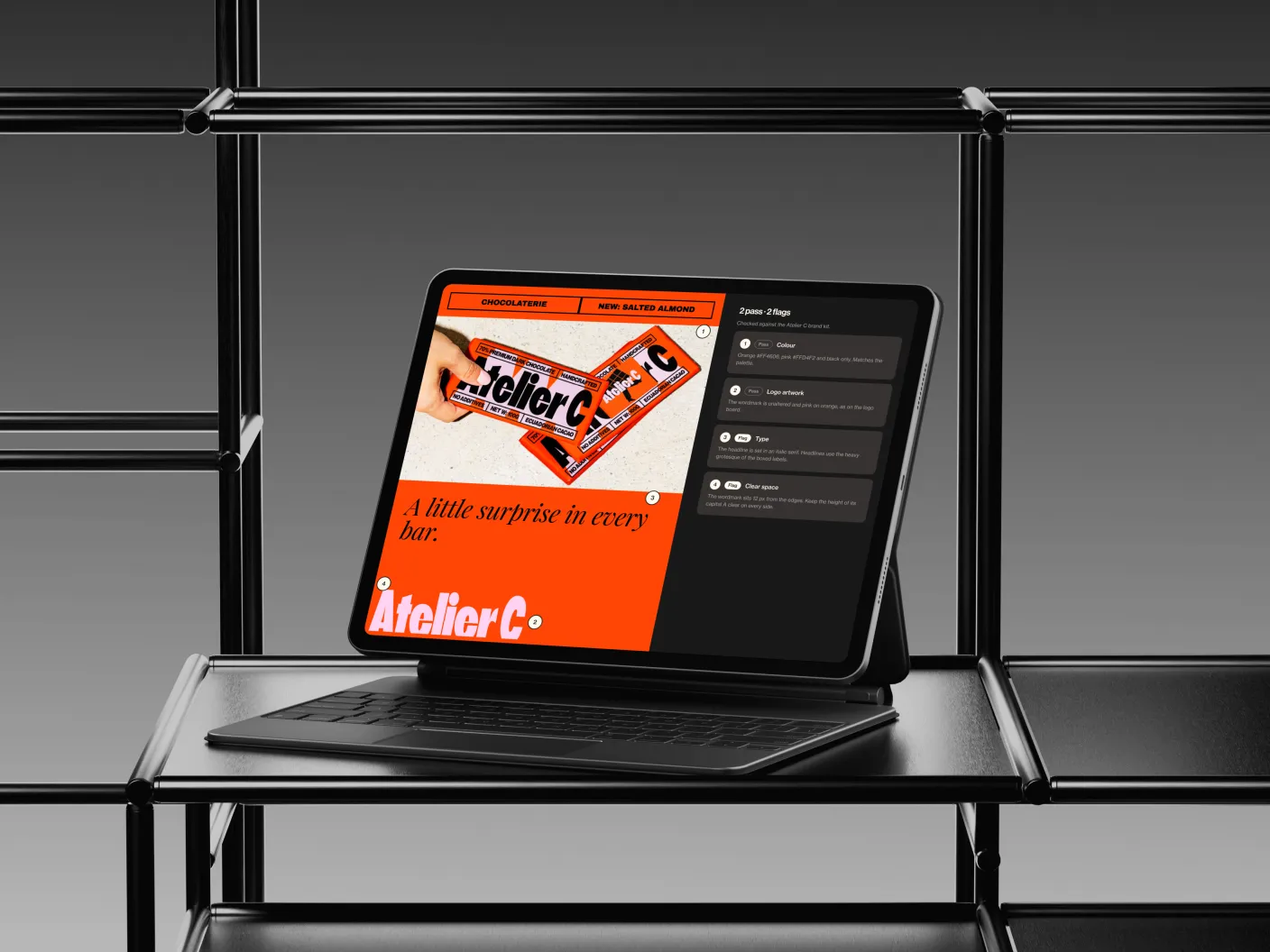
BOS checks every slide against your guidelines.
Deck in Drive
A PDF and the source link, in the team’s shared folder.
- ClaudeDirectly in chat
Ask in Claude
Topic and audience. Claude asks a few questions.
/design-deck BOSWhere the brand lives
Brand context
BOS supplies your templates, type, colors and images.
FigmaWhere you review
Review in Figma
A deck in your layouts. Ask Claude for edits. Approve.
BOSWhere the brand lives
Check the deck
BOS checks every slide against your guidelines.
/share-deckGoogle DriveWhere it’s shared
Deck in Drive
A PDF and the source link, in the team’s shared folder.
Automation Examples
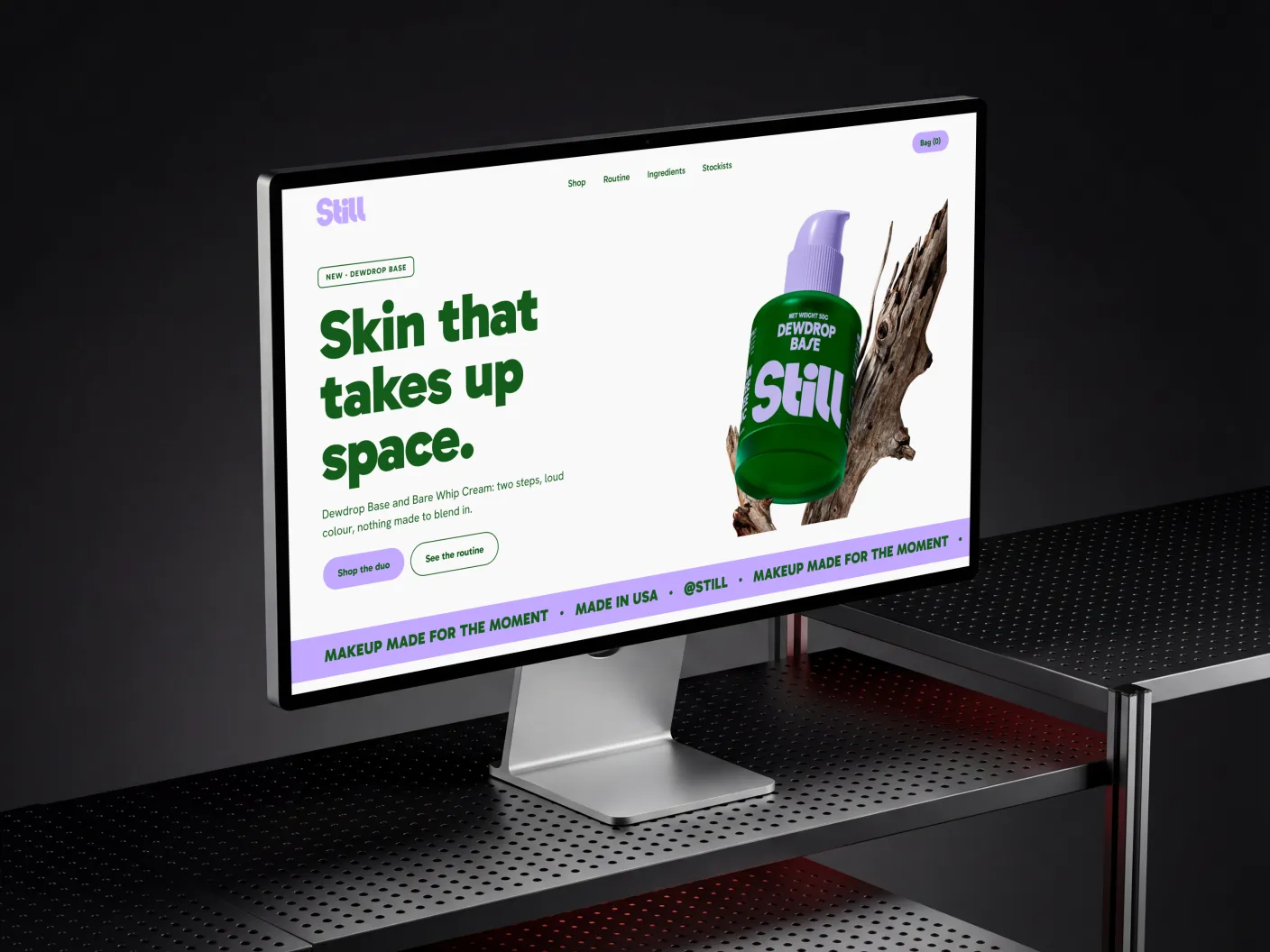
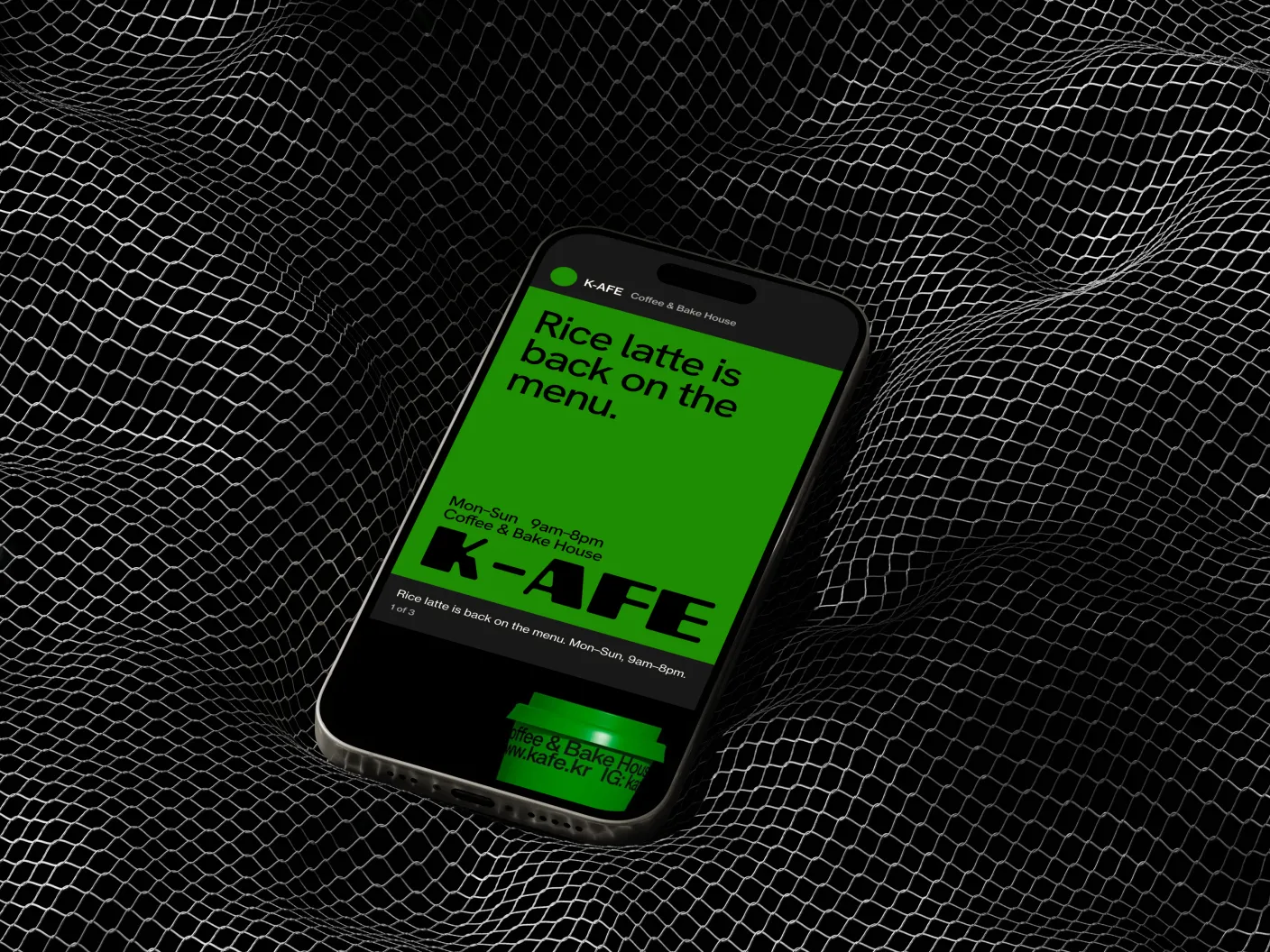
Your brand data
deserves better
If you feel like your team’s stuck in the past and not building the brand design systems of the future, let’s chat.