Skip to content

Assets

Intelligent asset management

Every logo, image and file in one library, tagged for you and ready for any tool.

File types
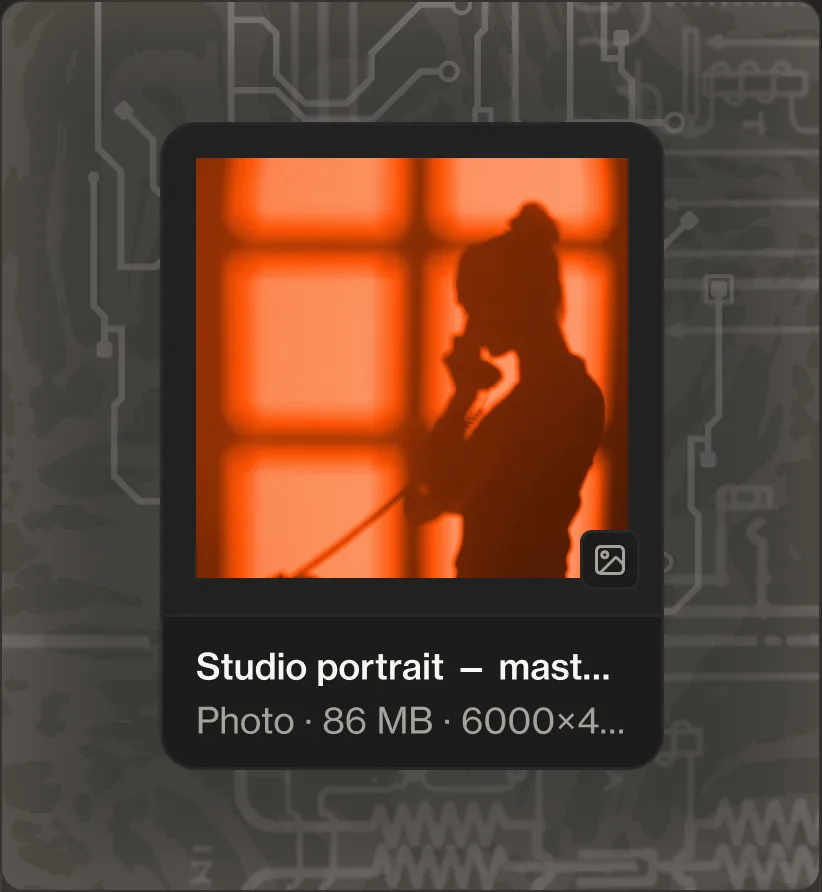
Every creative format

  • A wood-cased CRT television in a sunlit living room, light drifting across its screen
    Console CRT.mp4Video · 0.5 MB · 640×640
    MP4Campaign film
  • A silhouette before a glowing orange window, scraps of fabric drifting across it
    Orange window.movVideo · 0.1 MB · 640×640
    MOVBrand film
  • Hands drafting a page layout on paper, seen from above in black and white
    Drafting overhead.webmVideo · 0.2 MB · 640×640
    WebMSocial loop
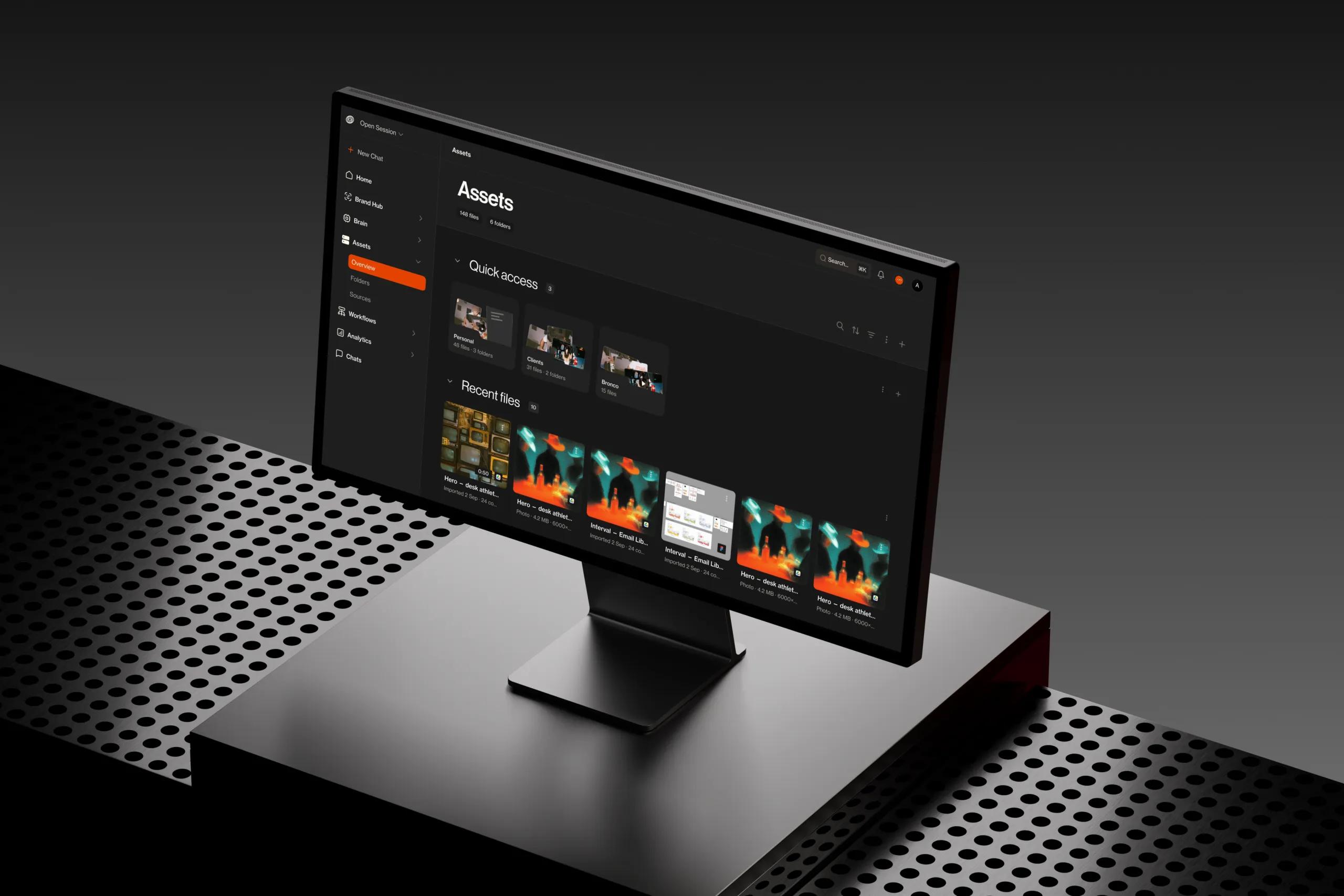
A Studio Display on a perforated metal block shows the Assets page: quick-access folders and recent image files.

Put your brand
assets to work

One library for every brand file, described, tagged and rights-checked, so people and agents find the right asset and know how they can use it.
Become a founding user

Agent retrieval

Get creative with agents

Give agents searchable visual context, so they can find the assets each task needs without anyone digging through folders.
  • Multimodal embeddings

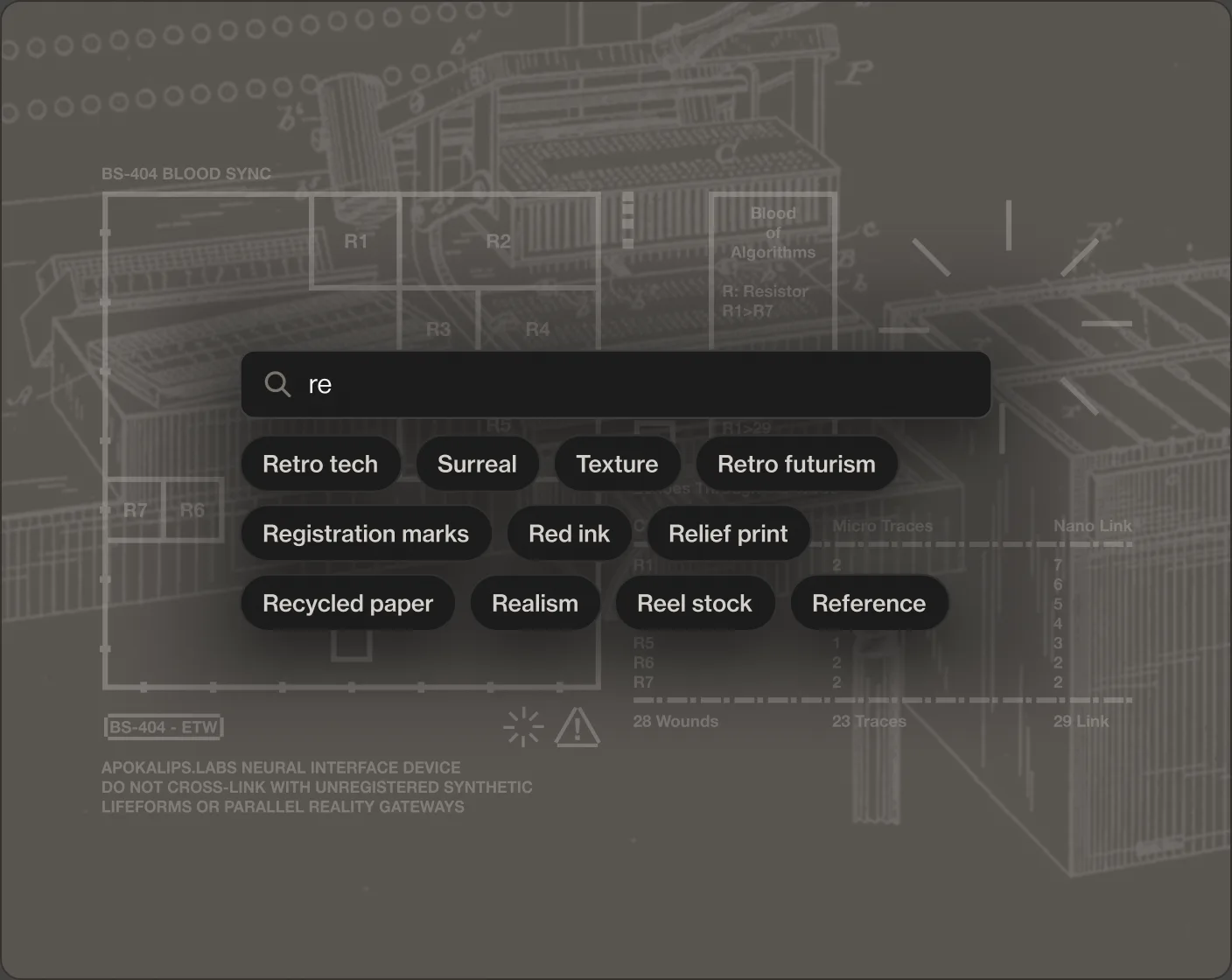
    Make visual assets searchable by their content, so a search for a mood, an object or a colour finds the right file.
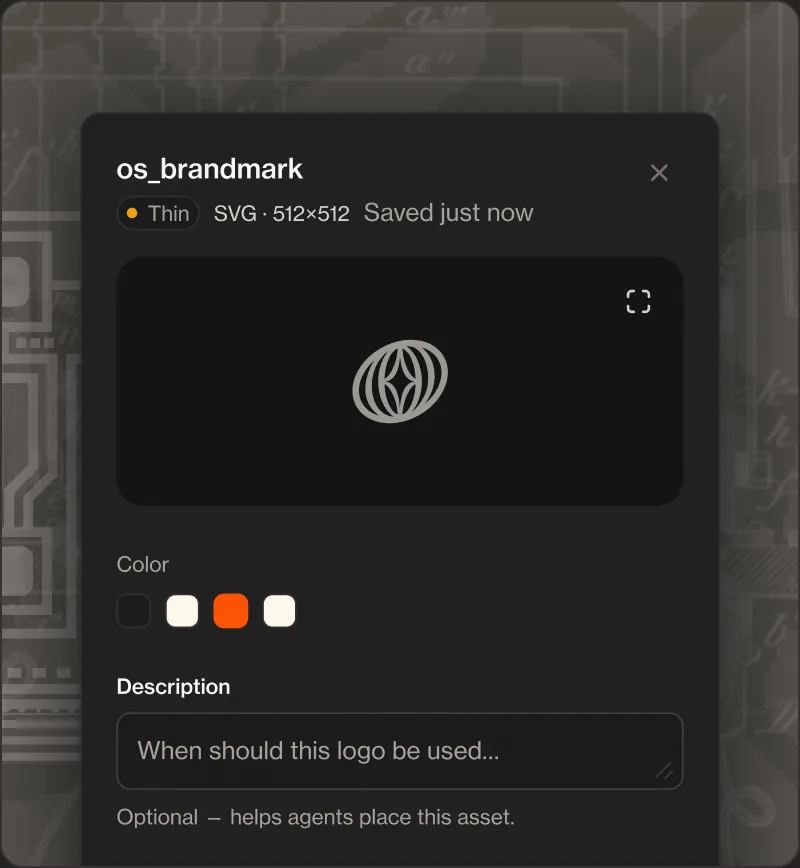
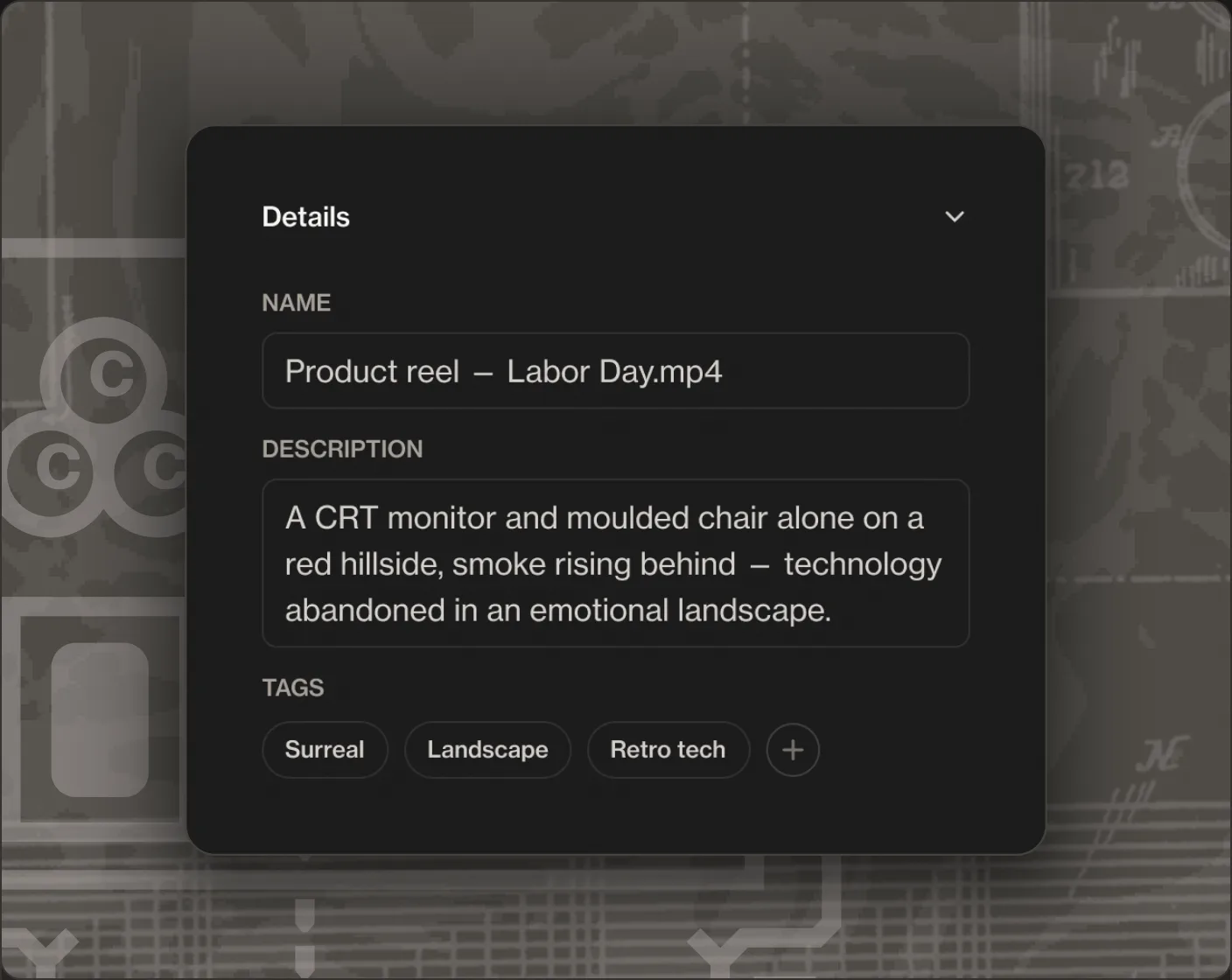
    A BOS asset detail panel for a brand mark: an SVG preview, color swatches and a description field.
  • Focused context

    Retrieve only the files a task needs instead of the whole library, so an agent's context stays small and on point.
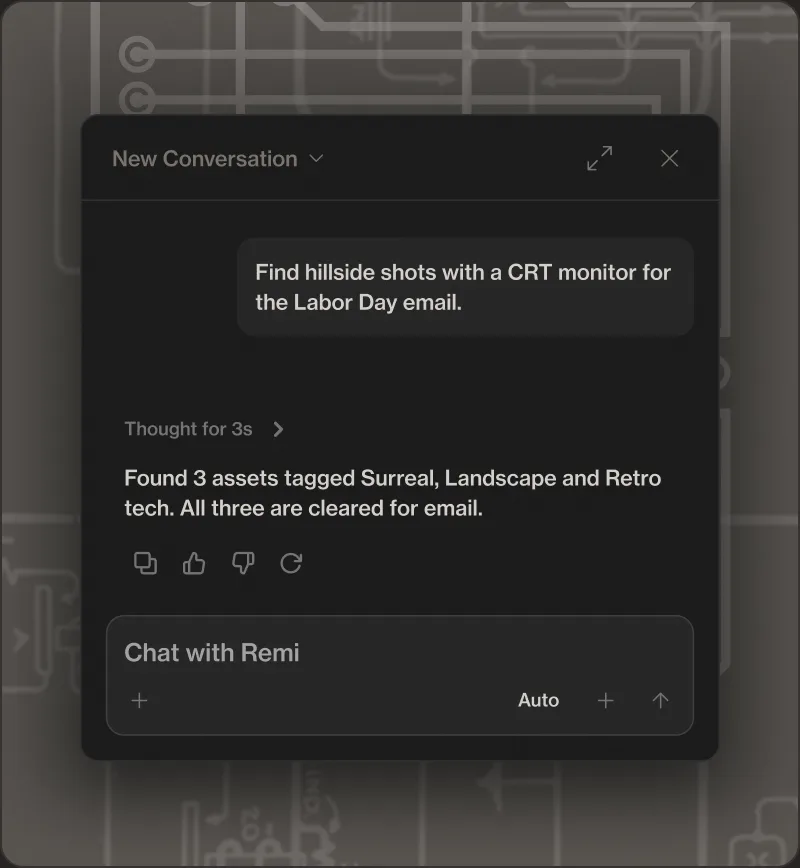
    A Remi chat answering a request for hillside shots with a CRT monitor: three assets tagged Surreal, Landscape and Retro tech.
  • Creative workflows

    Point an agent at the library and let it find the right material for a deck, a social post or a whole campaign.
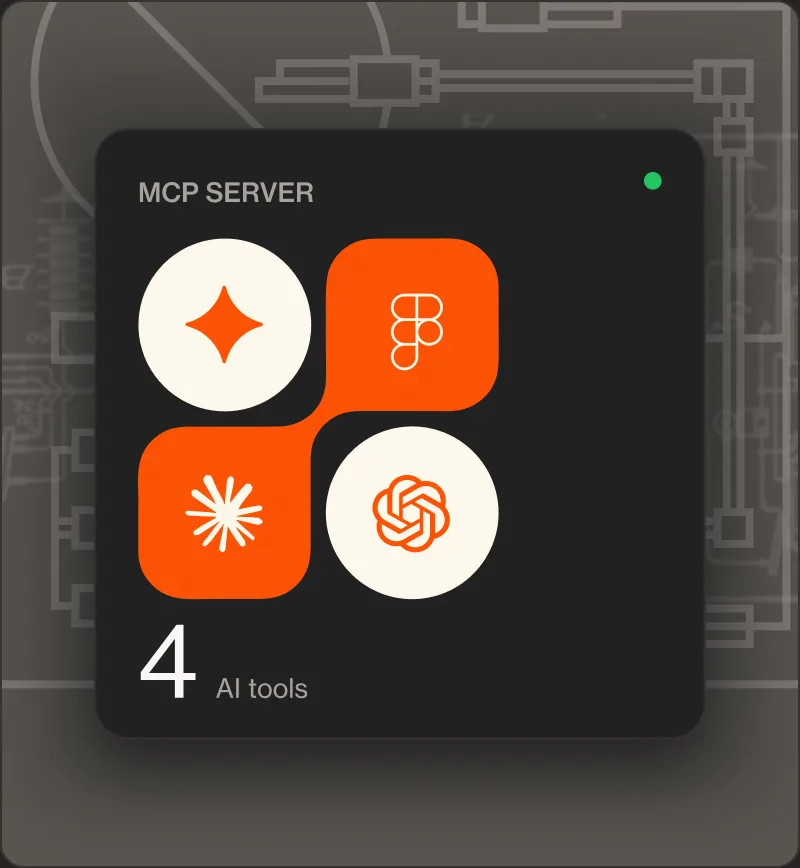
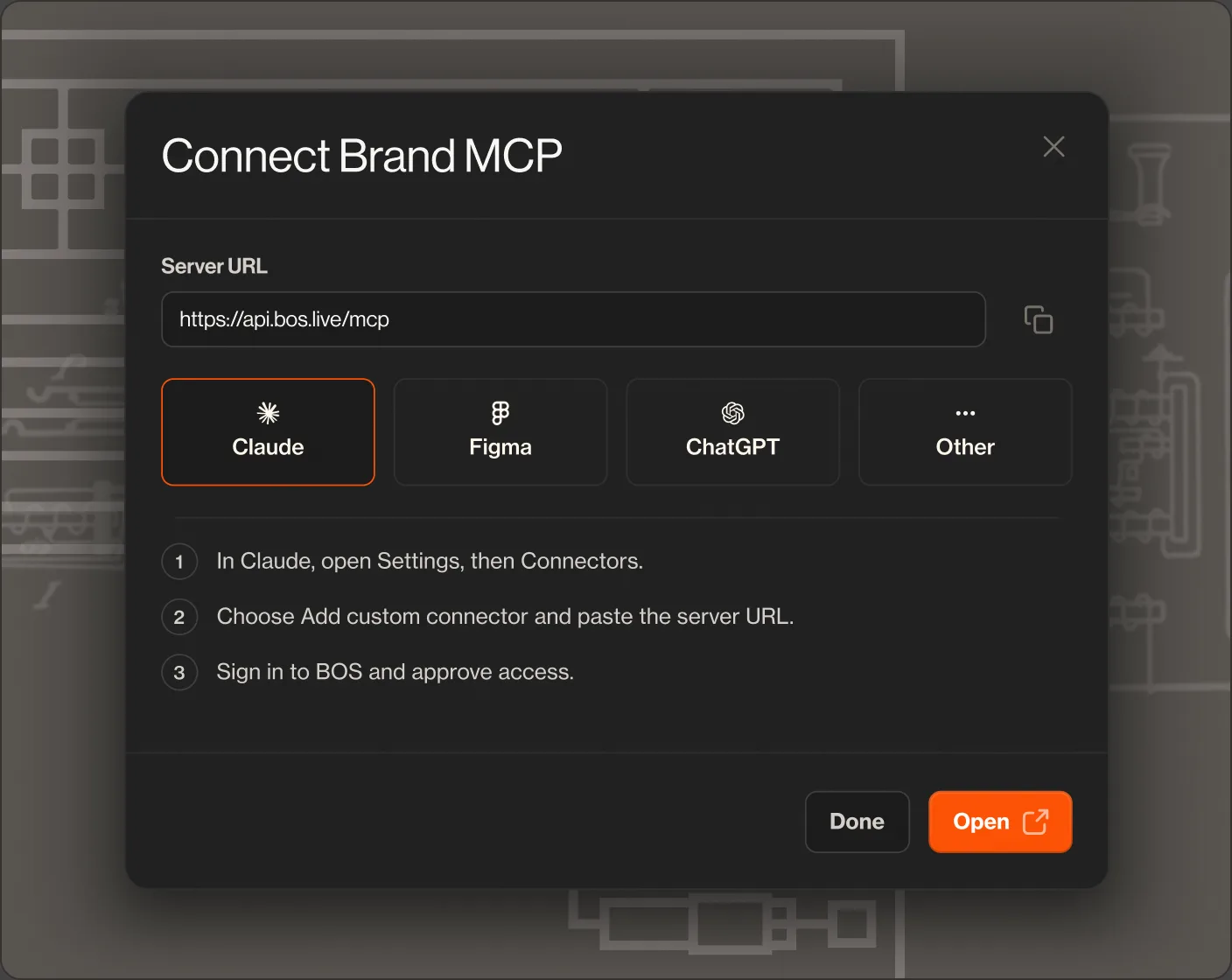
    The BOS MCP server widget with four connected AI tools.

Access controls

Keep control of your files

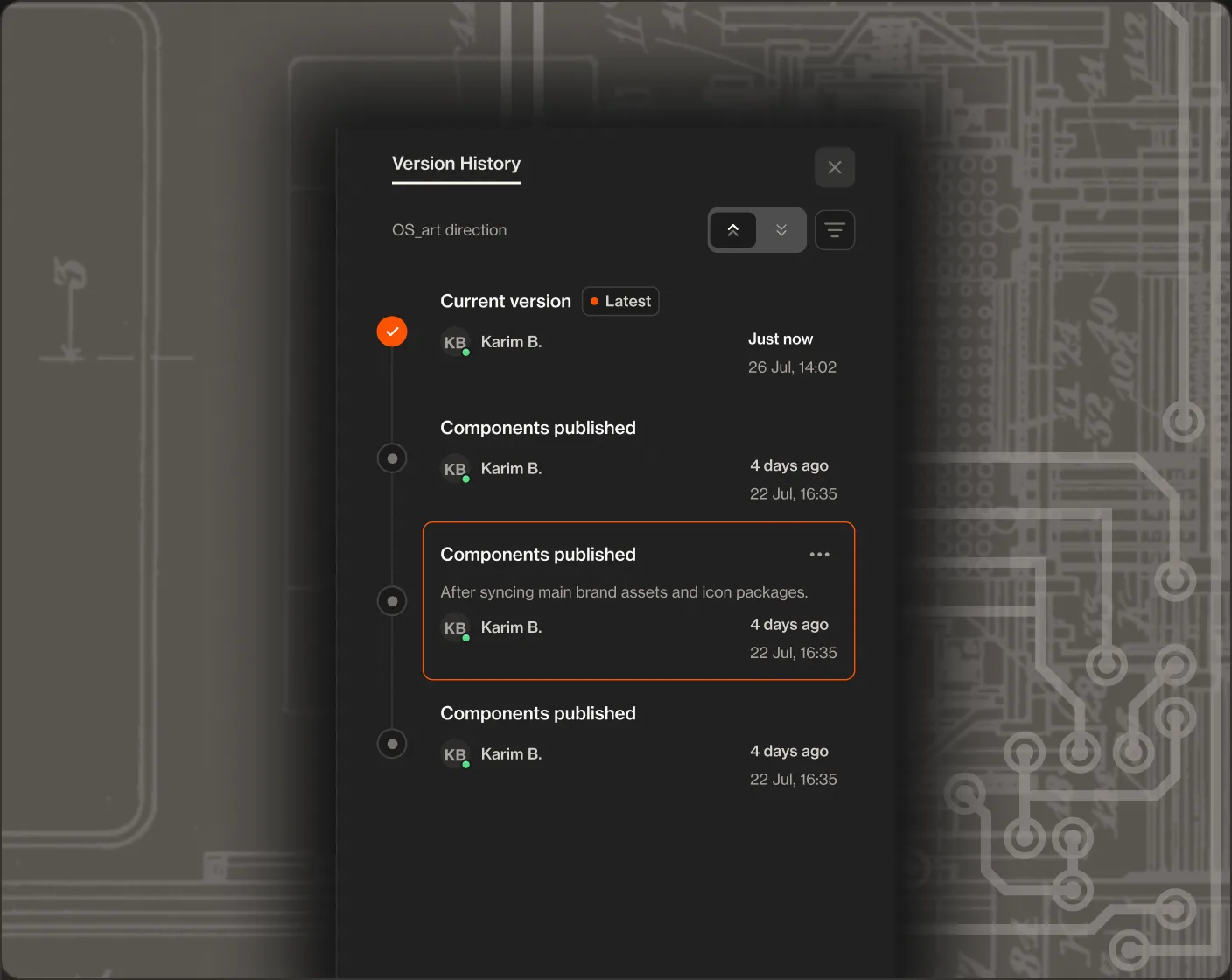
  • Every edit is saved with who made it and when, so you can compare versions side by side or go back to an earlier one without losing work.
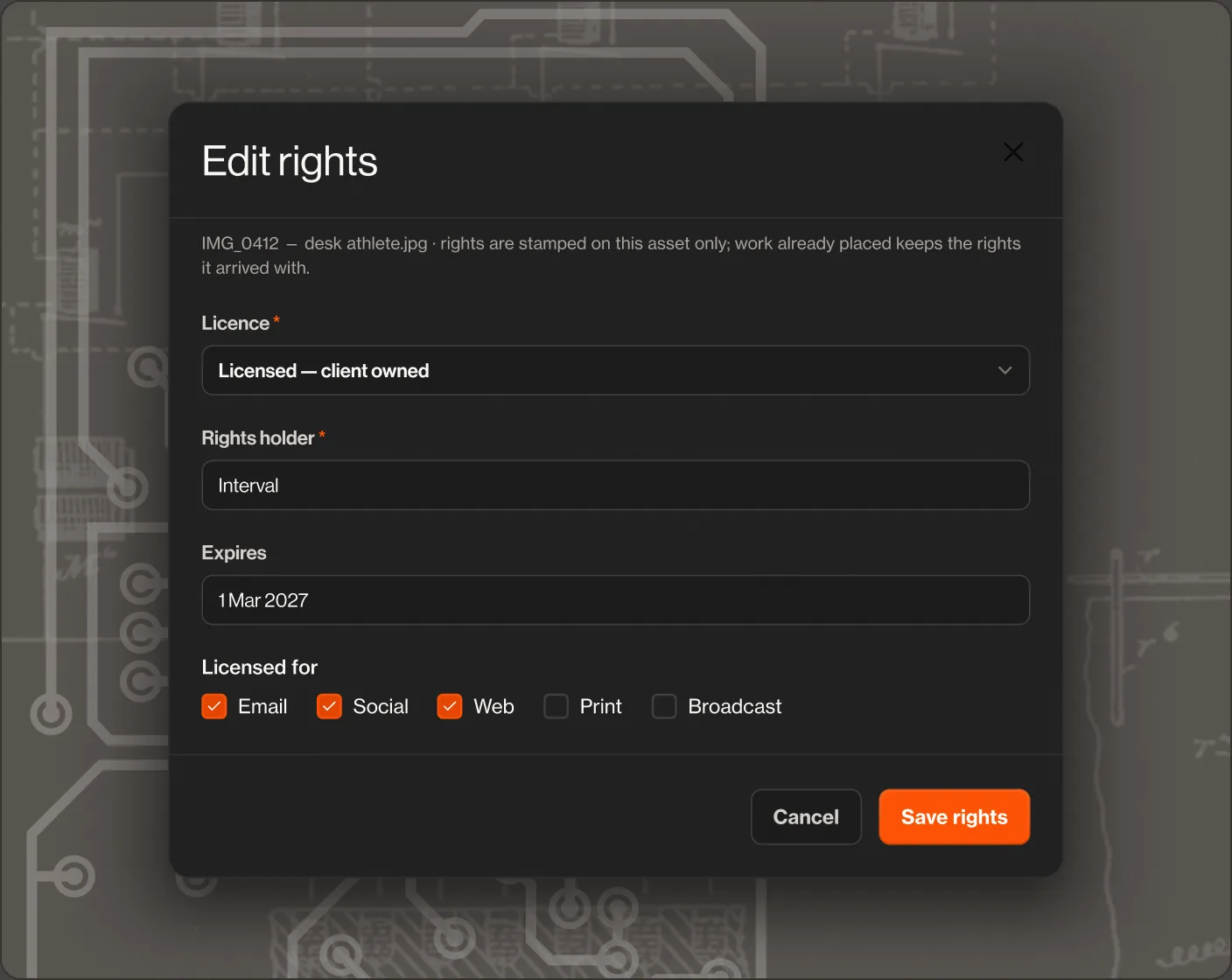
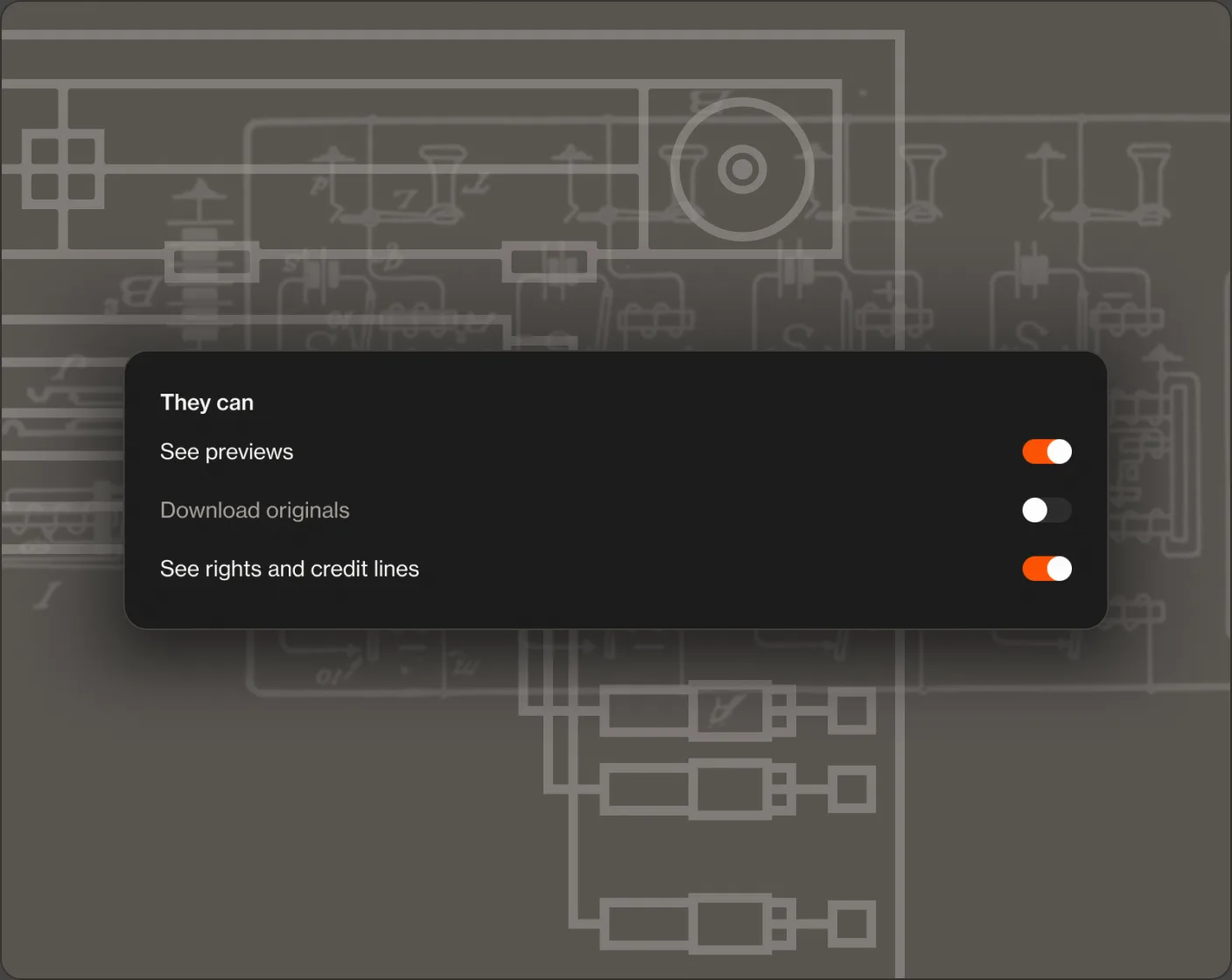
  • Choose whether people can only see previews, download the originals or grab web-ready sizes, and whether the rights and credit lines show.
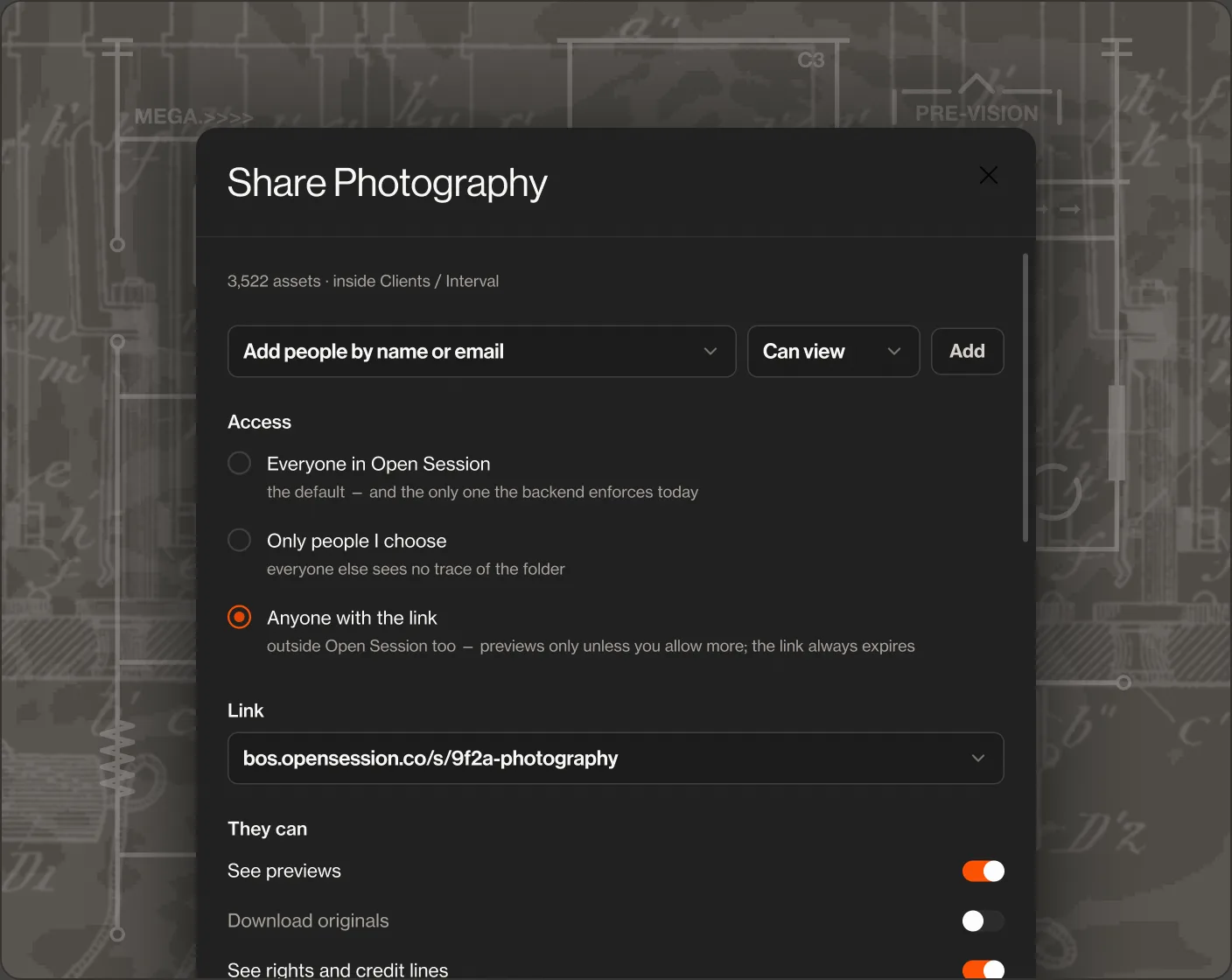
  • Set a link to close after a date, so old campaign files stop circulating once the campaign ends and nobody works from an outdated version.
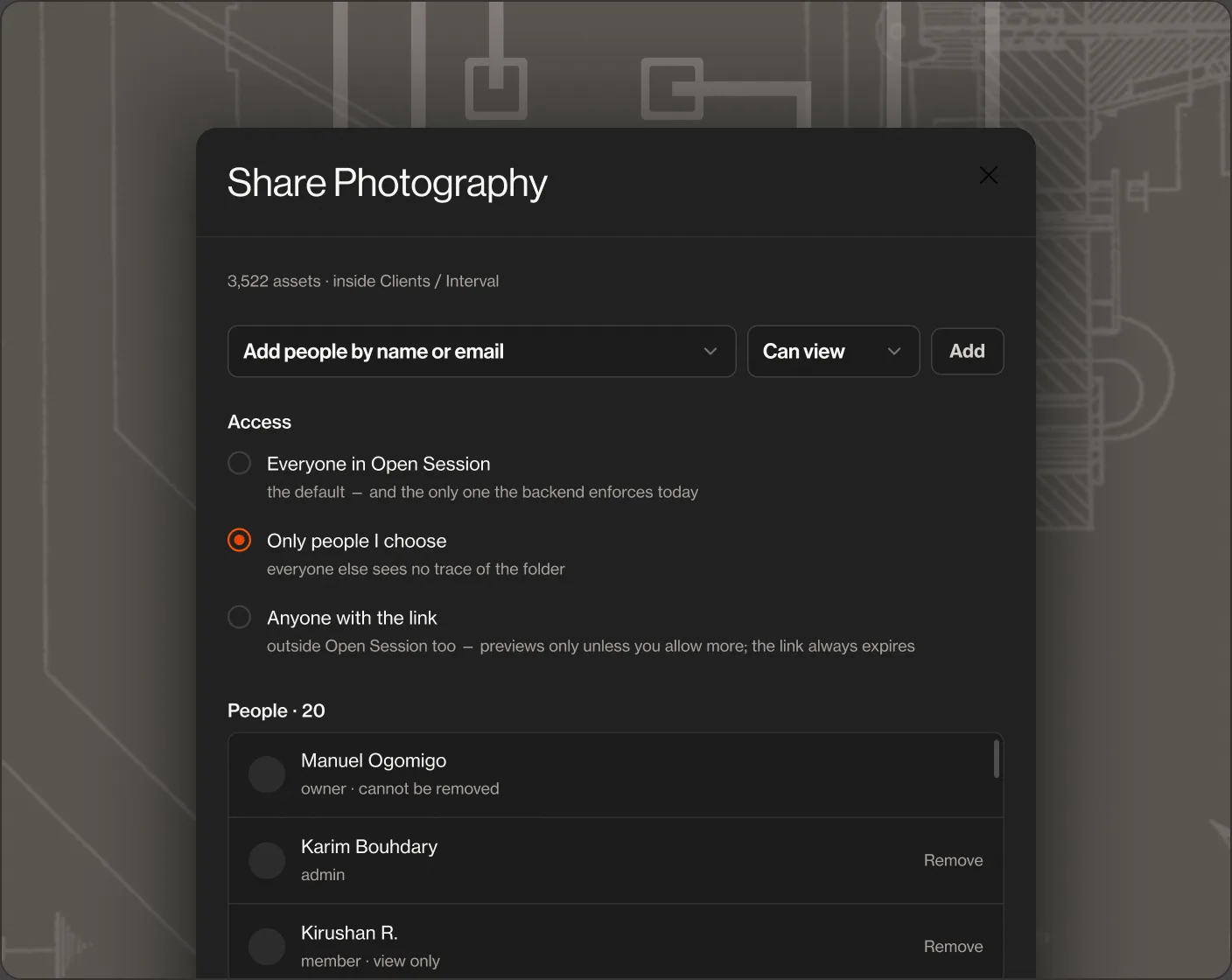
  • Protect a shared link with a password, or share it with only the people you choose, so your files open for the people you meant them for.
The BOS version history drawer: the current version and earlier published versions, with authors and dates.
BOS sharing switches: see previews, download originals, and see rights and credit lines.
The BOS Share Photography dialog with access set to anyone with the link and a link address.
The BOS Share Photography dialog with access set to only people I choose, and its people list.

Your brand data
deserves better

If you feel like your team’s stuck in the past and not building the brand design systems of the future, let’s chat.

Fully integrated

Explore your brand portal

Security

Built to be trusted with your brand

Read more about how we protect your brand data
  • SOC 2 Type II

    An independent audit of our security controls, which is under way.

  • Zero data retention

    AI providers keep none of your brand data, where they offer zero retention.

  • GDPR

    Your data rights in the EU and UK, respected by design in BOS.

  • Fully encrypted

    At rest and in transit. Brand data is never exposed to the internet.