SOC 2 Type II
An independent audit of our security controls, which is under way.
Workflows
Flexible automation workflows that adapt templates, approvals and integrations to how your brand works.
Workflows
Drag, or use the arrow keys, to move around the workflow. Plus and minus zoom in and out, and 0 fits the whole workflow. Each step is a button: select it to highlight it, Escape clears it.
Runs in Claude.
Plugin packages
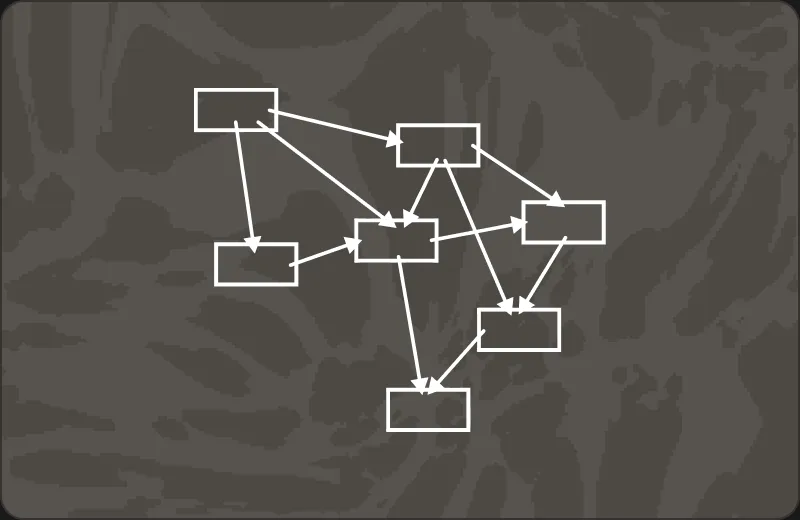
Bring your approved documents and creative assets into each task, so every step of a workflow starts from your brand.
Bundle the instructions, tools and steps your agents need into one package your team can reuse across workflows.
Use your packages in Claude Code and ChatGPT as native plugins, so the work runs where your team already is.
Brand systems
Our master framework, built on atomic design. Change your brand’s atoms once and the whole file cascades.
Open in Figma: The Brand Design System (opens in a new tab)A free portfolio presentation template. Most portfolios show screenshots; this one shows how you think.
Open in Figma: Portfolio Presentation Template (opens in a new tab)A modular email design system with reusable components and templates for newsletters, campaigns, commerce, and customer journeys.
Open in Figma: Email Design Kit (opens in a new tab)A free, open-source presentation kit with reusable slide layouts, brand foundations, and a curated chart library.
Open in Figma: Presentation Design Kit (opens in a new tab)A flexible web design system with page templates, desktop and mobile layouts, reusable sections, and shared foundations.
Open in Figma: Web Design Kit (opens in a new tab)Run location
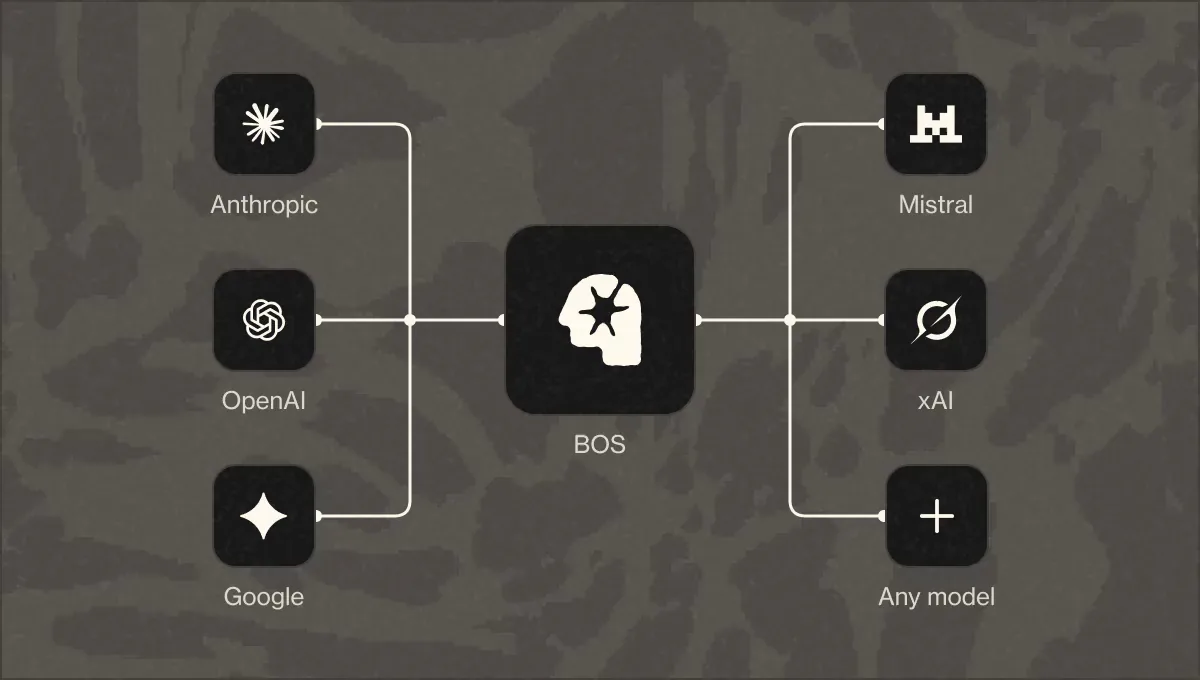
Run your workflow inside BOS, on our infrastructure, with each request going through our gateway to model providers such as Anthropic, OpenAI and Google.
Take your workflow into Claude or ChatGPT and run it from your own account, with the same brand context, tools and instructions it uses when it runs in BOS.
If you feel like your team’s stuck in the past and not building the brand design systems of the future, let’s chat.
Fully integrated
Security
An independent audit of our security controls, which is under way.
AI providers keep none of your brand data, where they offer zero retention.
Your data rights in the EU and UK, respected by design in BOS.
At rest and in transit. Brand data is never exposed to the internet.