Campaign emails
Brief, draft and check campaign emails against your guidelines, from one line in Claude to a draft in Klaviyo.
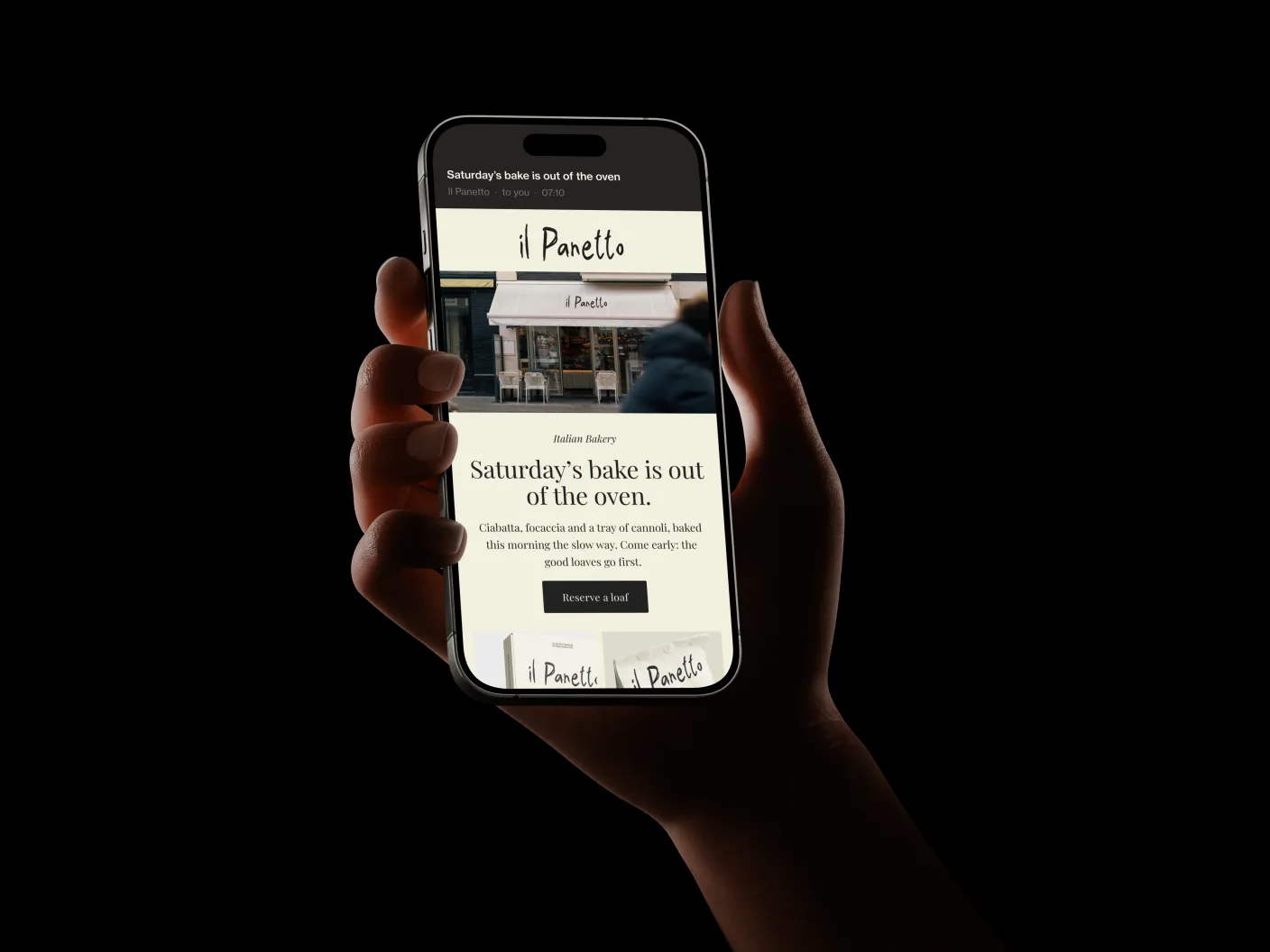
Imagine
Imagine a world where a campaign email goes from one line in Claude (opens in a new tab) to a design in Figma (opens in a new tab) and a draft in Klaviyo (opens in a new tab), on brand before the first review.
How it works
/design-email/build-emailWhere you ask
- BOS
Where the brand lives
- Figma
Where you review
- Klaviyo
Where it sends
Ask in Claude
One sentence is enough. Claude asks a few questions.
Brand context
BOS supplies your brand, your brief format and your images.
Review in Figma
Review each version. Ask Claude for edits. Approve.
Choose the emails
Select columns in Figma. Only approved ones are built.
Check and record
BOS confirms the brand and keeps the run’s records.
Klaviyo draft
A draft, once Klaviyo access is set up. Nothing sends itself.
- ClaudeDirectly in chat
Ask in Claude
One sentence is enough. Claude asks a few questions.
/design-email BOSWhere the brand lives
Brand context
BOS supplies your brand, your brief format and your images.
FigmaWhere you review
Review in Figma
Review each version. Ask Claude for edits. Approve.
ClaudeDirectly in chat
Choose the emails
Select columns in Figma. Only approved ones are built.
/build-emailBOSWhere the brand lives
Check and record
BOS confirms the brand and keeps the run’s records.
KlaviyoWhere it sends
Klaviyo draft
A draft, once Klaviyo access is set up. Nothing sends itself.
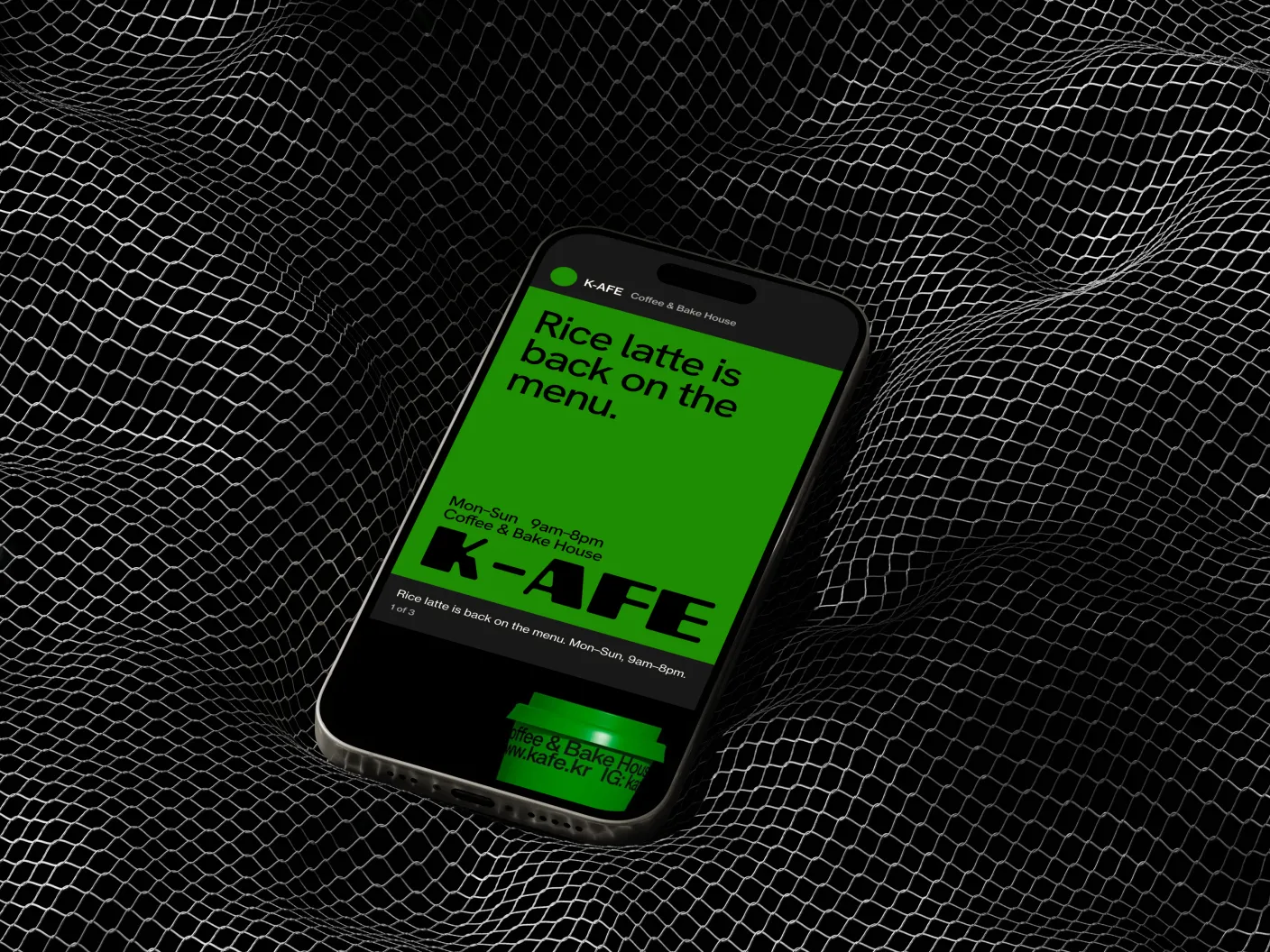
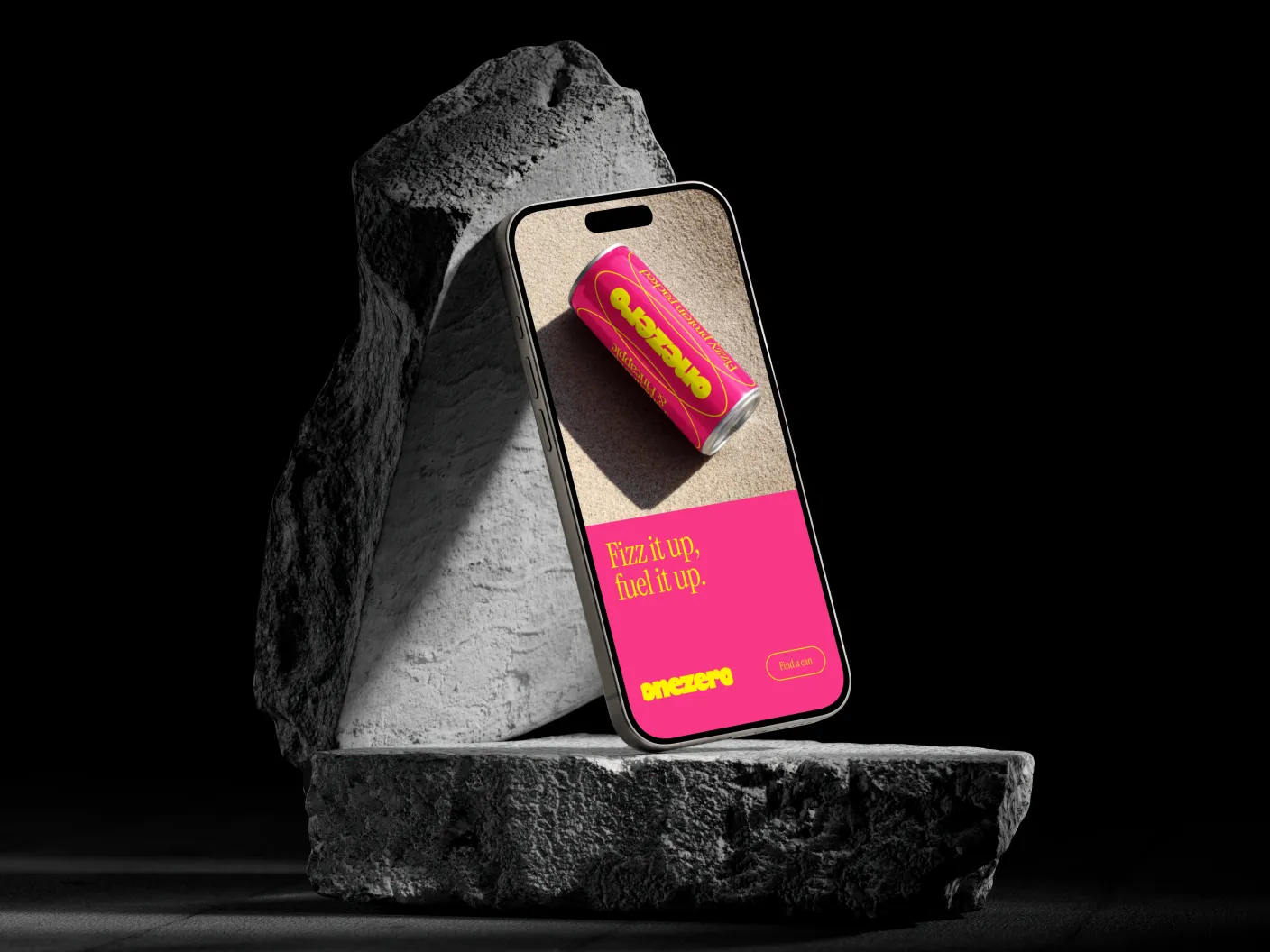
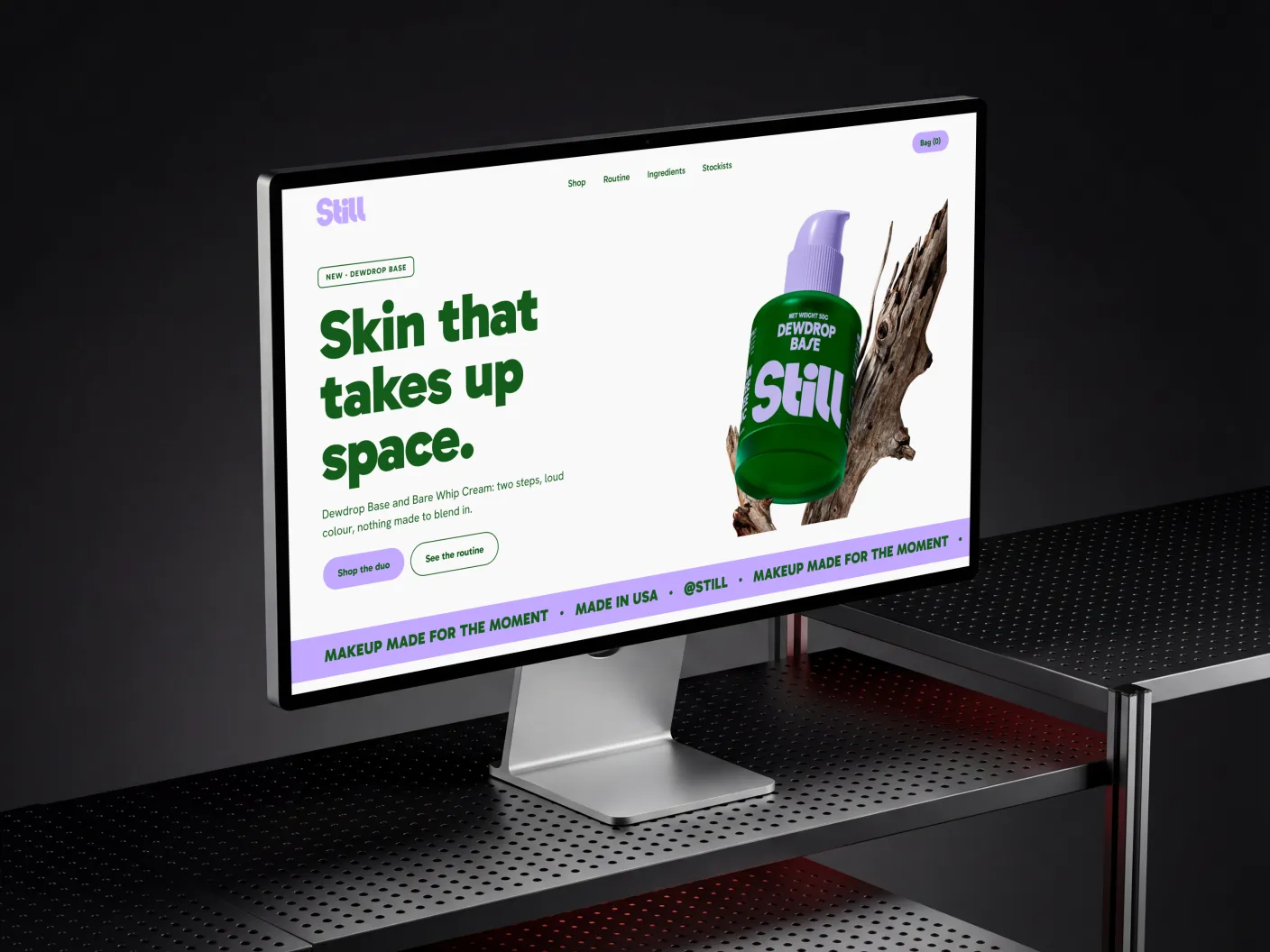
Automation Examples
Your brand data
deserves better
If you feel like your team’s stuck in the past and not building the brand design systems of the future, let’s chat.