Campaign emails
Last updated
Brief, draft and check emails against your guidelines.
A campaign email goes from one line in Claude to a design in Figma and a draft in Klaviyo, on brand before the first review.
The example
Made for Il Panetto, a sample brand.
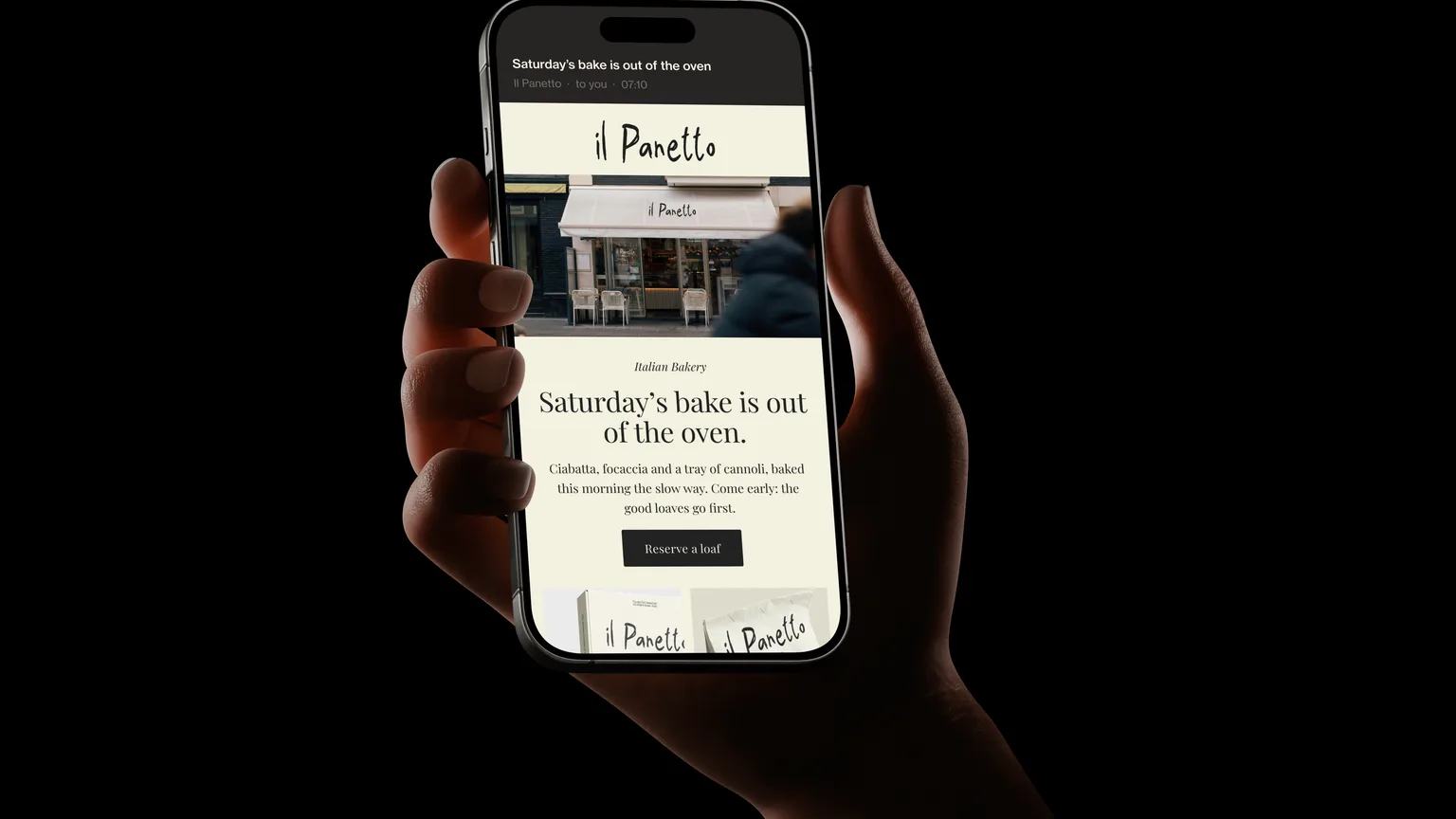
 01 · hero
 02 · loyalty
 03 · storefront
What you need
- An agent connected to BOS through MCP.
- Your brand in BOS: Brand Hub, Brand Brain and Assets filled in.
- Claude
- Figma
- Klaviyo
Run it with your agent
Once connected, give your agent this prompt:
Prompt
Write and design a launch email for our spring collection. Use our voice, colors and approved photos from BOS. Give me three subject lines, build the design in Figma for review, and prepare a Klaviyo draft once I approve. Do not send anything.
Or run the commands, in order:
Command
Command
Replace the details in brackets with your own.
How it works
Ask in Claude
One sentence. Claude asks a few questions.
Brand context
BOS supplies your brand, your brief format and your images.
Review in Figma
Review each version. Ask Claude for edits. Approve.
Choose the emails
Select columns in Figma. Only approved ones are built.
Check and record
BOS confirms the brand and keeps the run’s records.
Klaviyo draft
A draft, once Klaviyo access is set up. Nothing sends itself.
BOS supplies the brand. Your agent does the work in the tools you already use. Il Panetto is a sample brand, not a customer.
On bos.live: Campaign emails with BOS
Was this page helpful?
Tell us what's missing or unclear: hello@opensession.co