Social media
Last updated
Turn one announcement into posts and carousels.
You can produce content for Substack, Instagram and YouTube at scale.
The example
Made for K-AFE, a sample brand.
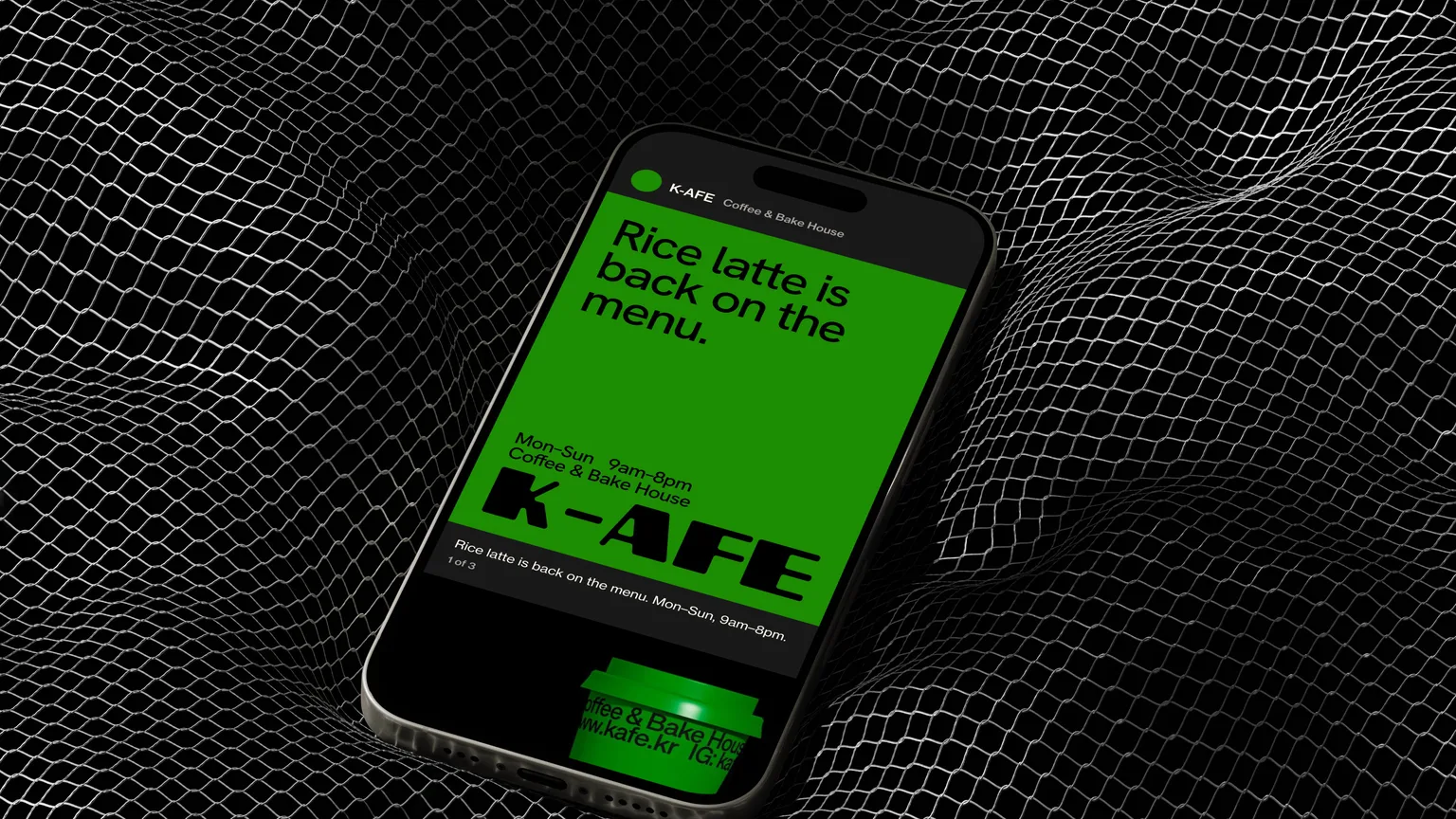
 01 · hero
 02 · poster
 03 · busstop
What you need
- An agent connected to BOS through MCP.
- Your brand in BOS: Brand Hub, Brand Brain and Assets filled in.
- Claude
- Canva
- Notion
Run it with your agent
Once connected, give your agent this prompt:
Prompt
Turn this announcement into posts for [channels]: [announcement]. Use our voice, templates and images from BOS. One post per channel, sized right, in Canva for review. Add the approved ones to our calendar. Do not post anything.
Or run the commands, in order:
Command
Command
Replace the details in brackets with your own.
How it works
Ask in Claude
Message and channels. Claude asks a few questions.
Brand context
BOS supplies your voice, templates and images.
Review in Canva
One post per channel, sized right. Edit. Approve.
Choose the posts
Pick the approved ones and the dates they go out.
Check and record
BOS checks captions and visuals and keeps the record.
Calendar entries
Posts and captions in your calendar. Nothing posts itself.
BOS supplies the brand. Your agent does the work in the tools you already use. K-AFE is a sample brand, not a customer.
On bos.live: Social media with BOS
Was this page helpful?
Tell us what's missing or unclear: hello@opensession.co