Brand checks
Last updated
Check a draft against your guidelines before it ships.
Every draft in Figma, Canva or Google Docs is checked against your guidelines before it ships.
The example
Made for Atelier C, a sample brand.
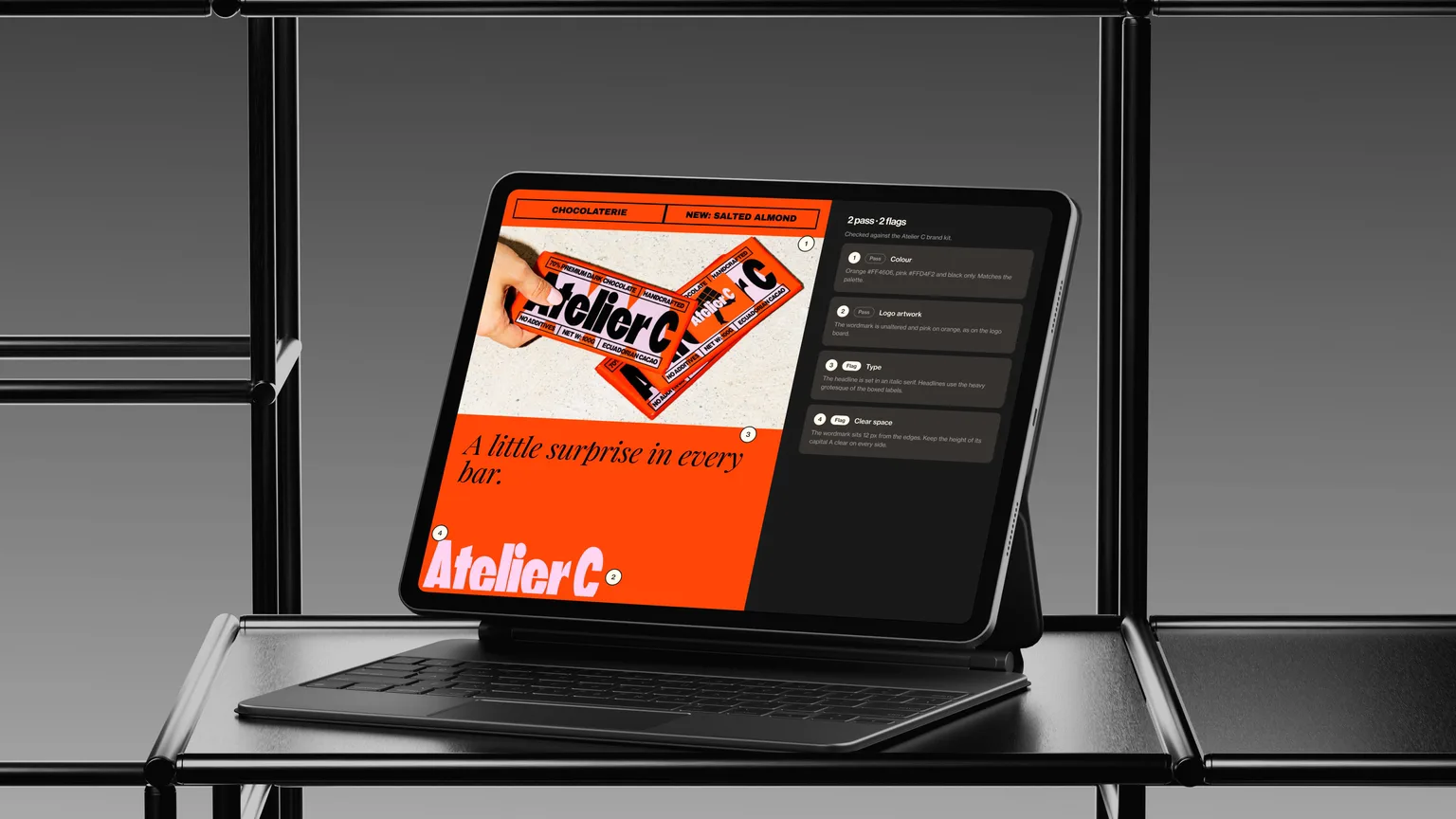
 01 · hero
 02 · poster
 03 · bars
What you need
- An agent connected to BOS through MCP.
- Your brand in BOS: Brand Hub, Brand Brain and Assets filled in.
- Claude
- Figma
- Slack
Run it with your agent
Once connected, give your agent this prompt:
Prompt
Is this on brand? Check [Figma frame or link] against our guidelines in BOS. List what passes and what fails, with the rule behind each. Fix what you can, and ask me before each change.
Or run the commands, in order:
Command
Command
Replace the details in brackets with your own.
How it works
Ask in Claude
“Is this on brand?” Point at a frame, a file or a link.
Read the draft
Claude reads the copy, colors, type and logos.
Check the rules
BOS compares each part with your guidelines.
Read the report
What passes, what fails and the rule behind each.
Fix in Figma
Claude fixes what it can. You approve each change.
Sign-off in Slack
The reviewer gets the report and the link.
BOS supplies the brand. Your agent does the work in the tools you already use. Atelier C is a sample brand, not a customer.
On bos.live: Brand checks with BOS
Was this page helpful?
Tell us what's missing or unclear: hello@opensession.co