Agency briefs
Last updated
Share a view link so partners start on brand.
You can easily generate briefs for an agency that optimize your brand for Figma or Creative Cloud content production in minutes.
The example
Made for Aeste, a sample brand.
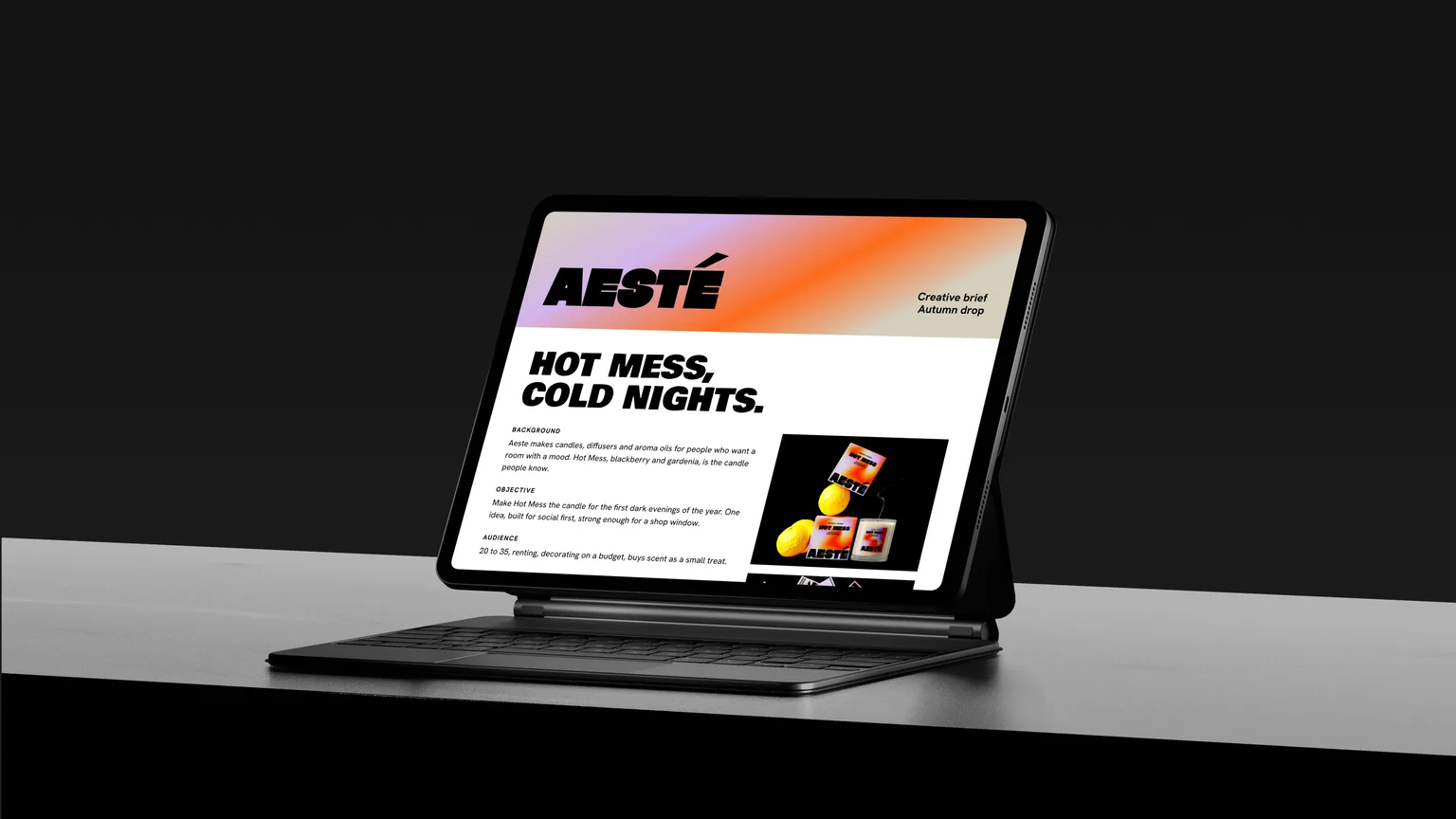
 01 · hero
 02 · cards
 03 · candles
What you need
- An agent connected to BOS through MCP.
- Your brand in BOS: Brand Hub, Brand Brain and Assets filled in.
- Claude
- Notion
- Slack
Run it with your agent
Once connected, give your agent this prompt:
Prompt
Write a brief for [agency] for [project]. Ask me for scope, dates and deliverables. Use our brief format and include the guidelines and assets they need from BOS. Share one view-only link.
Or run the commands, in order:
Command
Command
Replace the details in brackets with your own.
How it works
Ask in Claude
Name the project. Claude asks scope, dates and deliverables.
Brand context
BOS supplies the guidelines and assets the agency needs.
Review in Notion
A brief in your format. Comment, edit, approve.
Share link
One link to the brief and the brand kit. View only.
Sent to the agency
Posted in the shared channel. They start on brand.
BOS supplies the brand. Your agent does the work in the tools you already use. Aeste is a sample brand, not a customer.
On bos.live: Agency briefs with BOS
Was this page helpful?
Tell us what's missing or unclear: hello@opensession.co