Ads
Last updated
Explore concepts, then adapt the best to each placement.
One concept becomes ads for Google, Instagram and Pinterest, each one sized for its placement.
The example
Made for Onezero, a sample brand.
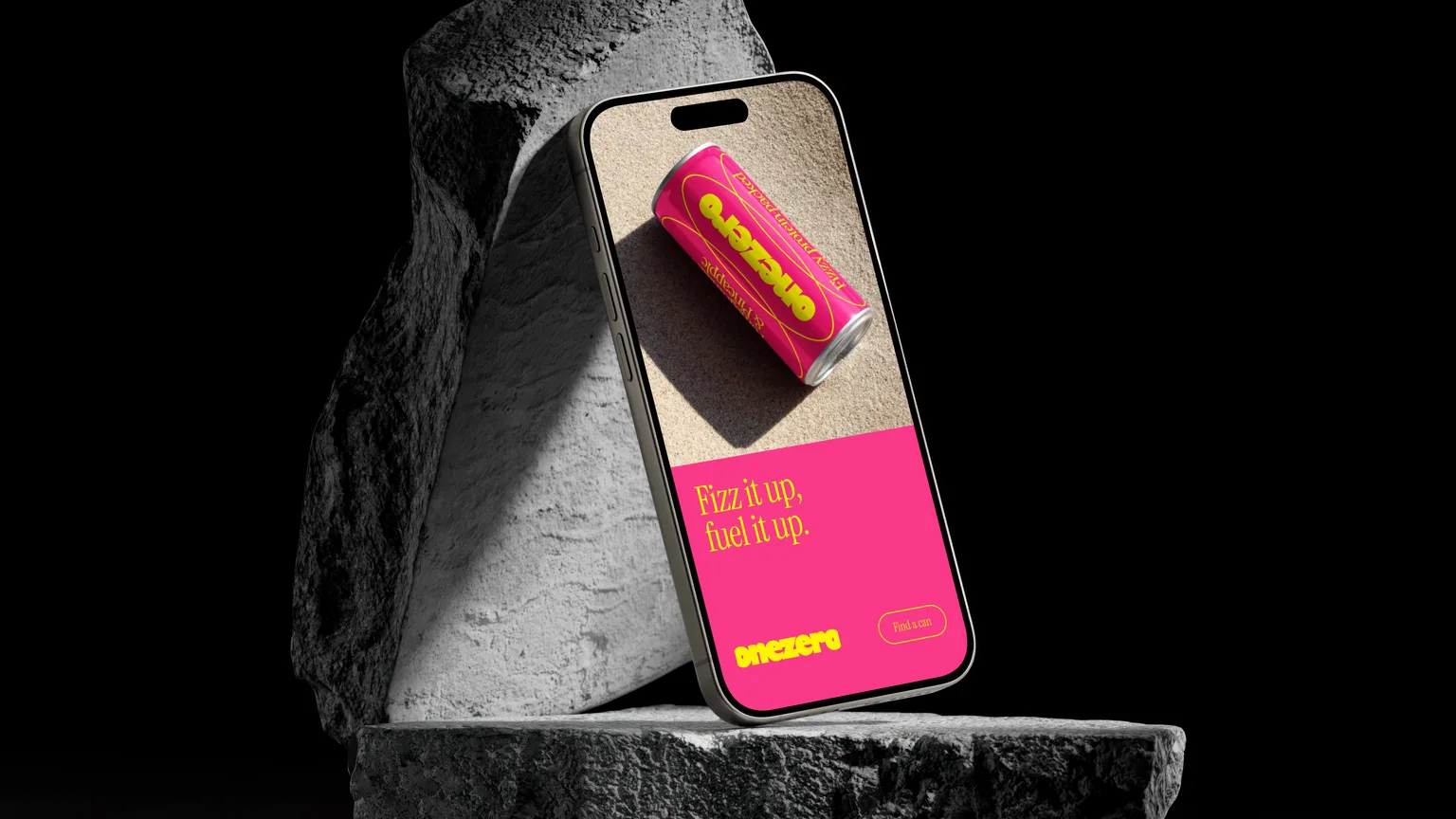
 01 · hero
 02 · canlog
 03 · cans
What you need
- An agent connected to BOS through MCP.
- Your brand in BOS: Brand Hub, Brand Brain and Assets filled in.
- Claude
- Figma
- HubSpot
Run it with your agent
Once connected, give your agent this prompt:
Prompt
Create ads for [offer] for Google, Instagram and Pinterest. Use our voice, logos, colors and images from BOS. One variant per placement in Figma for review. Prepare drafts after I approve. Do not run anything.
Or run the commands, in order:
Command
Command
Replace the details in brackets with your own.
How it works
Ask in Claude
The offer and the placements. Claude asks a few questions.
Brand context
BOS supplies your voice, logos, colors and images.
Review in Figma
A variant per placement. Ask Claude for edits. Approve.
Choose the variants
Select frames in Figma. Only approved ones are built.
Check and record
BOS confirms the brand and keeps the run’s records.
HubSpot draft
Draft ads, once HubSpot is set up. Nothing runs itself.
BOS supplies the brand. Your agent does the work in the tools you already use. Onezero is a sample brand, not a customer.
On bos.live: Ads with BOS
Was this page helpful?
Tell us what's missing or unclear: hello@opensession.co